




Best Patch Management Software for 2026
Key Takeaways Patch management remains a critical yet frequently mishandled security function for many organizations. Modern solutions transform manual patching into automated, measurable processes,...

Key Takeaways
- Patch management remains a critical yet frequently mishandled security function for many organizations.
- Modern solutions transform manual patching into automated, measurable processes, significantly reducing risk.
- Vendor selection must consider the security posture of the patching tool itself, given historical supply chain compromises involving platforms like Kaseya VSA and SolarWinds Orion.
- Prioritize solutions with extensive third-party application coverage, as these are frequently targeted by active exploits.
- Cloud-native solutions are crucial for effectively patching distributed and remote workforces.
Effective patch management is arguably the most impactful security control an organization can implement, yet it is often executed poorly. The market for patch management software in 2026 offers diverse solutions, from cloud-native simplicity to tools designed for immense scale, and even genuinely free options for smaller enterprises.
Table Of Content
- Key Takeaways
- The Decision Matrix
- The Uncomfortable Context Every Buyer Should Know
- How We Evaluated
- The 10 Best Patch Management Tools
- 1. Automox — Best Cloud-Native
- 2. Action1 — Best Free Option
- 3. Tanium — Best at Enormous Scale
- 4. Microsoft (Intune / Configuration Manager) — Best If You Already Own It
- 5. Qualys — Best Vulnerability-Driven Patching
- 6. NinjaOne — Best for MSPs and Lean IT Teams
- 7. ManageEngine — Best Mid-Market All-Rounder
- 8. Ivanti — Deepest Third-Party Catalogue
- 9. SolarWinds — Best Infrastructure Heritage
- 10. Kaseya — Best for the Kaseya MSP Stack
- Full Comparison Table
- Buyer’s Guide
- Frequently Asked Questions
- What is patch management software?
- What is the best patch management software in 2026?
- Is there free patch management software?
- Does Microsoft Intune do patch management?
- How quickly should patches be applied?
- How much does patch management software cost?
- The Verdict
Transitioning from manual, labor-intensive patching to a streamlined, automated process is essential for robust cybersecurity. This article examines the top ten patch management tools available, delves into their true costs, and highlights crucial industry context every buyer should understand.
The Decision Matrix
Choosing the right patch management solution depends heavily on an organization’s specific needs. The table below provides guidance based on common operational profiles:
| If this describes you | Choose | Why |
| Cloud-first, no on-prem infrastructure | Automox — Best Cloud-Native | Cloud-native, agent-based, no servers |
| Under 200 endpoints, tight budget | Action1 — Best Free Option | Free tier covers a real deployment |
| Very large estate, need speed | Tanium — Best at Enormous Scale | Unmatched scale and query speed |
| Already Microsoft-managed | Microsoft (Intune / Configuration Manager) — Best If You Already Own It | Included in licensing you hold |
| Want patching tied to vulnerability data | Qualys — Best Vulnerability-Driven Patching | Detection and remediation in one platform |
| MSP or lean IT team | NinjaOne — Best for MSPs and Lean IT Teams | Best RMM-integrated patching experience |
| Mid-market, want everything in one tool | ManageEngine — Best Mid-Market All-Rounder | Broad function at published pricing |
| Broad IT operations platform needed | Ivanti — Deepest Third-Party Catalogue | Deep third-party catalogue, wide coverage |
| Network device patching alongside servers | SolarWinds — Best Infrastructure Heritage | Strong infrastructure heritage |
| MSP running the Kaseya stack | Kaseya — Best for the Kaseya MSP Stack | Integrated with existing tooling |
Fundamentally, patch management software automates the discovery of missing operating system and third-party application updates across an IT environment. It facilitates the testing, scheduling, and deployment of these updates, then reports on compliance, transforming a previously complex and manual undertaking into a structured, auditable process.
The Uncomfortable Context Every Buyer Should Know
Patch management tools, by their very nature, possess elevated access to every endpoint they manage. This inherent privilege makes them prime targets for malicious actors, a lesson the cybersecurity industry has learned through painful experience.
Major attacks have exploited remote management and patching platforms. The 2021 Kaseya VSA supply chain attack saw threat actors leverage the platform to distribute ransomware to numerous managed service provider clients. Similarly, the 2020 SolarWinds Orion compromise demonstrated how a trusted IT management system could be weaponized as a distribution channel for sophisticated attacks.
Both Kaseya and SolarWinds have since undertaken significant security overhauls and continue to offer competitive products. Their inclusion on this list is based on current merit, but buyers must perform thorough due diligence.
Ivanti products have also frequently appeared in advisories concerning exploited vulnerabilities, with several instances listed in CISA’s Known Exploited Vulnerabilities catalog.
This history does not imply that these vendors should be avoided. Instead, it underscores the critical importance of evaluating the security of the patching tool itself. Organizations must ask all vendors, not just those previously compromised, about their security practices. Key questions include: how is the management server or cloud tenant secured? Is multi-factor authentication mandatory for administrators? How are agent updates cryptographically signed and staged? What is the vendor’s vulnerability disclosure process? What independent security assurances are in place? A vendor that provides clear, comprehensive answers demonstrates a commitment to learning from past incidents and prioritizing platform security.
How We Evaluated
Our evaluation is based on comprehensive research, not laboratory testing. We prioritized several key criteria: third-party application coverage, which is crucial for mitigating real-world risks; the deployment model and infrastructure requirements to suit modern and traditional environments; automation and scheduling flexibility; robust reporting and compliance evidence; and overall cost, including pricing transparency. Pricing models are described, and all quoted figures have been independently verified.
The 10 Best Patch Management Tools
1. Automox — Best Cloud-Native
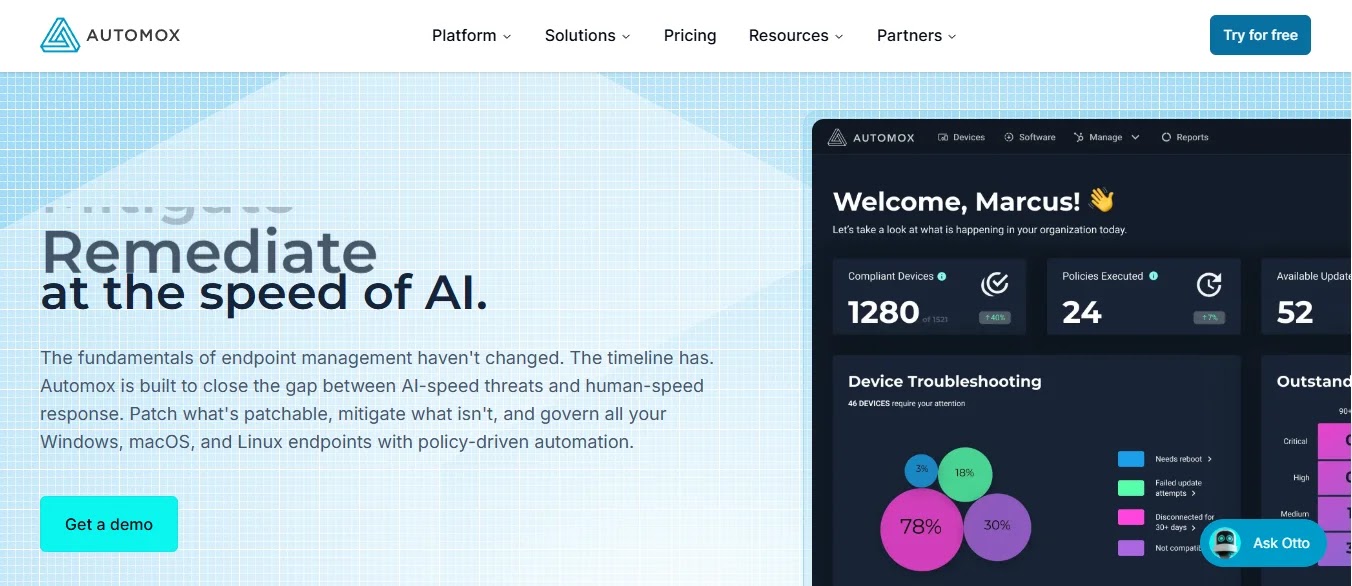
The pitch: Automox offers cloud-native patching for Windows, macOS, and Linux, utilizing a single agent without requiring on-premises infrastructure or VPN connections for remote devices.
Where it wins: Its genuinely cloud-native architecture ensures remote and hybrid endpoints are patched seamlessly, integrating well with modern endpoint security tools. It boasts strong cross-platform parity, a respectable third-party application catalog, and custom scripting capabilities via “Worklets” that extend beyond standard patching. The interface is modern and intuitive.
Where it strains: The third-party catalog is not as extensive as those offered by Ivanti or ManageEngine. It’s less ideal for organizations with deep on-premises server management needs, and per-endpoint pricing can escalate at very large scales.
Pricing signal: Subscription-based per-endpoint with published pricing tiers.
2. Action1 — Best Free Option

The pitch: Action1 provides a comprehensive cloud patch management platform, unique for its free tier that supports a significant number of endpoints, rather than a limited trial.
Where it wins: The free tier is robust enough for small business deployments, a rarity in enterprise software. It’s cloud-native, requiring no infrastructure, enforces core endpoint security best practices, has a solid third-party application catalog, and offers a straightforward interface, including remote access and scripting.
Where it strains: As a smaller vendor, it has a shorter track record and fewer enterprise-scale references than established players. Feature depth may not match Tanium or Ivanti for extremely complex environments.
Pricing signal: Free for a specified endpoint count, then switches to published per-endpoint pricing.
3. Tanium — Best at Enormous Scale
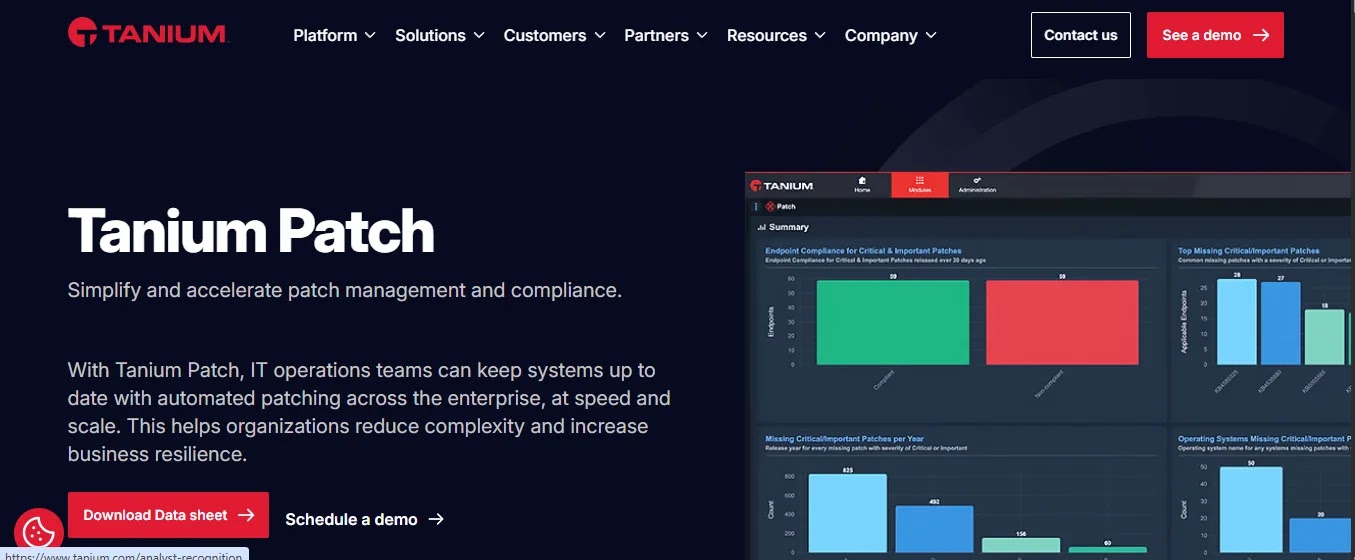
The pitch: Tanium enables real-time querying and patching of hundreds of thousands of endpoints in mere seconds, utilizing a peer-to-peer architecture designed to prevent network congestion.
Where it wins: Its speed and scale are unparalleled, thanks to its unique linear-chain architecture. It offers real-time visibility across vast estates and integrates patching with enterprise Endpoint Detection and Response (EDR) capabilities, making it highly effective in very large and complex environments.
Where it strains: Tanium comes with enterprise-level pricing and typically requires a substantial implementation project. It is often over-scoped and over-priced for organizations with fewer than a few thousand endpoints and demands significant expertise to operate effectively.
Pricing signal: Quote-based, per-endpoint enterprise subscription.
4. Microsoft (Intune / Configuration Manager) — Best If You Already Own It
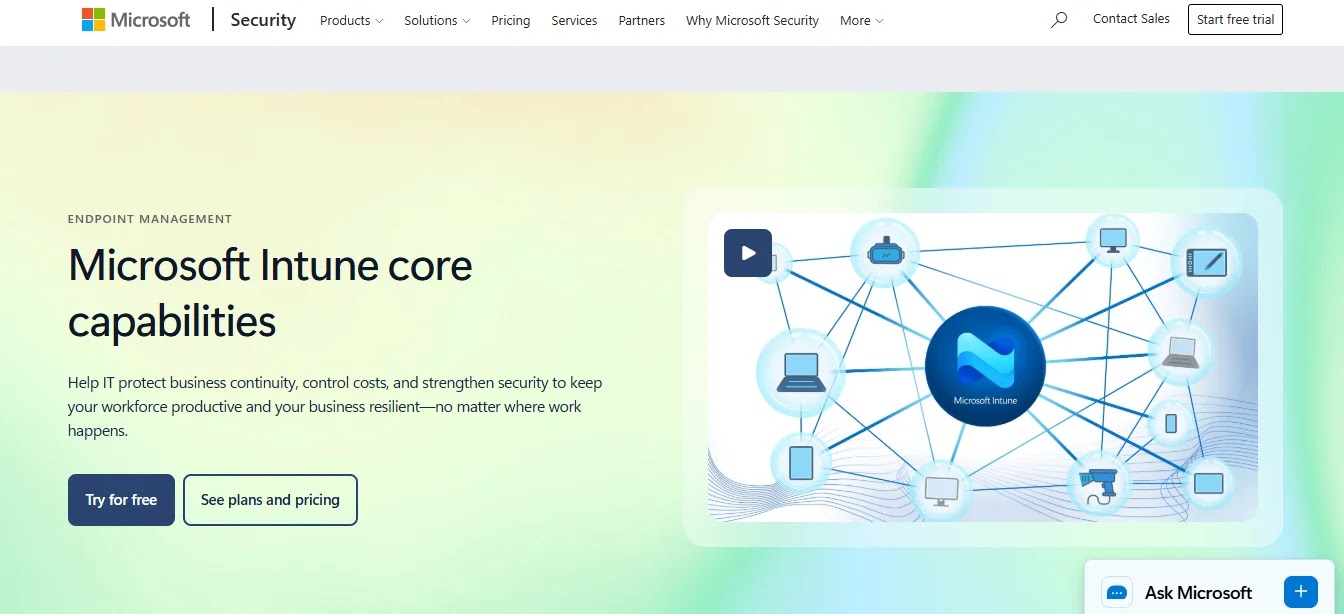
The pitch: Leveraging Windows Update for Business through Intune, complemented by Configuration Manager for intricate on-premises deployments, both solutions are typically included within existing Microsoft 365 licensing.
Where it wins: Offers no additional cost for organizations subscribed to Microsoft 365 E3/E5. It implements proven Windows patch management strategies via ring-based deployments, with Autopatch automating much of the process. Deep integration with conditional access ensures non-compliant devices lose network access.
Where it strains: A significant limitation is its lack of comprehensive third-party application patching, often necessitating a complementary tool. macOS and Linux patching capabilities are basic, and Configuration Manager still requires on-premises infrastructure and specialized expertise.
Pricing signal: Included with Microsoft 365 E3 and E5; Microsoft publishes list pricing.
5. Qualys — Best Vulnerability-Driven Patching

The pitch: Qualys integrates patching directly with its vulnerability management platform, allowing organizations to remediate vulnerabilities based on scanner findings and prioritize fixes using real-world exploitation intelligence.
Where it wins: By combining detection and remediation, Qualys streamlines the process, addressing a common failure point in security programs. It excels as a premier vulnerability management tool, prioritizing threats based on actual exploitation intelligence rather than just raw CVSS scores. It provides excellent compliance reporting and broad asset visibility.
Where it strains: Its patching capabilities are newer compared to dedicated tools, and the third-party application catalog is more limited. Adopting Qualys means committing to a broader vulnerability management platform, and pricing scales with assets and modules.
Pricing signal: Quote-based, per-asset subscription with modular add-ons.
6. NinjaOne — Best for MSPs and Lean IT Teams
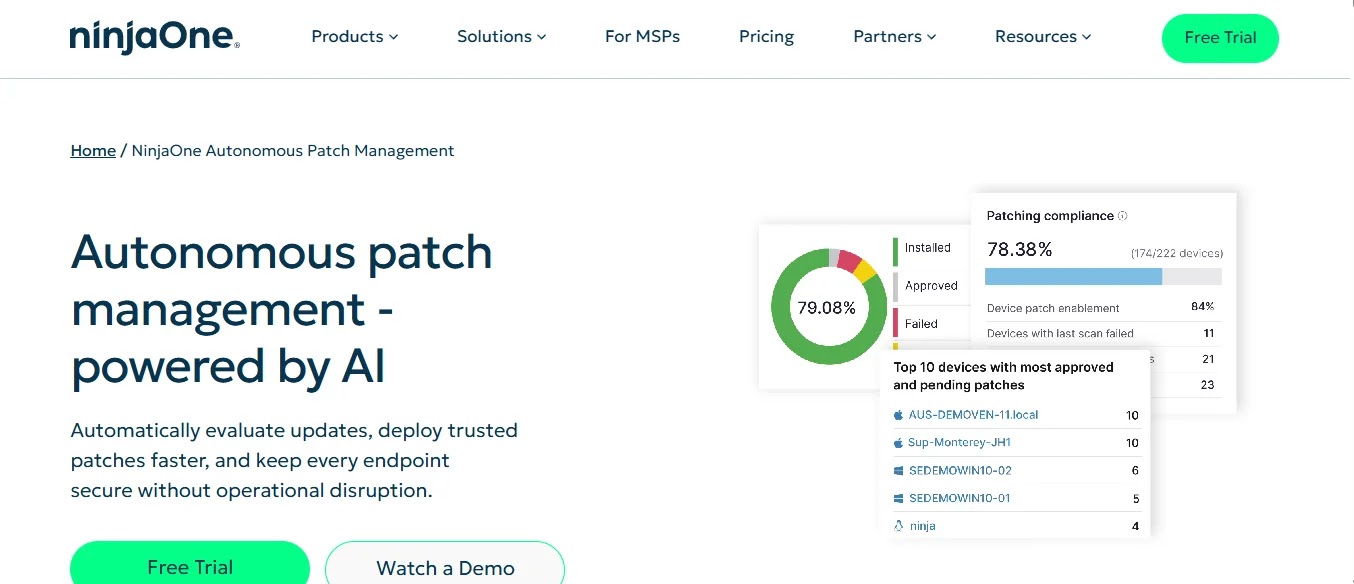
The pitch: NinjaOne offers integrated patching within a modern Remote Monitoring and Management (RMM) platform, designed for ease of use by small IT teams and managed service providers.
Where it wins: Users consistently praise its intuitive experience and strong automation with minimal setup. It provides good third-party application patching, robust multi-tenancy for MSPs, and integration with Managed Detection and Response (MDR) services, alongside fast deployment.
Where it strains: Adopting NinjaOne means committing to a full RMM platform, not just patching. Its enterprise-scale features are not as deep as Tanium or Ivanti, and it is less suited for complex on-premises server environments.
Pricing signal: Per-endpoint subscription for partners and direct customers; some pricing guidance is published.
7. ManageEngine — Best Mid-Market All-Rounder
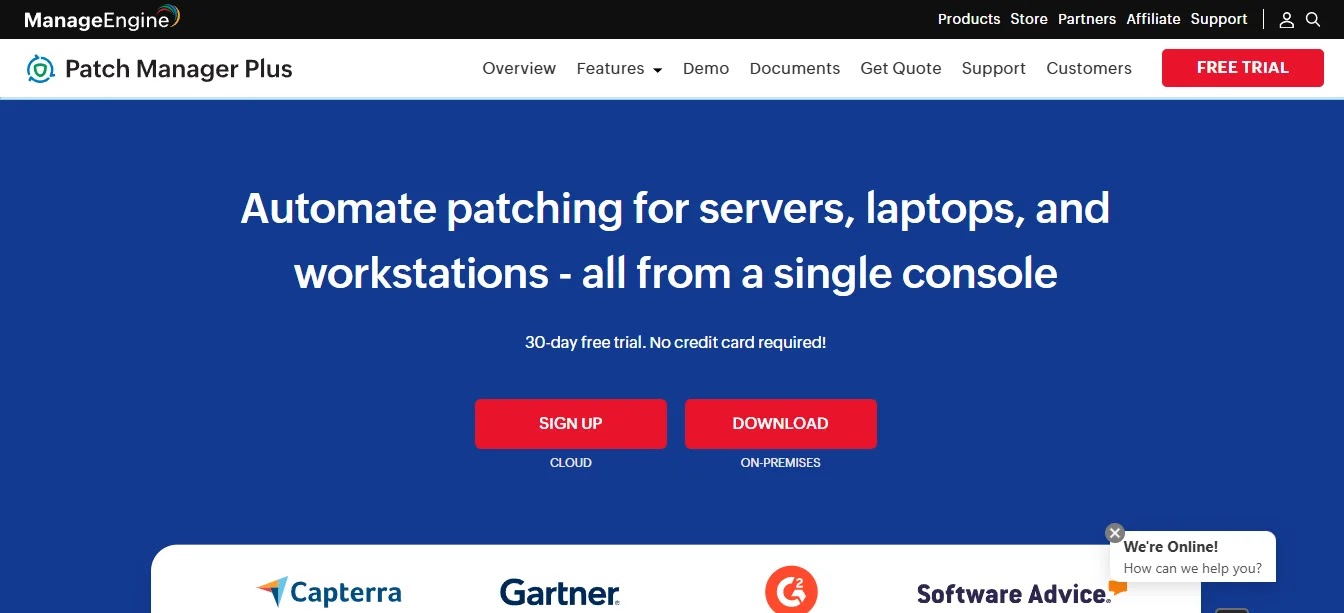
The pitch: ManageEngine delivers a comprehensive solution encompassing patch management, endpoint management, remote control, and asset management, all within a single product with transparent, published pricing.
Where it wins: It stands out with rare published pricing transparency and an exceptionally large third-party application catalog. It coordinates effectively with enterprise malware protection solutions, offers a free tier for small deployments, supports Windows, macOS, and Linux, and integrates seamlessly with the broader ManageEngine ecosystem.
Where it strains: The user interface can feel dense and somewhat dated. It has fewer enterprise-scale references compared to market leaders, and on-premises deployment remains its default, though a cloud option is available.
Pricing signal: Published tiered pricing, including a free tier for a small number of endpoints.
8. Ivanti — Deepest Third-Party Catalogue
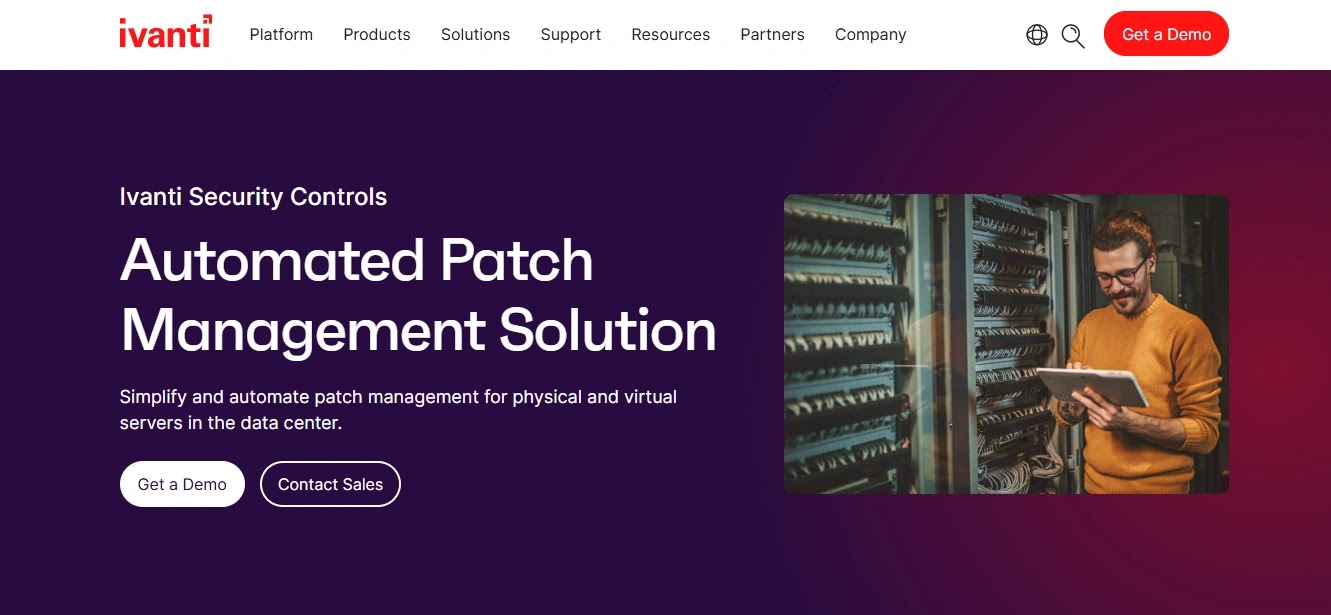
The pitch: Ivanti provides the most extensive third-party application patching coverage available, coupled with deep capabilities for both legacy and modern endpoint management.
Where it wins: Its third-party catalog depth is genuinely best-in-class, which is crucial as most exploited vulnerabilities target these applications. It’s enhanced by actionable threat intelligence, excels in complex mixed IT environments, and integrates with Ivanti’s broader IT and security portfolio, offering both on-premises and cloud deployment options.
Where it strains: Ivanti products have been frequently cited in exploited-vulnerability advisories, including CISA’s Known Exploited Vulnerabilities catalog. Buyers must explicitly inquire about vulnerability-response commitments, patch SLAs, and the security of the management platform during evaluation. The breadth of its portfolio requires careful license scoping.
Pricing signal: Quote-based, per-endpoint subscription.
9. SolarWinds — Best Infrastructure Heritage
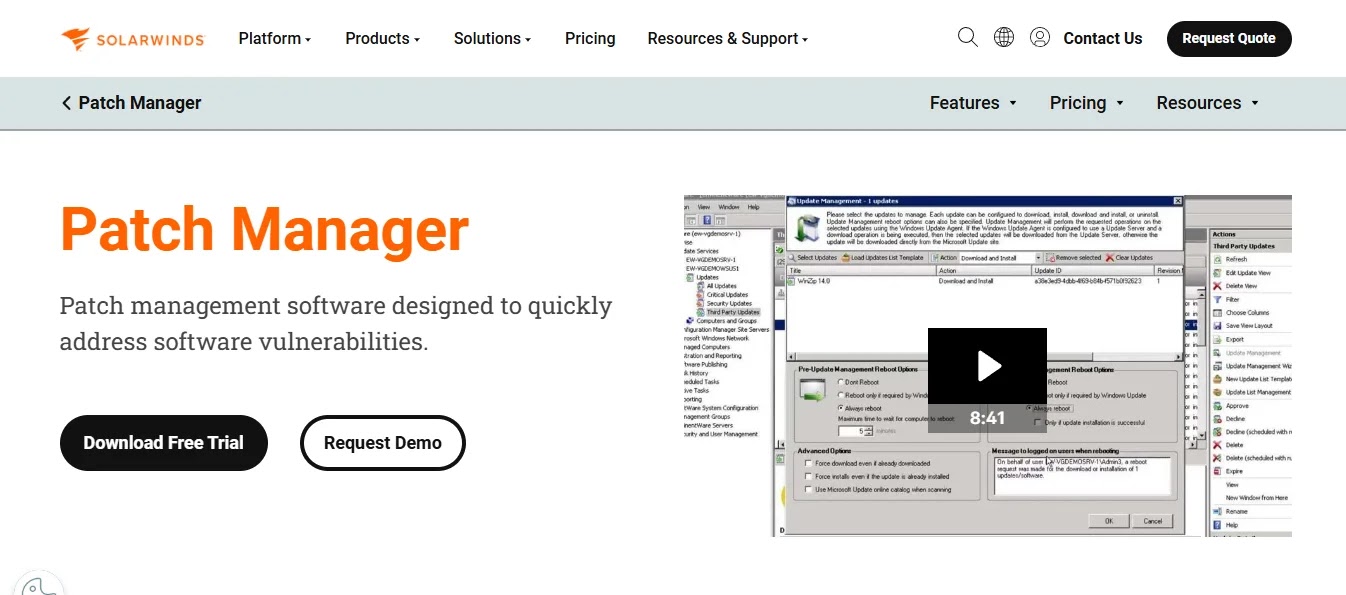
The pitch: SolarWinds integrates patch management within a comprehensive IT operations portfolio, known for its strong capabilities in server, network, and infrastructure monitoring.
Where it wins: Offers reliable Windows and third-party patching. It integrates seamlessly with other SolarWinds monitoring tools for operational context and connects to central Security Operations Center (SOC) platforms. It presents good value and is particularly strong for organizations already utilizing the SolarWinds portfolio for infrastructure management.
Where it strains: The 2020 Orion supply chain compromise necessitated a significant security program rebuild. Buyers must directly inquire about current secure development practices and independent assurance. macOS and Linux coverage is less comprehensive than that of cross-platform specialists.
Pricing signal: Per-node or per-endpoint licensing; some published pricing is available.
10. Kaseya — Best for the Kaseya MSP Stack

The pitch: Kaseya provides patch management deeply integrated within its extensive MSP toolset, covering everything from RMM to backup and security solutions.
Where it wins: Offers profound integration across the Kaseya portfolio, which many MSPs already deploy end-to-end. It features robust security automation workflows, competitive bundled economics for service providers, and benefits from a large partner community.
Where it strains: The 2021 VSA supply chain incident, where attackers leveraged the platform to deploy ransomware to downstream MSP clients, led to a significant security overhaul. Buyers must directly inquire about current architecture, secure development practices, and independent assurance. Its portfolio-wide licensing model is more tailored to MSPs than direct enterprise customers.
Pricing signal: Quote-based, typically bundled with MSP-oriented licensing.
Full Comparison Table
| Tool | Deployment | Third-party catalogue | macOS | Linux | Free tier | Published pricing | Best-fit size |
| Automox | Cloud | Good | Yes | Yes | Trial | Yes | SMB–mid |
| Action1 | Cloud | Good | Partial | Partial | Yes | Yes | SMB |
| Tanium | Hybrid | Good | Yes | Yes | No | No | Large enterprise |
| Microsoft | Cloud/on-prem | Limited | Basic | Basic | Included in E3/E5 | Yes | Any M365 estate |
| Qualys | Cloud | Moderate | Yes | Yes | Trial | No | Mid–enterprise |
| NinjaOne | Cloud | Good | Yes | Partial | Trial | Partial | SMB–mid / MSP |
| ManageEngine | On-prem/cloud | Excellent | Yes | Yes | Yes | Yes | SMB–mid |
| Ivanti | On-prem/cloud | Best | Yes | Yes | No | No | Mid–enterprise |
| SolarWinds | On-prem/cloud | Good | Partial | Partial | Trial | Partial | Mid-market |
| Kaseya | Cloud | Good | Yes | Partial | No | No | MSP |
Buyer’s Guide
Prioritize extensive third-party application coverage. While Windows updates are often straightforward and readily available from Microsoft, the majority of actively exploited vulnerabilities target browsers, PDF readers, Java, collaboration tools, and remote access clients. Request each vendor’s supported application list and cross-reference it with your actual software inventory; this step alone can significantly refine your shortlist.
Align the deployment model with your workforce’s operational reality. For organizations with a significant remote or hybrid workforce that rarely connects to a corporate network, cloud-native, agent-based patching solutions (such as Automox, Action1, or NinjaOne) are essential for reaching these endpoints. Traditional on-premises tools that depend on VPN connectivity often fail in such environments, representing a common cause for patching program failures today.
Implement and utilize testing rings. Establish a structured approach: begin with a pilot group, then expand to early adopters, followed by broad deployment, ensuring a defined “soak period” between each stage. Although every patch management tool supports this, many organizations bypass it—often with adverse consequences when a patch inadvertently causes production issues due to a simultaneous enterprise-wide deployment.
Establish and measure against a clear Patch SLA. A practical framework might involve remediating critical vulnerabilities within 72 hours, high-severity issues within 7 days, and all other patches within 30 days. Crucially, actively exploited vulnerabilities should be treated as immediate emergencies, irrespective of their raw CVSS score. Monthly compliance reporting is vital for accountability. The CISA Known Exploited Vulnerabilities catalog provides a superior prioritization input compared to relying solely on severity scores.
Do not neglect servers, network devices, and firmware. Most patch management tools primarily focus on workstations. However, servers, hypervisors, network appliances, and firmware are often overlooked and fall outside the scope of these tools. Internet-facing appliances, in particular, have been among the most heavily exploited assets in recent years, highlighting the critical need for a comprehensive patching strategy.
Common mistakes to avoid: Acquiring patch management software without a complementary endpoint detection capability to identify exploited vulnerabilities before patching; assuming a tool covers third-party applications it does not; and failing to test rollback procedures until a critical patch disrupts production.
Frequently Asked Questions
What is patch management software?
Patch management software identifies missing operating system and third-party application updates across an organization’s endpoints and servers. It then facilitates the testing, scheduling, and automatic application of these patches, culminating in compliance reporting. This transforms an otherwise manual and open-ended task into a structured, measurable, and auditable process.
What is the best patch management software in 2026?
For cloud-first organizations with distributed workforces, Automox stands out for its simplicity. Tanium excels in speed and scale for very large enterprises, while Ivanti offers the deepest third-party application catalog. Action1 provides an exceptional free option for smaller environments, and ManageEngine offers the best mid-market value with transparent pricing. For organizations already invested in Microsoft 365 E3 or E5, Microsoft Intune is effectively free.
Is there free patch management software?
Yes, there are viable free options. Action1 offers a genuinely usable free tier for a significant number of endpoints, and ManageEngine also provides a free tier for small deployments. Additionally, Microsoft’s Windows Update for Business and Autopatch features are included with Microsoft 365 E3 and E5 licenses. However, free options typically come with limitations in third-party application coverage and support.
Does Microsoft Intune do patch management?
Microsoft Intune effectively manages Windows updates through its update rings and Windows Autopatch features, and it is included in Microsoft 365 E3 and E5 subscriptions. Its primary limitation lies in third-party application patching for common software like browsers, PDF readers, and collaboration tools, which are frequent targets for exploits. Many organizations therefore pair Intune with a dedicated third-party patching solution.
How quickly should patches be applied?
A widely accepted standard suggests applying patches for critical vulnerabilities within 72 hours, high-severity vulnerabilities within 7 days, and all other patches within 30 days. Vulnerabilities that are actively being exploited should always be treated as urgent, regardless of their formal severity score. The CISA Known Exploited Vulnerabilities catalog serves as a more practical prioritization guide than relying solely on raw severity ratings.
How much does patch management software cost?
Patch management software is typically licensed on a per-endpoint, per-year basis. Vendors like Automox, Action1, ManageEngine, and Microsoft publish their pricing. Others, including Tanium, Ivanti, Qualys, and Kaseya, provide quote-based pricing. Microsoft’s capabilities are included in Microsoft 365 E3 and E5, and Action1‘s free tier allows smaller organizations to achieve robust patching coverage without license costs.
The Verdict
For cloud-first organizations with distributed workforces, Automox presents the most compelling general solution. Action1, with its genuinely functional free tier, offers exceptional value for environments under a few hundred endpoints and is worth evaluating for any small to mid-sized organization.
Tanium justifies its premium pricing only at very large scales, while Ivanti leads in third-party catalog depth, provided buyers conduct thorough due diligence on its platform security. ManageEngine stands out as the best mid-market all-rounder, notably for its transparent, published pricing.
Organizations already subscribed to Microsoft 365 E3 or E5 should begin with Microsoft Intune and supplement it with a third-party patching tool to address application gaps.
Disclaimer: HackersRadar reports on cybersecurity threats and incidents for informational and awareness purposes only. We do not engage in hacking activities, data exfiltration, or the hosting or distribution of stolen or leaked information. All content is based on publicly available sources.








No Comment! Be the first one.