




Top 10 User Access Management Tools for 2026
Key Takeaways User Access Management (UAM) is crucial for modern enterprise security, blending convenience with robust protection. Core UAM features include Single Sign-On (SSO), Multi-Factor...

Key Takeaways
- User Access Management (UAM) is crucial for modern enterprise security, blending convenience with robust protection.
- Core UAM features include Single Sign-On (SSO), Multi-Factor Authentication (MFA), and automated provisioning.
- Leading solutions like Azure AD, OneLogin, CyberArk, Oracle, SailPoint IdentityIQ, RSA SecurID Access, Centrify, IBM Security Identity and Access, and AWS IAM offer diverse capabilities tailored to various organizational needs.
- Organizations should evaluate scalability, integration capabilities, and cost when selecting a UAM tool.
Effective user access management (UAM) is a cornerstone of modern cybersecurity, offering both operational efficiency and enhanced protection against evolving threats. At its core, UAM streamlines how individuals interact with digital resources while ensuring that only authorized personnel can access sensitive systems and data. Key functionalities like Single Sign-On (SSO) allow users to authenticate once and gain access to multiple applications, significantly improving convenience and reducing password fatigue. This convenience is balanced with robust security measures.
Table Of Content
Multi-factor authentication (MFA) is another indispensable component of contemporary UAM. By requiring additional verification steps beyond a simple password—such as biometric scans, one-time passcodes, or mobile app approvals—MFA drastically reduces the risk of unauthorized access, even if primary credentials are compromised.
Furthermore, automated user provisioning and de-provisioning are vital for maintaining agile and secure access environments. These features automate the creation, modification, and deletion of user accounts and their associated permissions, simplifying the onboarding and offboarding processes. This automation not only reduces administrative overhead but also ensures that access rights are promptly updated, preventing orphaned accounts or lingering access for departed employees.
Essential characteristics defining a comprehensive UAM solution include:
- Single Sign-On (SSO): Facilitates seamless access to diverse applications with a single login.
- Multi-Factor Authentication (MFA): Adds layers of security through secondary verification methods like biometrics or temporary codes.
- Automated Provisioning: Manages user access rights automatically upon onboarding and offboarding.
- Contextual Access Policies: Employs dynamic rules based on factors like location or device to grant or deny access.
- Directory Integration: Connects with services like Active Directory and LDAP for centralized identity management.
While UAM solutions offer significant benefits, such as simplified access management and enhanced security, potential drawbacks can include higher costs for smaller businesses and occasional performance challenges for some users. However, the advantages of robust security and streamlined operations generally outweigh these considerations.
Leading User Access Management Tools for 2026
2. Azure AD (Microsoft Azure Active Directory)
Microsoft Azure Active Directory (Azure AD) provides a cloud-native identity and access management solution, offering seamless integration with Microsoft’s extensive suite of services. It enables organizations to centralize user access controls across a wide array of applications and resources.
Azure AD incorporates Single Sign-On (SSO) to enhance user convenience and bolster security by allowing access to multiple applications with a single set of credentials. Its advanced Conditional Access policies provide granular control, allowing administrators to define access rules based on contextual factors like user location, device compliance, and assessed risk levels. Integrated Multi-Factor Authentication (MFA) further strengthens security by requiring additional verification steps, such as biometrics or one-time passcodes, alongside traditional passwords.
Key functionalities of Azure AD include:
- Proactive identification and remediation of identity-related security risks.
- Extensive data and analytics on user and application activity.
- Secure remote access capabilities for on-premises web services.
- Support for managed domains to facilitate older application integration.
- Robust control over privileged access roles.
Azure AD excels in its seamless integration with Microsoft ecosystems and scalability for businesses of all sizes, offering powerful management and reporting tools. However, some users report initial setup complexities and limitations in support for certain third-party applications.
3. OneLogin
OneLogin is a comprehensive user access management platform designed to simplify login processes and enhance security. It offers robust Single Sign-On (SSO) functionality, enabling users to access numerous applications with just one set of credentials.
The platform strengthens security with Multi-Factor Authentication (MFA), requiring additional verification methods like mobile authenticators or biometrics to confirm user identity. OneLogin also provides centralized user management, giving administrators a unified dashboard to efficiently manage user permissions, access rights, and provisioning across various applications and platforms. Its broad integration capabilities span both on-premises and cloud environments, making it a flexible solution for diverse business needs.
Prominent features of OneLogin include:
- Governance over organizational access reviews, rights, and compliance.
- Adherence to industry standards for business authentication and authorization.
- Detailed reporting on user activity, application usage, and security events.
- Customizable user interfaces and branding for a consistent enterprise experience.
- Integration with SIEM tools to enhance security monitoring capabilities.
OneLogin is praised for its centralized control and seamless SSO experience. While generally strong, the platform’s overall value can be further appreciated through its comprehensive feature set.
4. CyberArk
CyberArk stands as a formidable security solution, primarily focused on privileged access management (PAM). It is engineered to manage and secure access to an organization’s most critical systems and sensitive data, thereby significantly mitigating risks associated with insider threats and potential data breaches.
The platform offers advanced features such as secure password vaulting, session recording, and stringent access controls. These capabilities ensure that only authorized individuals can reach critical resources, with all actions meticulously tracked and audited for regulatory compliance. CyberArk seamlessly integrates across various IT infrastructures, including both on-premises and cloud environments, providing a unified platform for managing privileged accounts and enforcing security policies throughout the enterprise. It supports Multi-Factor Authentication (MFA) and offers automated workflows for user onboarding and offboarding, which reduces administrative overhead and enhances the security of privileged access processes.
Key features of CyberArk include:
- Advanced analytics to detect and block suspicious behavior in protected accounts.
- Enhanced security for privileged access through multi-factor identity verification.
- Secure storage and organization of application and script passwords.
- Ensuring regulatory compliance for tool usage and access methods.
- Streamlined integration with SIEM and other security solutions for improved visibility.
CyberArk is highly regarded for its robust PAM capabilities, comprehensive protection against insider threats, and strong credential management. However, some users note limited user interface customization and potential performance challenges in very large-scale deployments.
5. Oracle
Oracle’s User Access Management Tool delivers centralized control over user identities and permissions, enabling organizations to manage access across diverse applications and systems securely. This ensures adherence to stringent regulatory requirements.
The solution incorporates robust authentication methods, including Multi-Factor Authentication (MFA) and Single Sign-On (SSO), which collectively enhance security by verifying user identities and streamlining access to multiple resources with a single login. It provides comprehensive access policies and role management, allowing administrators to define and enforce access controls based on specific user roles, responsibilities, and organizational policies, thereby minimizing the risk of unauthorized access. Oracle’s tool also includes detailed auditing and reporting functionalities, enabling organizations to track user activities, monitor access patterns, and generate compliance reports to identify and mitigate potential security risks.
Notable features of Oracle’s solution include:
- Advanced security solutions covering access control, encryption, and threat detection.
- Seamless integration of both cloud and on-premises data and applications.
- A fully managed JSON document database for modern, cloud-native applications.
- Performance and security-optimized Oracle Cloud Infrastructure, featuring a self-driving OS.
- A platform for discovering and deploying Oracle and third-party pre-built applications and services.
Oracle is lauded for its extensive range of enterprise-grade solutions, robust database management, scalability, and comprehensive support. Conversely, it is often cited for its expensive licensing and maintenance costs, as well as complex, resource-intensive installation processes.
6. SailPoint IdentityIQ
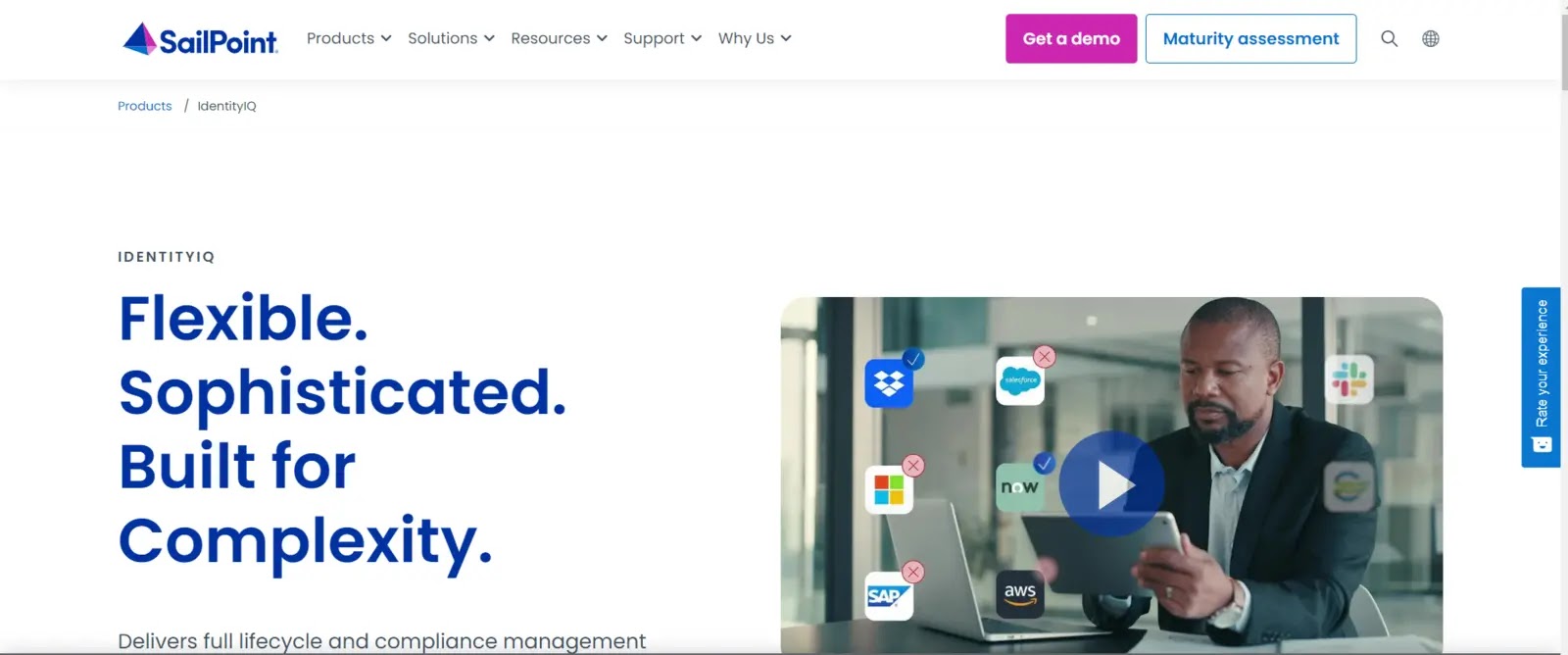
SailPoint IdentityIQ is a sophisticated user access management solution designed to help organizations govern digital identities effectively. It ensures that the appropriate users have the correct level of access to necessary resources and applications.
The tool automates the provisioning and de-provisioning of user access, streamlining account creation and termination. This automation not only reduces manual effort but also minimizes the risk of unauthorized access or the proliferation of orphaned accounts. IdentityIQ is equipped with advanced analytics and reporting capabilities, allowing organizations to monitor user activities, detect anomalies, and maintain compliance with critical regulatory mandates such as GDPR and SOX. It supports Role-Based Access Control (RBAC) and fine-grained access policies, enabling consistent implementation and enforcement of security policies across the enterprise, thereby enhancing the overall security posture.
Key features of SailPoint IdentityIQ include:
- Automation to boost productivity and reduce manual identity management tasks.
- Extended identity administration capabilities for cloud applications and resources.
- Secure mobile identity management and streamlined access request processes.
- Robust data access management to ensure data security and regulatory compliance.
- Leveraging AI for insightful identity analytics and proactive suggestions.
SailPoint IdentityIQ is recognized for its comprehensive identity governance, strong access controls, and automated provisioning. However, some users have noted limited out-of-the-box integration with certain systems and a high cost of ownership due to licensing fees.
7. RSA SecurID Access
RSA SecurID Access is a leading user access management solution specializing in multi-factor authentication (MFA) and secure access to applications and data. It ensures that only authorized users can reach critical resources.
The tool supports a diverse array of authentication methods, including hardware tokens, mobile applications, biometric authentication, and risk-based analytics. This flexibility provides robust security options tailored to various user needs and operational environments. RSA SecurID Access integrates seamlessly with a wide range of applications, both on-premises and in the cloud, offering a unified approach to managing user access across disparate systems and platforms. It also includes real-time monitoring and reporting capabilities, enabling organizations to track authentication events, identify potential security risks, and maintain compliance with regulatory requirements.
Prominent features of RSA SecurID Access include:
- Secure mobile access enforcement and adherence to security regulations.
- Automated processes for granting and revoking access permissions.
- Permission assignment based on specific work duties.
- Secure access to business resources for remote and mobile workforces.
- Compatibility with both on-premises and cloud applications and resources.
RSA SecurID Access is highly praised for its strong two-factor authentication capabilities, wide range of supported authentication methods, and robust integration with existing IT infrastructure. However, potential drawbacks include a dependency on RSA infrastructure for authentication services and limited self-service options for end-users.
8. Centrify
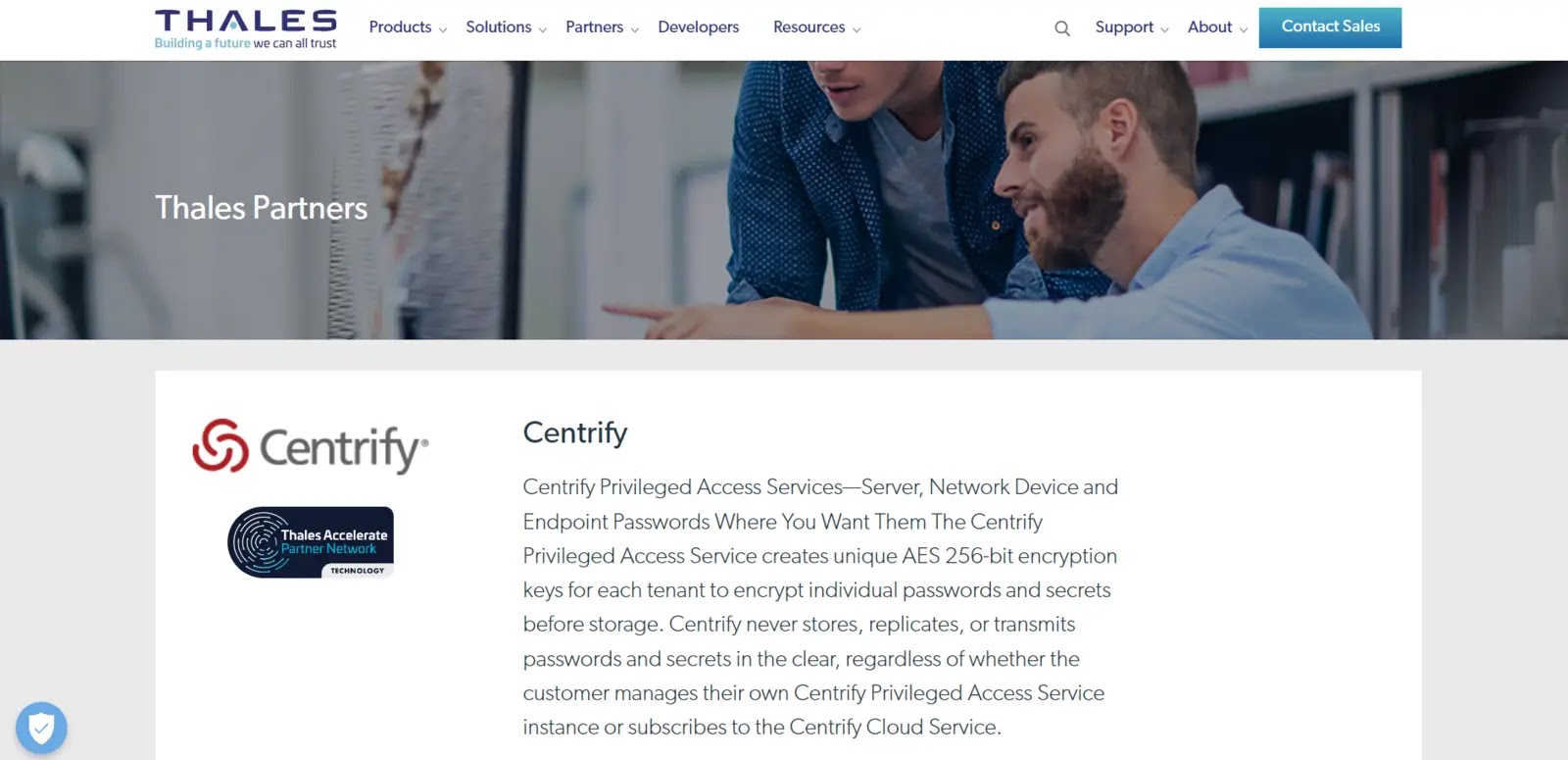
Centrify’s User Access Management tool delivers robust Identity and Access Management (IAM) solutions, facilitating secure user access to critical systems and applications. It achieves this through a combination of multi-factor authentication, single sign-on, and least privilege access controls.
The tool integrates smoothly with existing IT infrastructure, supporting various platforms including Windows, Linux, and cloud environments, providing a unified approach to managing user identities and access. Centrify offers comprehensive auditing and reporting features, allowing organizations to track user activity, monitor access patterns, and ensure compliance with regulatory standards and internal security policies. It also enables secure remote access, allowing administrators and users to connect to corporate resources from any location while maintaining stringent control and monitoring to prevent unauthorized access.
Key features of Centrify include:
- Temporary elevation of user or application privileges on demand.
- Continuous verification of user and device trustworthiness through zero-trust security principles.
- Comprehensive identity and access management for cloud services.
- Secure management of identities and resources via mobile devices.
- Utilization of AI for identity insights and advanced threat detection.
Centrify is recognized for its unified IAM solution, robust privileged access management (PAM) features, and flexible MFA options. However, some users point to limited third-party application integrations and complex deployment and configuration processes.
9. IBM Security Identity and Access
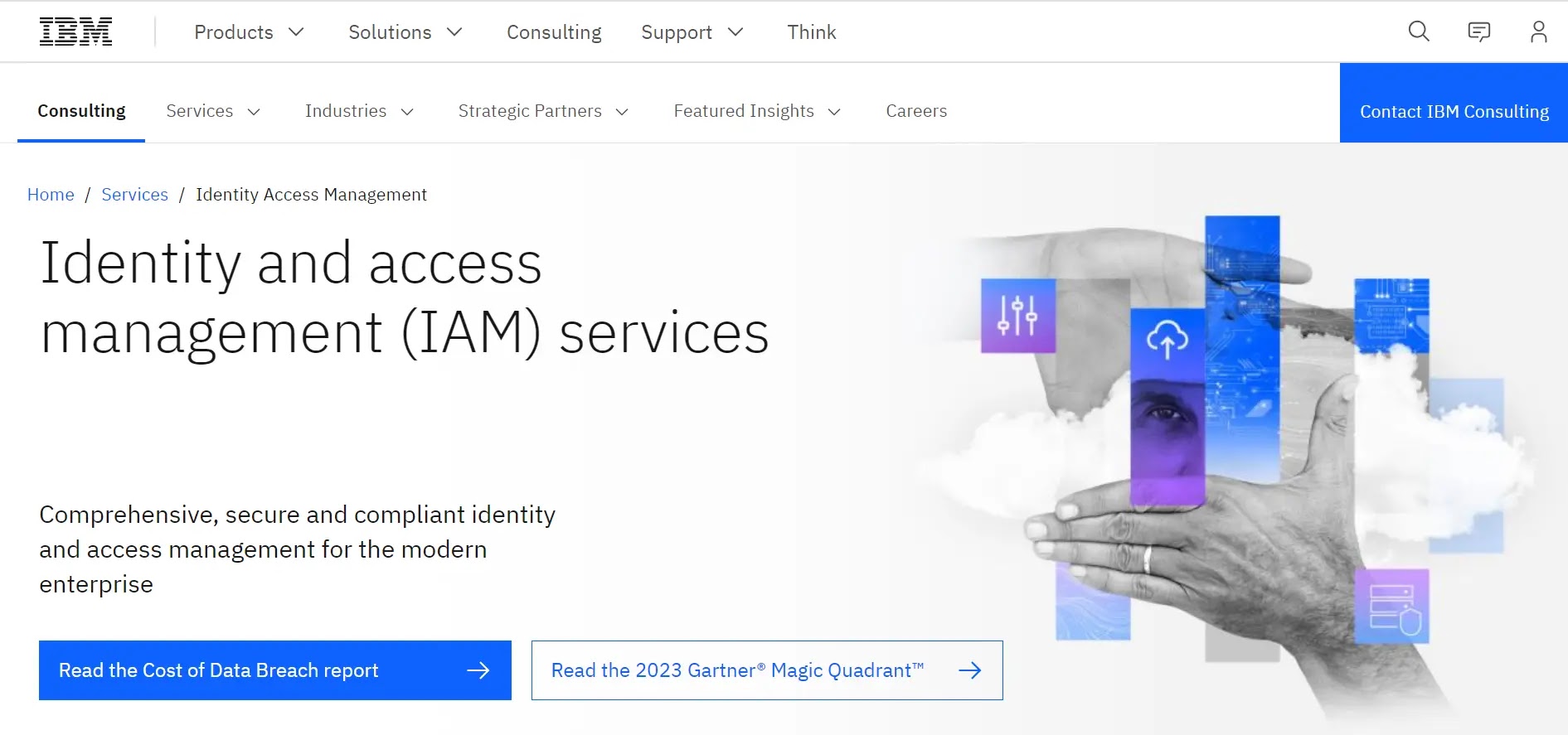
IBM Security Identity and Access provides a sophisticated suite of tools for managing user access, ideally suited for modern enterprises. This comprehensive solution offers fine-grained control over user access, enabling precise granting or revocation of permissions as required.
Organizations can confidently manage user identities, authentication procedures, and authorization policies with IBM Security Identity and Access. Its robust features include Single Sign-On (SSO), Multi-Factor Authentication (MFA), Role-Based Access Control (RBAC), and Privileged Access Management (PAM). Beyond enhancing security, the solution simplifies administrative tasks by expediting user onboarding, automating provisioning, and maintaining meticulous compliance audit records. IBM Security Identity and Access empowers businesses to effectively manage access across numerous systems and applications, safeguarding against external threats and internal vulnerabilities.
Prominent features of IBM Security Identity and Access include:
- Comprehensive auditing and reporting for security and regulatory compliance.
- Risk-based assessment of user activity to determine appropriate authentication needs.
- Self-service capabilities for password resets and account administration.
- Integrated identity and access management for cloud services.
- Leveraging AI for advanced identification insights and threat detection.
IBM Security Identity and Access is praised for its scalability, seamless integration with directory services and third-party tools, and strong support for enforcing security rules and regulatory compliance. However, complex environments may experience longer implementation times and require substantial IT resources for setup and ongoing maintenance.
10. AWS
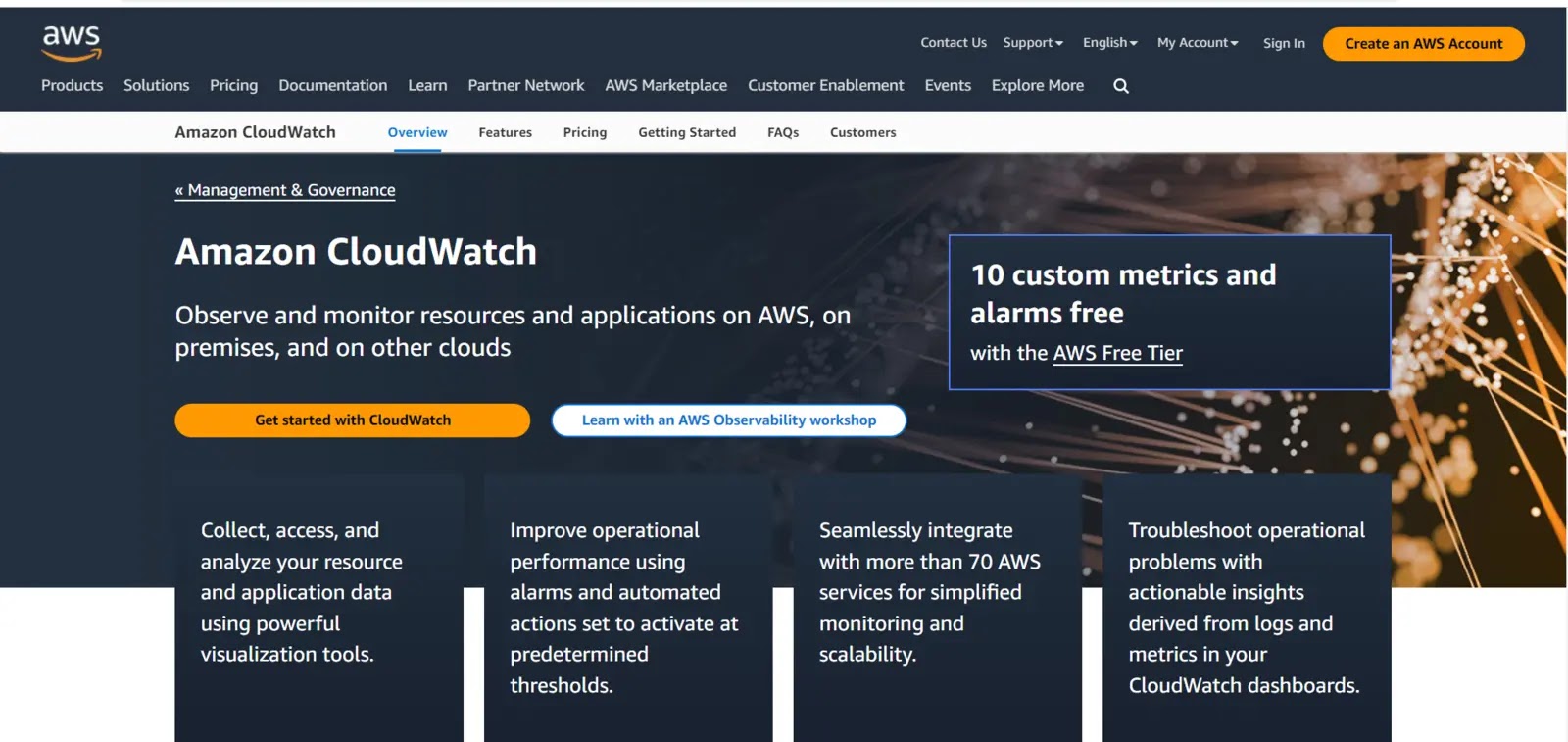
Amazon Web Services (AWS) offers powerful user access management capabilities, primarily through AWS Identity and Access Management (IAM). This service provides organizations with granular control over who can access their AWS resources and how those resources are utilized, offering a significant advantage in cloud security.
AWS IAM enables the creation and management of users and permissions within the AWS ecosystem, ensuring secure and controlled access. It facilitates the definition of highly granular policies that specify which actions users or roles can perform on particular AWS resources, thereby enforcing the principle of least privilege. The tool supports Multi-Factor Authentication (MFA) to further enhance security, requiring additional verification beyond a password to protect sensitive data and critical resources. AWS IAM integrates seamlessly with other AWS services, allowing for centralized management of access controls, auditing, and compliance monitoring, which helps organizations maintain a secure and compliant cloud environment.
Key features of AWS IAM and related services include:
- Support for containerized applications via ECS and EKS.
- Data migration services such as AWS Migration Hub and AWS DataSync.
- Amazon Managed Blockchain for building and managing blockchain networks.
- AR/VR development services like Sumerian.
- Advanced computing capabilities with AWS QLDB and Bracket for quantum computing.
AWS is highly valued for its scalability, flexibility, global infrastructure, and pay-as-you-go pricing model, alongside its high standards for compliance and security. However, relying solely on internet access for management and potential vendor lock-in due to AWS-specific services are considerations for some users.
What You Should Do
- Assess Your Needs: Evaluate your organization’s specific security requirements, compliance obligations, and existing IT infrastructure to determine which UAM features are most critical.
- Prioritize Core Features: Ensure any chosen solution robustly supports Single Sign-On (SSO), Multi-Factor Authentication (MFA), and automated provisioning/de-provisioning.
- Consider Integration: Verify that the UAM tool integrates seamlessly with your current applications, directories (e.g., Active Directory), and cloud services to avoid operational silos.
- Evaluate Scalability and Cost: Choose a solution that can grow with your organization and fits within your budget, considering both initial setup and ongoing maintenance costs.
- Plan for Implementation: Be prepared for potential complexities in initial setup and configuration, especially for larger or more customized deployments, and allocate adequate IT resources.
- Regularly Review Access: Implement a policy of periodic access reviews to ensure that user permissions remain appropriate and adhere to the principle of least privilege.
Disclaimer: HackersRadar reports on cybersecurity threats and incidents for informational and awareness purposes only. We do not engage in hacking activities, data exfiltration, or the hosting or distribution of stolen or leaked information. All content is based on publicly available sources.








No Comment! Be the first one.