



20 Best Threat Hunting Tools – 2026
Many of the advanced threat hunting tools highlighted in this overview offer free trials and personalized demonstrations from their respective vendors. Rapid7 InsightIDR – Trial / Demo 8. Tcpdump...

Many of the advanced threat hunting tools highlighted in this overview offer free trials and personalized demonstrations from their respective vendors.
Table Of Content
8. Tcpdump
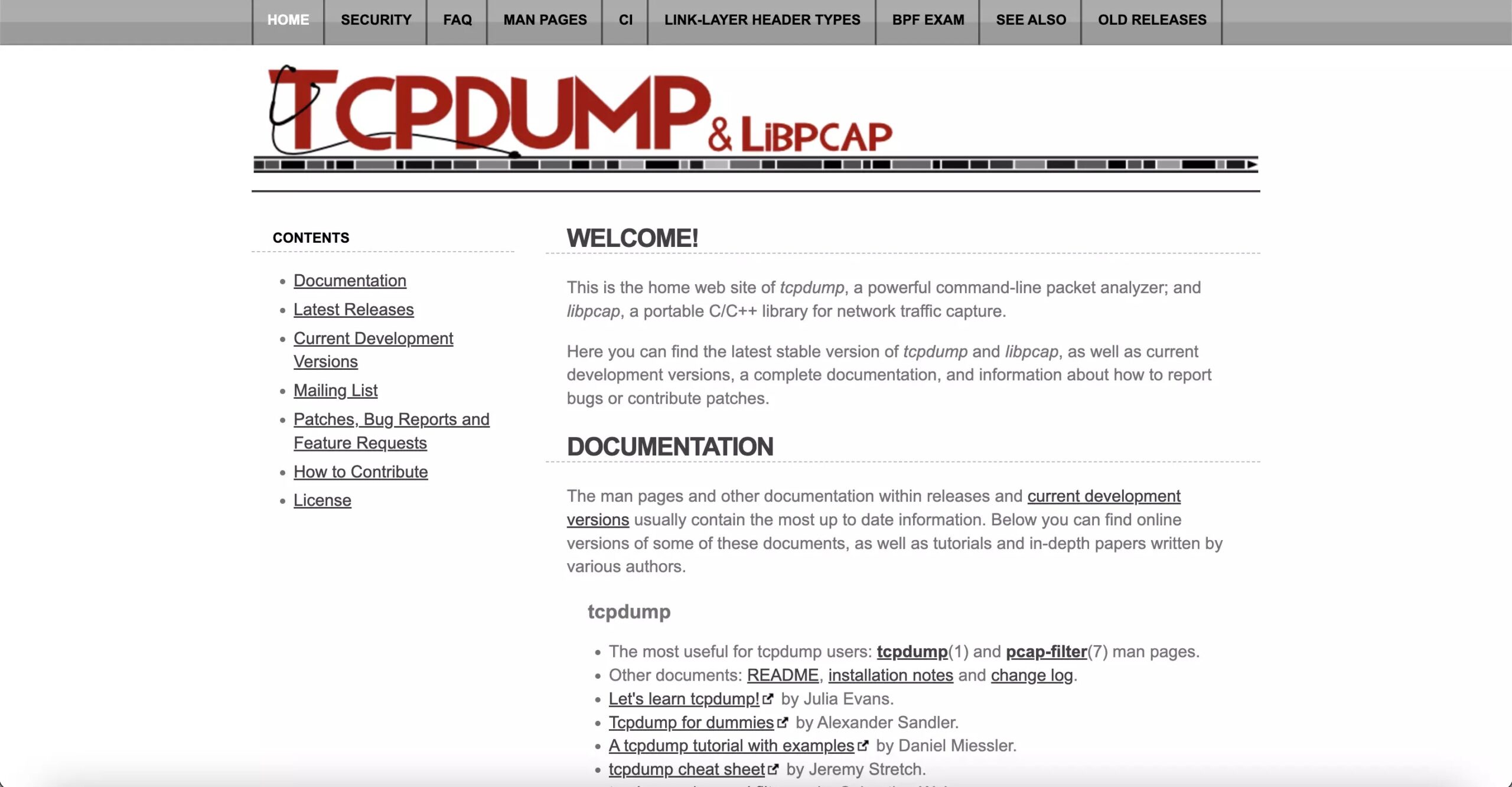
Tcpdump is a network packet capture and analysis tool similar to Wireshark. It is a command-line-based tool that captures network traffic and displays it in a human-readable format.
Network administrators and security professionals often use it for network troubleshooting and analysis.
It is used as a part of a threat hunting process by capturing and analyzing network traffic for signs of malicious activity.
Tcpdump’s main advantage over Wireshark is its speed and efficiency.
It operates at the command line and does not have a graphical interface, making it well-suited for use on large networks and capturing large amounts of traffic.
Features
- It captures and displays human-readable network traffic.
- Command line operation makes network traffic capture and analysis fast and efficient.
- It lets you filter and display certain network traffic.
- It can save network traffic for study by writing its output to a file.
| Pros | Cons |
|---|---|
| Its command-line interface and lack of a GI make it fast and efficient. | Its command-line interface can be challenging for those who need to become more familiar with network protocols and packet analysis. |
| It can be easily parsed and processed by other Threat Hunting Tools, making it easy to integrate into a more extensive network. | Its protocol decoding capabilities are more limited than other network analysis tools like Wireshark. |
| It can be easily parsed and processed by other Threat Hunting Tools, making integrating into a more extensive network easy. | Lack of graphical representation |
Price
You can get a free trial and personalized demo from here.
9. RITA
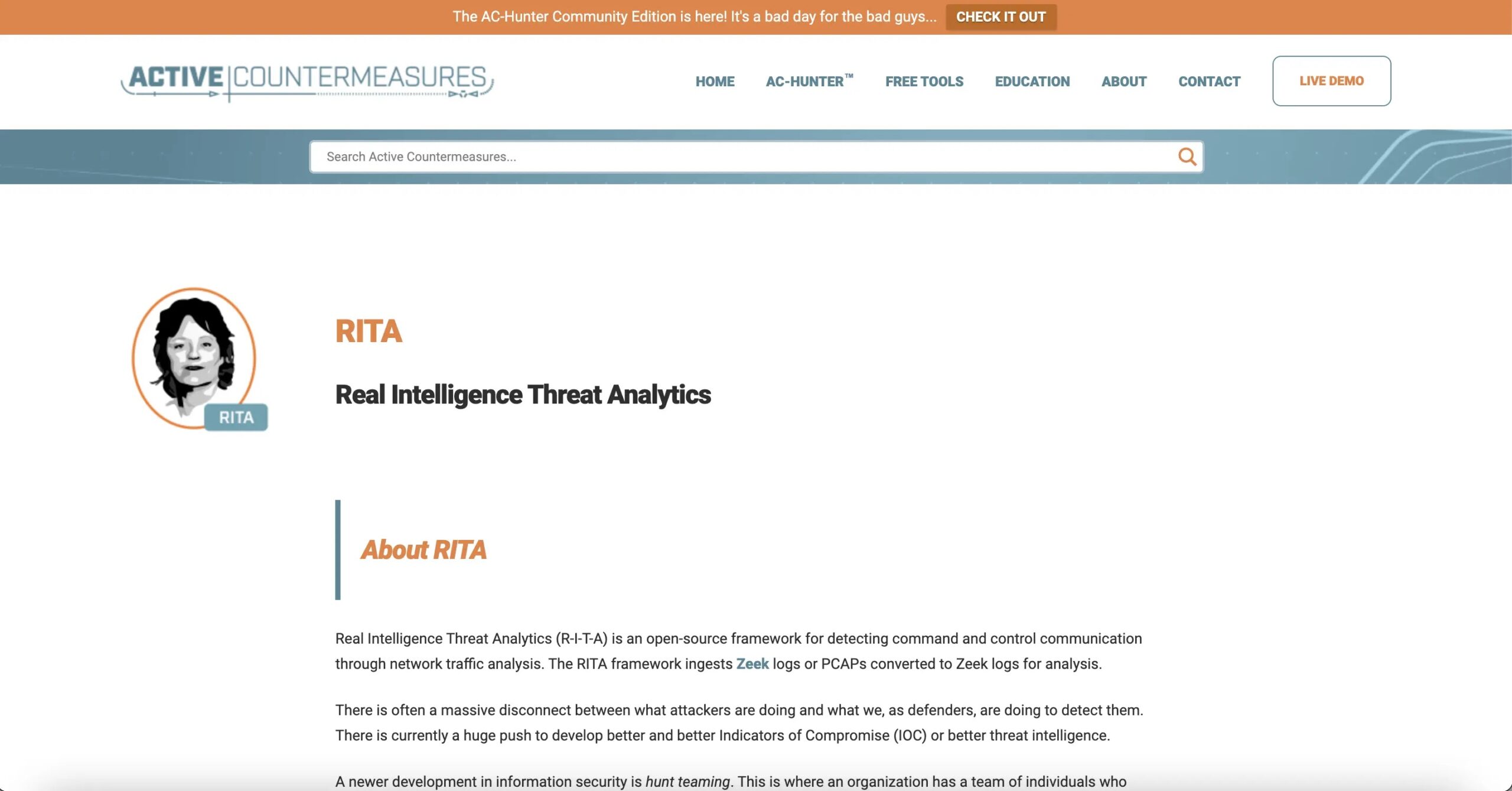
RITA (Real Intelligence Threat Analysis) is a security analytics threat hunting tool designed for threat hunting and incident response.
It is an open-source tool that allows you to collect, store, and analyze network logs and metadata to identify security threats.
Features
- Firewall, IDS, and system logs can be analysed to discover security threats.
- It detects aberrant network behavior and security threats using machine learning and data analysis.
- It alerts and reports about security threats.
- It graphs network activity.
| Pros | Cons |
|---|---|
| It is an open-source software | It has a steep learning curve |
| It can be integrated with other Threat Hunting Tools | It requires significant resources to run |
| It uses machine learning and data analysis to detect network or system threats. | It has limited protocol decoding. |
Price
You can get a free trial and personalized demo from here.
10. Elastic Stack

The elastic stack is open-source Threat Hunting Tools for data collection, storage, analysis, and visualization.
It is commonly used for log analysis, security analytics, and threat hunting.
It comprises several components, including Elasticsearch, Kibana, Beats, and Logstash.
Elasticsearch is a distributed search and analytics engine used for storing and searching large amounts of data.
These tools provide a robust real-time data analysis, monitoring, and alerting platform.
Features
- It stores and retrieves enormous amounts of organized and unstructured data via distributed search and analytics.
- Ingestion and transformation of log data are handled by its pipeline.
- Explore and analyze Elasticsearch data with its web-based visualization and analysis tool.
Pros and Cons
| Pros | Cons |
|---|---|
| It is designed to be highly scalable | It has a steep learning curve |
| It provides advanced data analysis capabilities, including machine learning and visualization. | Resource-intensive |
| It has a complex system |
Price
You can get a free trial and personalized demo from here.
11. Sysmon
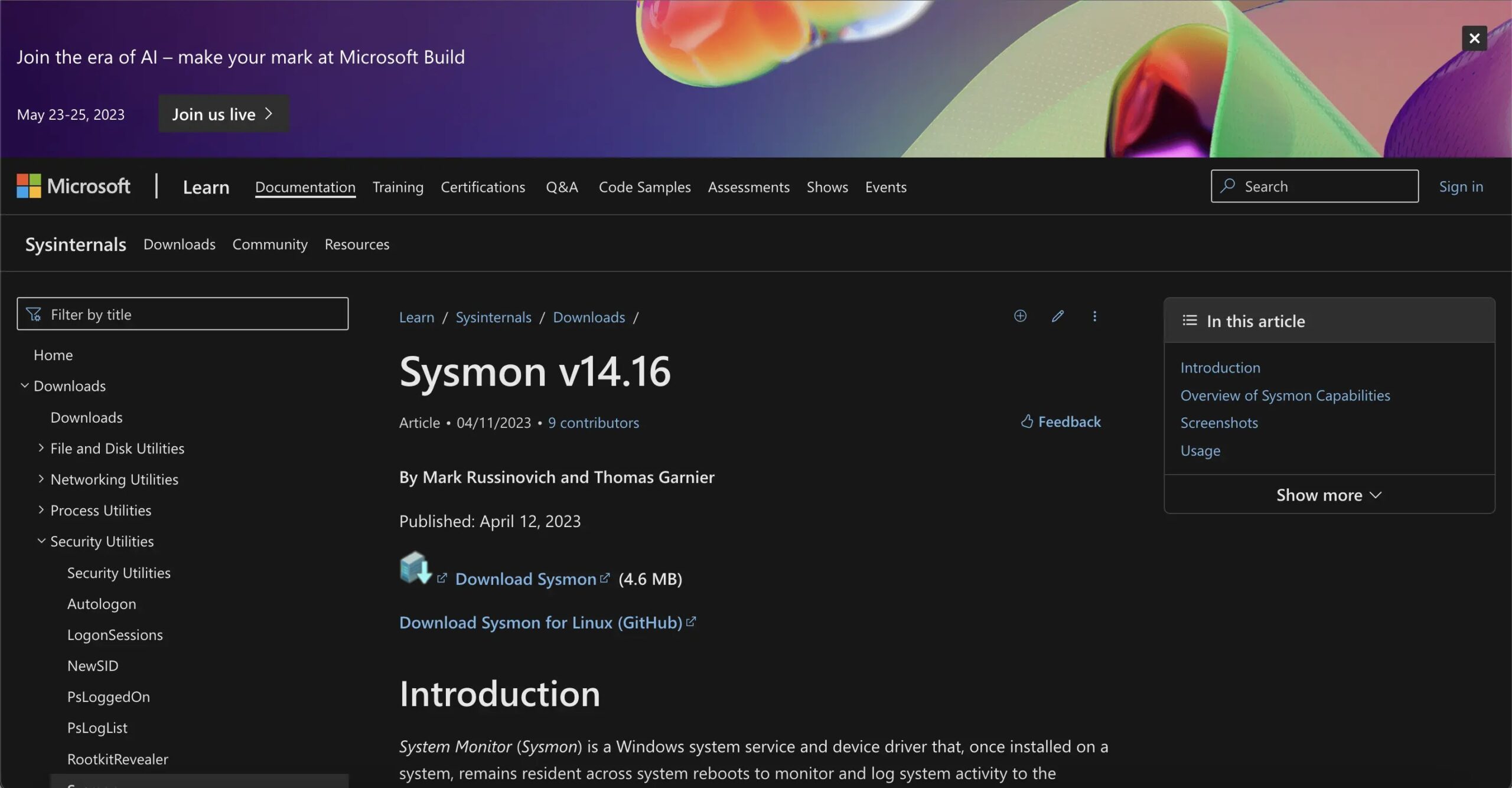
Sysmon (System Monitoring) is a window system service and device driver that logs system activity to the Windows event log.
It provides detailed information about process creation, network connections, and other system events allowing you to monitor and analyze system activity for signs of security threats.
Features
- It has many system events.
- It lets you filter events by process name, process hash, or destination IP address to focus on relevant events and discover security issues.
- Tamper detection alerts you if the Sysmon service or configurations are changed.
| Pros | Cons |
|---|---|
| It provides detailed event logging | It is a Window-only tool |
| It includes tamper detection | It has limited event analysis |
| It is lightweight for use |
Price
You can get a free trial and personalized demo from here.
12. Trend Micro Managed XDR
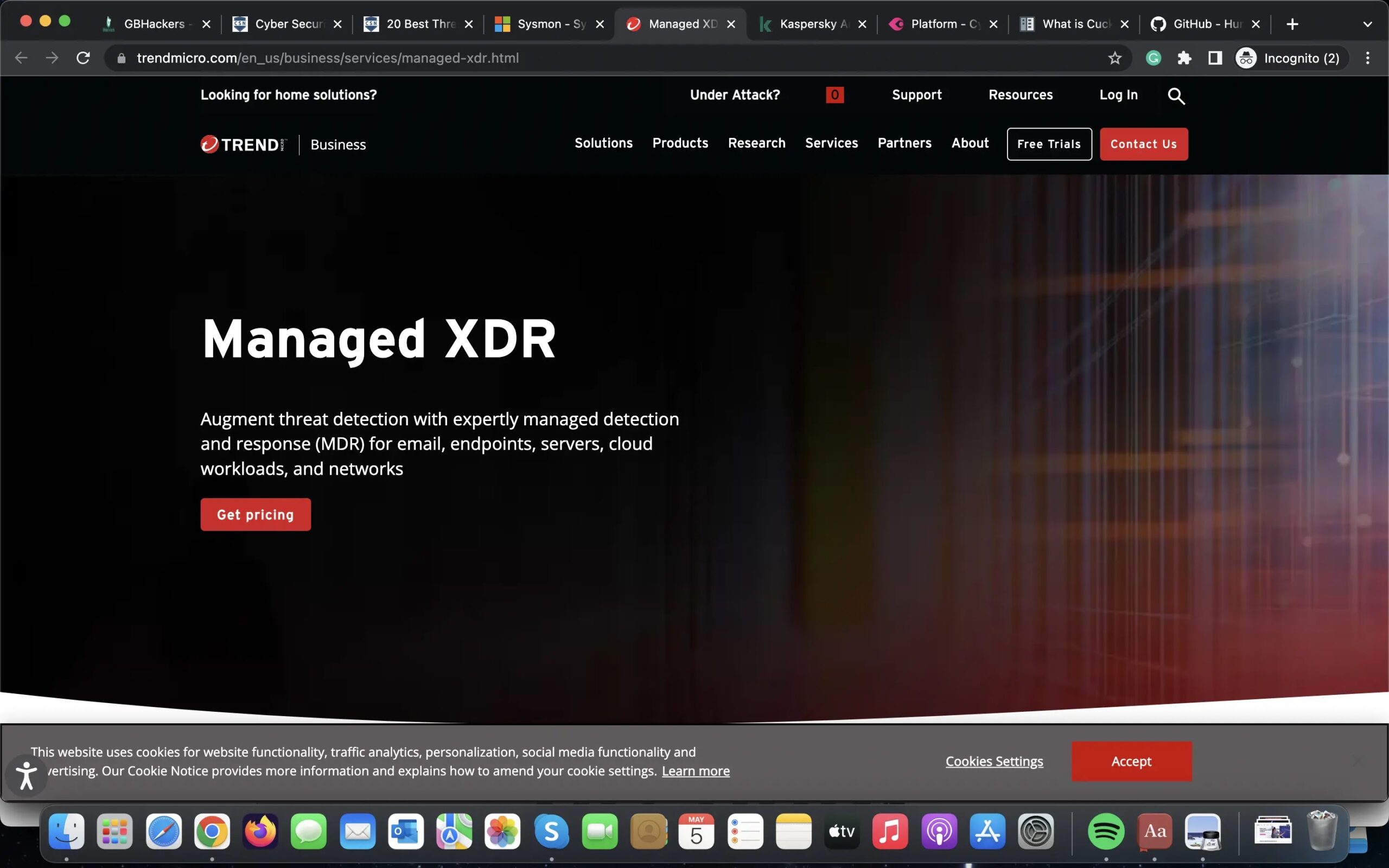
Trend Micro Managed XDR is a threat-hunting tool that helps organizations identify and respond to advanced threats.
It monitors endpoints, networks, and cloud environments to detect suspicious behavior and potential attacks.
The tool also uses machine learning to provide advanced threat analysis and offers automated response capabilities to contain and neutralize threats.
Managed XDR offers a centralized dashboard for threat management and a team of expert security analysts to provide additional support.
Features
- Continuous monitoring of endpoints, network, and cloud environments
- AI-powered danger analysis.
- Automation to contain and neutralize dangers.
- One threat dashboard.
- Support from qualified security analysts.
| Pros | Cons |
|---|---|
| Provides proactive threat hunting to identify and contain advanced threats. | Cost may be a barrier for smaller organizations. |
| Offers automated response capabilities to help contain and neutralize threats quickly. | Some organizations prefer an on-premises solution rather than a cloud-based solution. |
| A centralized dashboard provides a single pane of glass for threat management. | Security teams may require additional training to utilize the platform entirely. |
| The expert security analyst team offers additional support and insight. |
Price
You can get a free trial and personalized demo from here.
13. Kaspersky Anti-Targeted Attack Platform
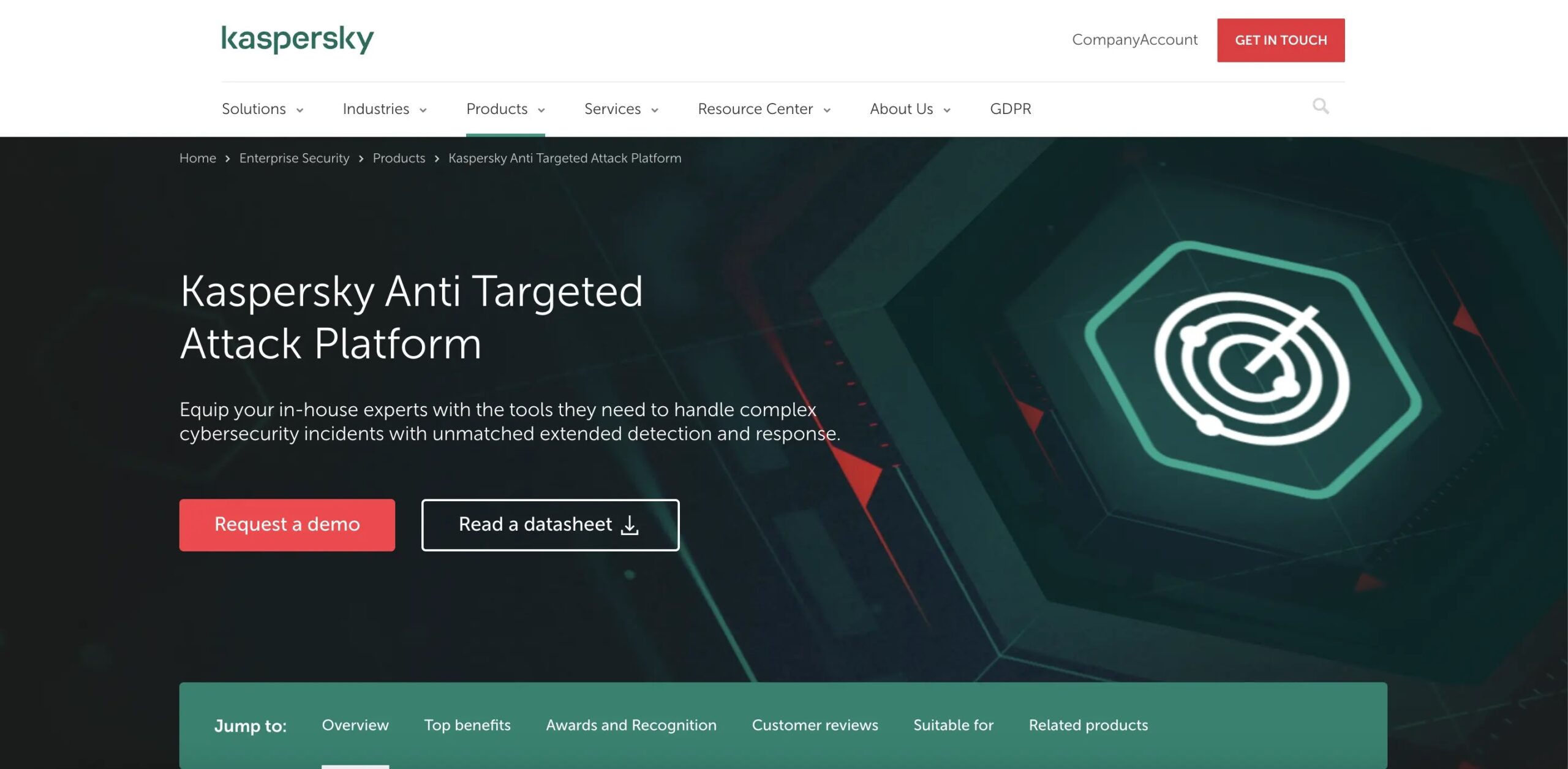
Kaspersky Anti-Targeted Attack Platform (Kaspersky ATAP) is a threat hunting tool that helps organizations detect and respond to targeted attacks, including advanced persistent threats (APTs).
It uses a combination of machine learning and human expertise to identify patterns and anomalies that may indicate an attack is underway.
Kaspersky ATAP offers a range of detection and response capabilities, including endpoint protection, network monitoring, and automated response.
Features
- Detecting targeted attacks and advanced persistent threats with machine learning and human knowledge.
- Network monitoring, endpoint protection, and automatic response.
- Centralized threat dashboard.
- Enhanced reporting and analysis.
| Pros | Cons |
|---|---|
| Provides advanced threat hunting capabilities to help detect and respond to targeted attacks. | Some organizations prefer an on-premises solution rather than a cloud-based solution. |
| Offers a range of detection and response capabilities to help contain and neutralize threats quickly. | Some governments and organizations have questioned Kaspersky’s reputation due to alleged ties to the Russian government. |
| A centralized dashboard provides a single pane of glass for threat management. | |
| Provides advanced threat-hunting capabilities to help detect and respond to targeted attacks. |
Price
You can get a free trial and personalized demo from here.
14. Cynet 360
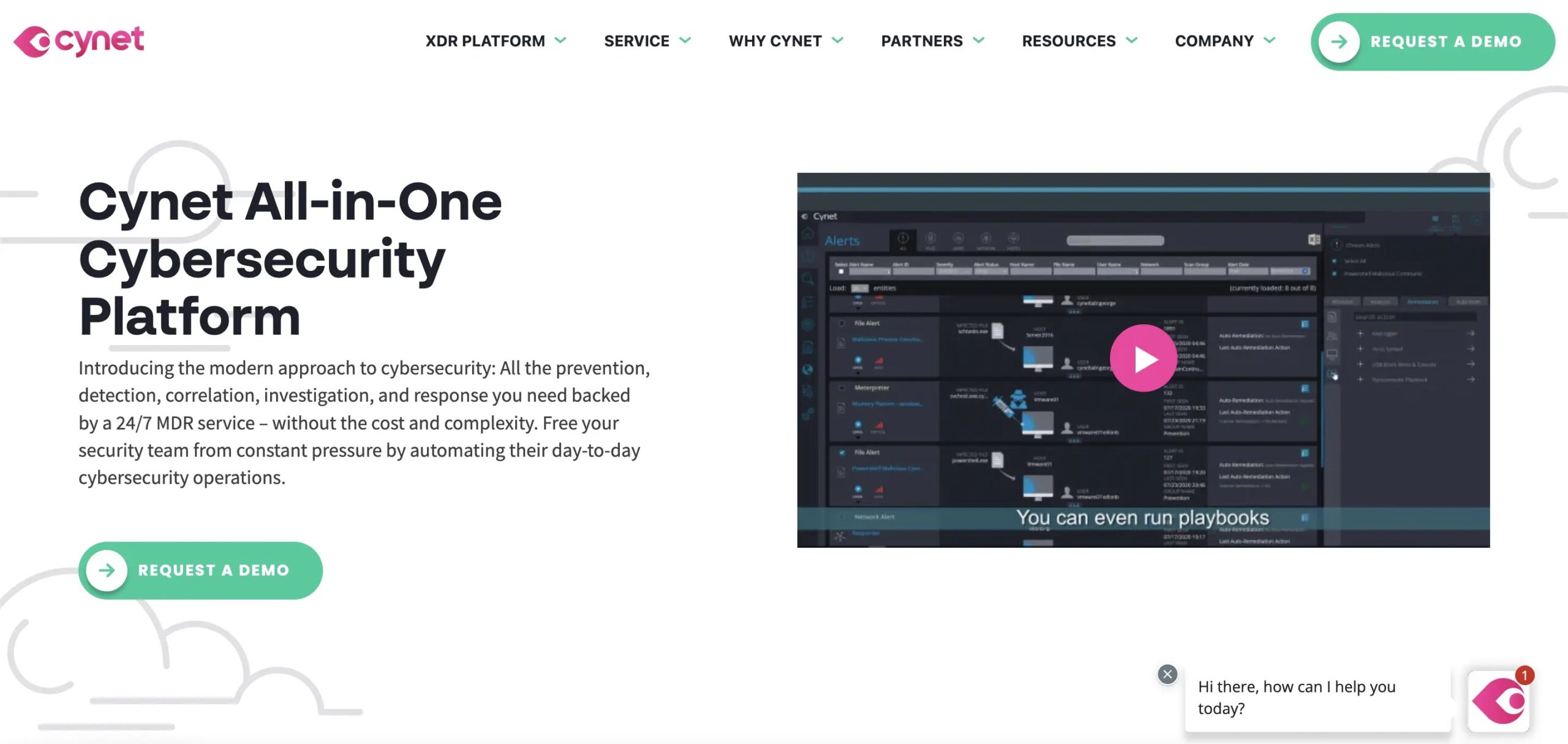
Cynet 360 is a threat hunting tool that provides a comprehensive platform for managing and responding to security threats.
The tool offers a range of capabilities, including endpoint protection, network monitoring, and automated response.
Cynet 360 also uses machine learning and behavioral analysis to identify suspicious behavior and potential threats.
Features
- Endpoint protection, network monitoring, and automated response capabilities.
- Machine learning and behavioral analysis to identify suspicious behavior and potential threats.
- Centralized dashboard for threat management.
- Advanced reporting and analysis features.
- Dedicated threat response team for additional support.
- Managed services for platform deployment and configuration.
| Pros | Cons |
|---|---|
| Provides a comprehensive set of capabilities for managing and responding to security threats. | Some organizations prefer an on-premises solution rather than a cloud-based solution. |
| Uses machine learning and behavioral analysis to detect and respond to threats quickly. | Security teams may require additional training to utilize the platform entirely. |
| A dedicated threat response team offers additional support and expertise. | |
| Dedicated threat response team offers additional support and expertise. | |
| Managed services can help organizations deploy and configure the platform effectively. |
Price
You can get a free trial and personalized demo from here.
15. Cuckoo Sandbox
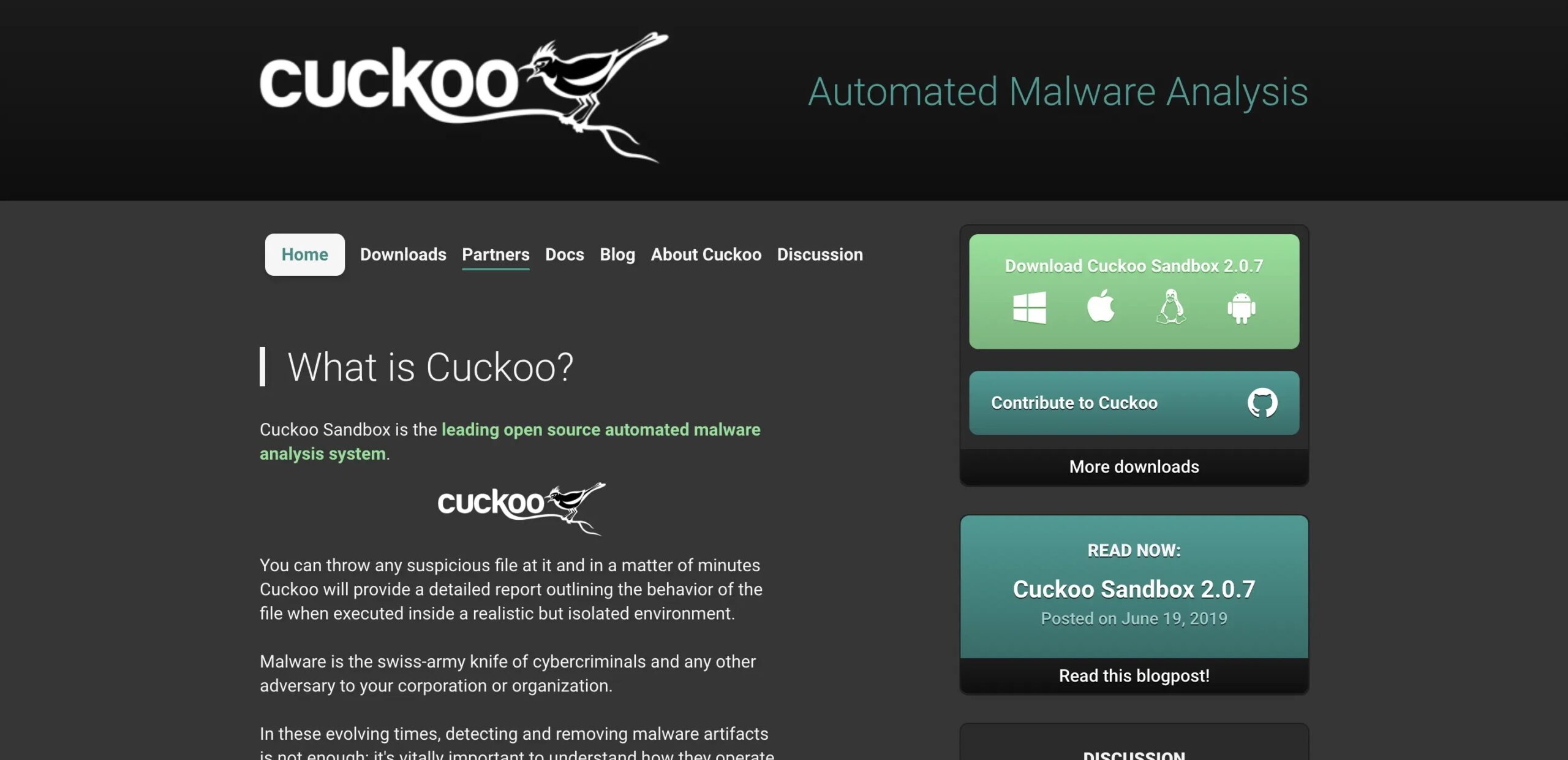
Cuckoo Sandbox is an open-source threat hunting tool that provides a virtual environment for analyzing suspicious files and URLs.
The tool allows security analysts to safely execute potentially malicious code in a controlled environment to observe and analyze the code’s behavior.
Cuckoo Sandbox supports many file formats and protocols, including Windows executables, PDFs, and network traffic.
The tool provides detailed reports on the behavior of the analyzed code, including network traffic, system calls, and registry modifications.
Additionally, Cuckoo Sandbox supports integrations with other security tools, such as IDS/IPS and SIEM solutions.
Features
- Virtual environment for analyzing suspicious files and URLs.
- Supports a wide range of file formats and protocols.
- Provides detailed reports on the behavior of the analyzed code.
- Supports integrations with other security tools.
| Pros | Cons |
|---|---|
| Open-source and free to use. | Requires some technical expertise to set up and use effectively. |
| Provides a safe and controlled environment for analyzing potentially malicious code. | Limited support and documentation compared to commercial solutions. |
| Supports a wide range of file formats and protocols. | It must provide a comprehensive set of capabilities for managing and responding to security threats. |
| Provides detailed reports on the behavior of the analyzed code. | Does not provide endpoint protection or automated response capabilities. |
| Supports integrations with other security tools. |
Price
You can get a free trial and personalized demo from here.
16. Hurricane Labs Machinae
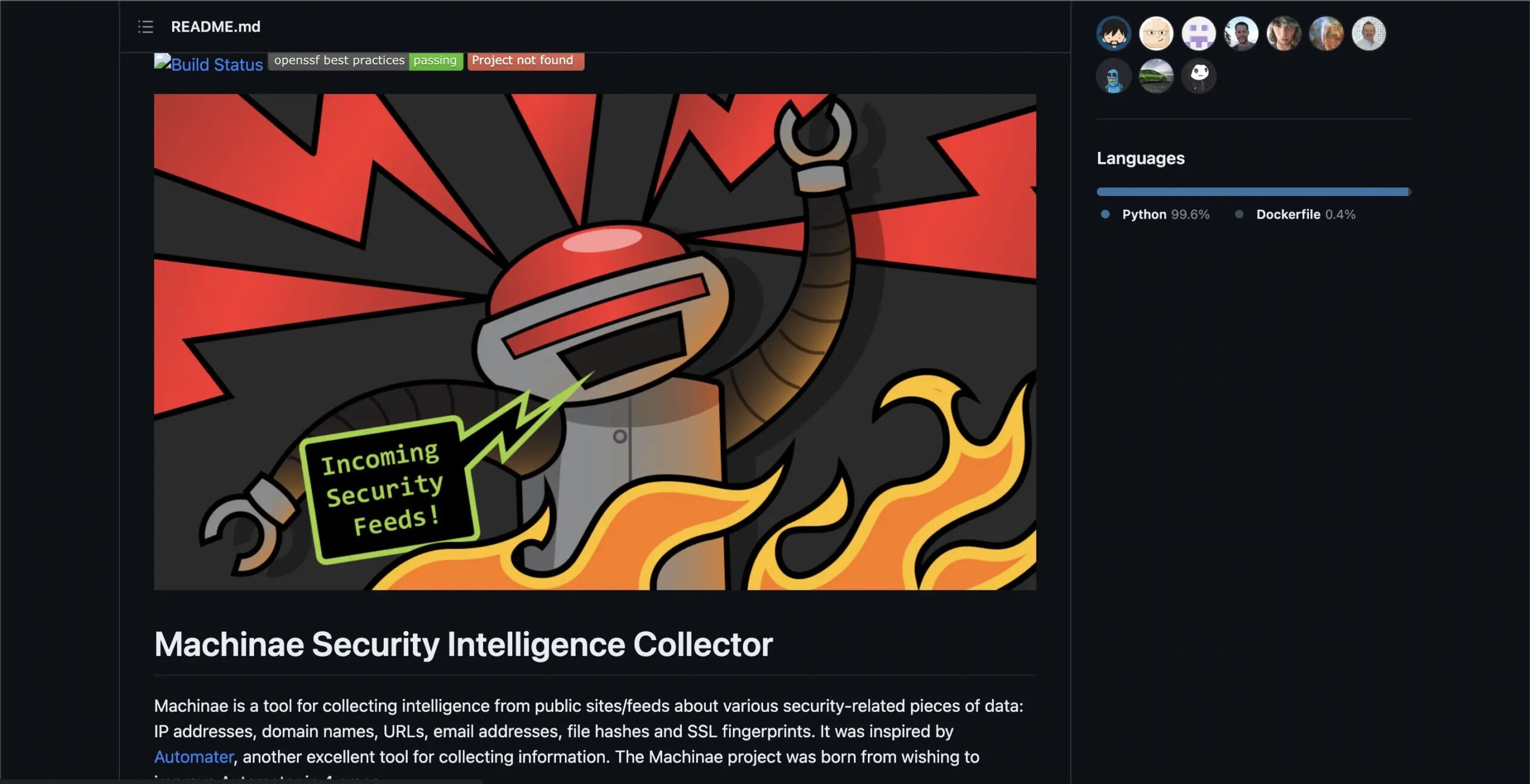
Machinae is an open-source threat-hunting tool from HurricaneLabs that automates gathering information about potential targets from various sources on the internet.
The tool uses a range of OSINT (open-source intelligence) techniques to collect information about domains, IP addresses, email addresses, and other identifiers.
Machinae then analyzes the collected data to identify potential vulnerabilities and security risks. Machinae provides integrations with other security tools, such as Metasploit and Shodan.
The tool is designed to be extensible and customizable, allowing security teams to add their modules and plugins to enhance its capabilities.
Features
- Automates gathering information about potential targets from various sources on the internet.
- It uses a range of OSINT (open-source intelligence) techniques to collect information about domains, IP addresses, email addresses, and other identifiers.
- Analyzes the collected information to identify potential vulnerabilities and security risk management.
- It is designed to be extensible and customizable.
- Provides integrations with other security tools.
| Pros | Cons |
|---|---|
| Open-source and free to use. | It does not provide a comprehensive set of capabilities for managing and responding to security threats. |
| Automates the process of gathering information about potential targets from various sources on the internet. | It relies on publicly available sources of information, which may not be complete or up-to-date. |
| Uses a range of OSINT techniques to collect information. | |
| Provides integrations with other security tools. | |
| Designed to be extensible and customizable. |
Price
You can get a free trial and personalized demo from here.
17. Exabeam Fusion

Exabeam Fusion is a cloud-based threat hunting tool that uses machine learning and behavior analytics to detect and respond to security threats.
The tool integrates various security solutions, such as SIEMs, EDRs, and cloud infrastructure, to comprehensively view an organization’s security posture.
Exabeam Fusion uses advanced analytics and automation to detect and investigate potential threats and provides a range of response options to contain and remediate any security incidents.
Additionally, Exabeam Fusion provides a range of compliance and audit features to help organizations meet regulatory requirements.
Features
- Advanced endpoint protection and threat detection capabilities using behavioral analysis and machine learning.
- Comprehensive endpoint visibility to quickly identify and respond to security incidents.
- Provides a range of response options to contain and remediate any security incidents.
- Comprehensive compliance and audit features to help organizations meet regulatory requirements.
| Pros | Cons |
|---|---|
| Provides a comprehensive view of an organization’s security posture. | It may have a steeper learning curve than some other tools due to its advanced features and capabilities. |
| It uses advanced analytics and automation to detect and investigate potential threats. | May have a steeper learning curve than some other tools due to its advanced features and capabilities. |
| Provides a range of response options to contain and remediate any security incidents. | Some users have reported issues with false positives and false negatives. |
| Provides a range of compliance and audit features to help organizations meet regulatory requirements. | |
| Easy to use interface. |
Price
You can get a free trial and personalized demo from here.
18. Splunk Enterprise Security

Splunk Enterprise Security, a threat hunting tool, is one of the most widely used SIEM management software. However, it separates itself from the market by integrating insights into the core of its SIEM.
Real-time network and device data monitoring is possible as the system searches for potential vulnerabilities and can indicate unusual activity.
In addition, the Notables function of Enterprise Security provides notifications that the user can personalize. Splunk Enterprise Security is a highly adaptable solution with the Splunk foundation package for data analysis.
Using the supplied rules, you can design your threat-hunting queries, analysis routines, and automated defensive rules. Splunk Enterprise Security is intended for all types of organizations.
However, due to the expense and power of this package, it is likely to be more appealing to large firms than small organizations.
Features
- Access tools that work well on mobile devices, get alerts on your phone, and act on those alerts to stay up to date on your business from anywhere.
- Allow people who aren’t SPL users to interact with your data and Splunk dashboards on the items.
- This will show them how valuable Splunk insights are.
- You can show your Splunk Dashboards on Apple TV, Android TV, or Fire TV in the office, NOC, or SOC, and use Splunk TV partner to control the media from afar.
- Using Spacebridge, an end-to-end encrypted cloud service, the Splunk Secure Gateway app lets you easily and safely connect to Splunk platform servers.
- You can now handle a large group of mobile devices at once.
| Pros | Cons |
|---|---|
| Can use behavior analysis to identify threats that aren’t detected by logs. | Pricing is not apparent; a quote from the vendor is required. |
| An excellent user interface, highly attractive, and simple to modify | More suitable for large organizations |
| Event prioritization is simple. | Search Processing Language (SPL) is used for queries, which increases the learning curve. |
| Enterprise-focused | |
| Compatible with Linux and Windows |
Price
You can get a free trial and personalized demo from here.
19. Intezer
Intezer is a threat hunting tool that uses genetic malware analysis to identify and respond to security threats.
It analyzes the DNA of malware to identify code reuse and similarities across different malware strains.
This approach can help identify previously unknown malware and provide more effective detection and response to threats.
Intezer also offers a range of response options to contain and remediate any security incidents and provides a comprehensive set of compliance and audit features to help organizations meet regulatory requirements.
Features
- Intezer can analyze the code of unknown files to identify whether they contain malicious code or not.
- It uses a unique approach to malware analysis by comparing the genetic code of files to identify commonalities and relationships between different malware samples.
- Its platform can detect threats in real time, allowing for quick response and remediation.
| Pros | Cons |
|---|---|
| Intezer’s genetic mapping approach can identify previously unknown threats that other security platforms might miss. | Intezer’s threat detection approach focuses on malware analysis and genetic mapping. |
| Its platform can quickly identify and respond to threats, reducing the risk of damage from a cyber attack. | Its platform can sometimes flag benign files as malicious due to similarities in their genetic code with malware samples. |
| Its platform uses automation to speed up the analysis process, reducing the workload on security teams. | Its platform can be expensive, particularly for smaller organizations or those with limited budgets. |
| It may be less effective at detecting other cyber threats, such as phishing attacks or social engineering. |
Price
You can get a free trial and personalized demo from here.
20. Hunters XDR

Hunter’s XDR is a threat hunting tool that enables security teams to proactively detect and respond to cyber threats.
XDR stands for “extended detection and response,” which means that the tool integrates and correlates data from multiple sources, including endpoints, networks, and cloud services, to provide a comprehensive view of the organization’s security posture.
Features
- Hunter’s XDR provides access to a wide range of threat intelligence feeds to help security teams stay updated on the latest threats.
- The tool automatically detects and prioritizes potential threats using machine learning and other advanced techniques.
- Hunter’s XDR also provides advanced search and investigation capabilities, allowing security teams to conduct more detailed investigations into potential threats.
- The tool provides a range of response capabilities, including containment, isolation, and remediation.
- Hunter’s XDR integrates with many Threat Hunting Tools and platforms, including SIEMs, firewalls, and endpoint protection systems.
| Pros | Cons |
|---|---|
| Hunter’s XDR offers a comprehensive view of an organization’s security posture by integrating and correlating data from multiple sources, allowing security teams to detect and respond to threats more effectively. | Hunter’s XDR can be expensive, particularly for smaller organizations or those with limited budgets. |
| The tool provides advanced search and investigation capabilities, allowing security teams to conduct more detailed investigations into potential threats. | The tool can integrate with various security tools and platforms, allowing security teams to use their existing infrastructure more effectively. |
| Hunter’s XDR uses machine learning and other advanced techniques to automate threat detection and response, reducing the workload on security teams. | Like many threat detection tools, Hunter’s XDR can sometimes generate false positives, leading to wasted time and effort for security teams. |
| Like many threat detection tools, Hunter’s XDR can sometimes generate false positives, wasting time and effort for security teams. | Some users may find that the tool’s preconfigured rules and alerts limit their ability to customize their threat detection and response strategies. |
Price
You can get a free trial and personalized demo from here.
Conculsion
Threat hunting tools come in diverse formats, from on-premises software and SaaS platforms to fully managed services, catering to varied organizational needs.
Enterprises of all sizes and sectors demand tailored solutions, making it impossible to crown a single “best” tool that fits every scenario.
Instead, evaluate options based on your infrastructure, scale, and specific threat intelligence requirements for optimal results.
Also Read
- Best UTM Software (Unified Threat Management Solutions)
- Best Android Password Managers
- Vulnerability Assessment and Penetration Testing (VAPT) Tools
- AWS Security Tools to Protect Your Environment and Accounts
- SMTP Test Tools to Detect Server Issues & To Test Email Security
- Best Advanced Endpoint Security Tools
- 10 Best SysAdmin Tools
- Best Free Penetration Testing Tools
- Dangerous DNS Attacks Types and The Prevention Measures
Disclaimer: HackersRadar reports on cybersecurity threats and incidents for informational and awareness purposes only. We do not engage in hacking activities, data exfiltration, or the hosting or distribution of stolen or leaked information. All content is based on publicly available sources.








No Comment! Be the first one.