




10 Best Product Management Tools – 2026
Airfocus stands out for its affordability, offering a compelling alternative to similar product management software. This makes it particularly well-suited for startups and teams operating with...

Airfocus stands out for its affordability, offering a compelling alternative to similar product management software. This makes it particularly well-suited for startups and teams operating with budget constraints. Beyond cost-effectiveness, Airfocus functions as a versatile platform designed to enhance collaboration.
Table Of Content
It allows users to create custom branded portals to engage with their community, including investors and customers. This makes gathering valuable insights and sharing creative ideas easy in a dedicated space.
Airfocus is not just a product management tool but a versatile platform promoting collaboration. It allows individuals to create custom-branded portals to engage with their community, including investors and customers.
Main Features:
- Modular product roadmapping with flexible, visual formats and easy updates to align teams and stakeholders on strategy.
- Advanced prioritization frameworks (RICE, MoSCoW, Kano, Priority Poker) and custom scoring for data-driven decision-making.
- Centralized feedback and insights management to capture and connect customer, sales, and internal input with product initiatives.
- Seamless integrations and scenario planning with tools like Jira, Slack, and GitHub, plus resource allocation and OKR tracking for cross-functional alignment.
| What is Good? | What Could Be Better? |
|---|---|
| Airfocus prioritizes tasks and projects well, helping teams prioritize what matters. | Airfocus comes at a high cost for smaller businesses and individuals. |
| Visually appealing and easy-to-create roadmaps simplify product strategy communication. | Airfocus is cloud-based and may not fit offline users. |
| Airfocus interacts with popular project management and collaboration applications to ensure smooth work. | |
| Prioritization can be tailored by customizing scoring systems and fields. | |
Airfocus – Demo/Trial6. Jira
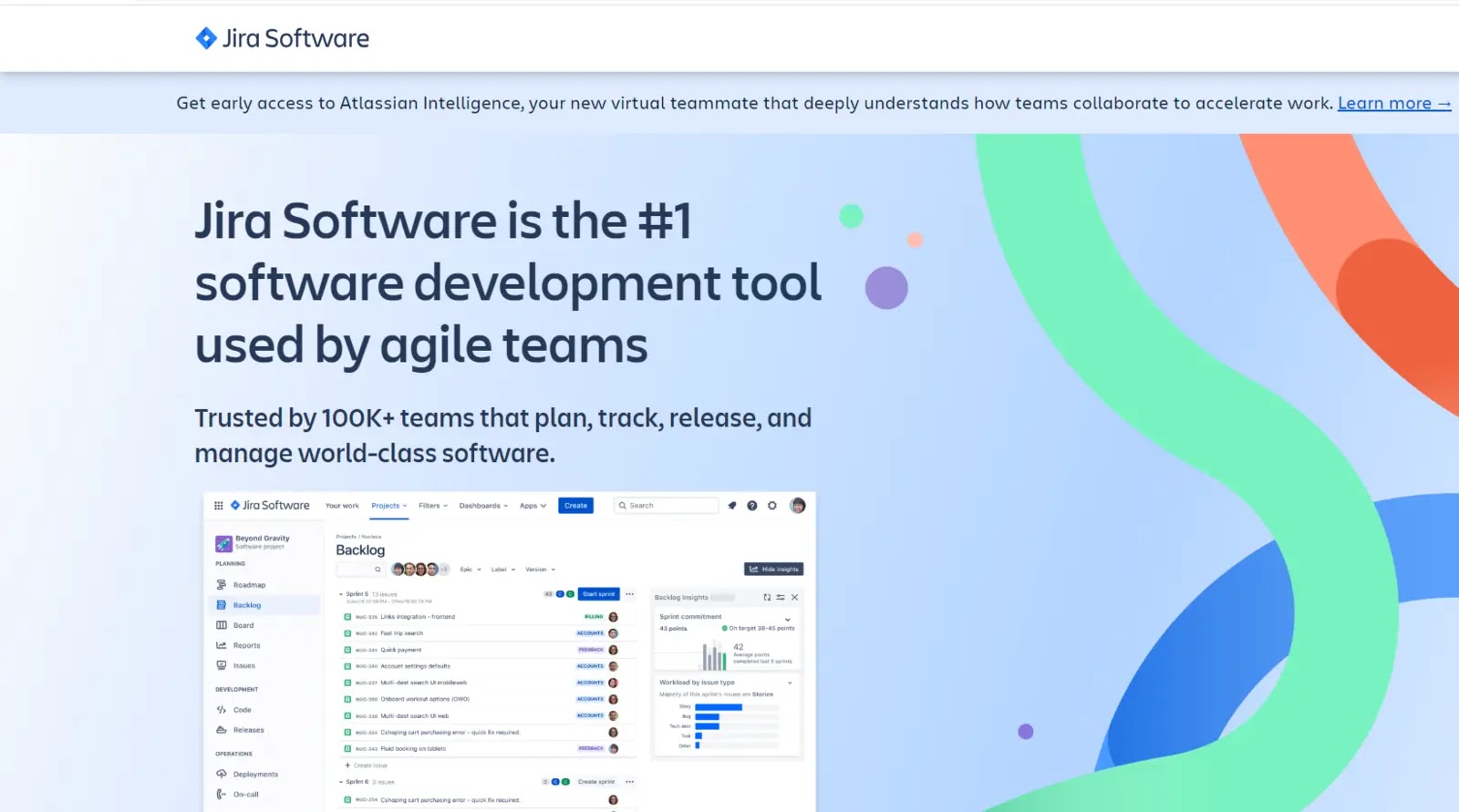
Jira, developed by Atlassian, is a versatile, agile product development tool designed to track projects and flag software bugs. It is pivotal in streamlining project management and facilitating efficient software development processes.
It is a highly efficient tool for establishing priorities, delegating tasks, and responding promptly to inquiries. Jira empowers product managers to issue collaborative workflow tickets that provide clear directives and guidance to project teams.
Its primary function revolves around creating prioritized tasks, assigning responsibilities, and addressing specific inquiries that don’t require the informality of platforms like Slack. It’s an indispensable tool for comprehensive project management and documentation.
Main Features:
- Agile project management with customizable Scrum and Kanban boards supports flexible workflows for software development and cross-functional teams.
- Comprehensive issue and task tracking allows teams to manage, prioritize, and monitor bugs, stories, tasks, and epics throughout the project lifecycle.
- Advanced reporting and real-time dashboards provide actionable insights and visibility into project progress and team performance.
- Extensive integrations and workflow automation connect with over 6,000 apps and streamline processes with no-code automation rules.
| What is Good? | What Could Be Better? |
|---|---|
| Jira is great for software development and project management because it tracks issues and projects well. | New users may struggle to navigate the system, especially those without experience. |
| Teams can customize procedures and processes with extreme customization. | A robust server or infrastructure is needed for Jira. |
| Jira’s functionality is enhanced by its easy integration with several technologies. | |
| Scales to serve small teams and large companies with complicated needs. | |
7. Trello
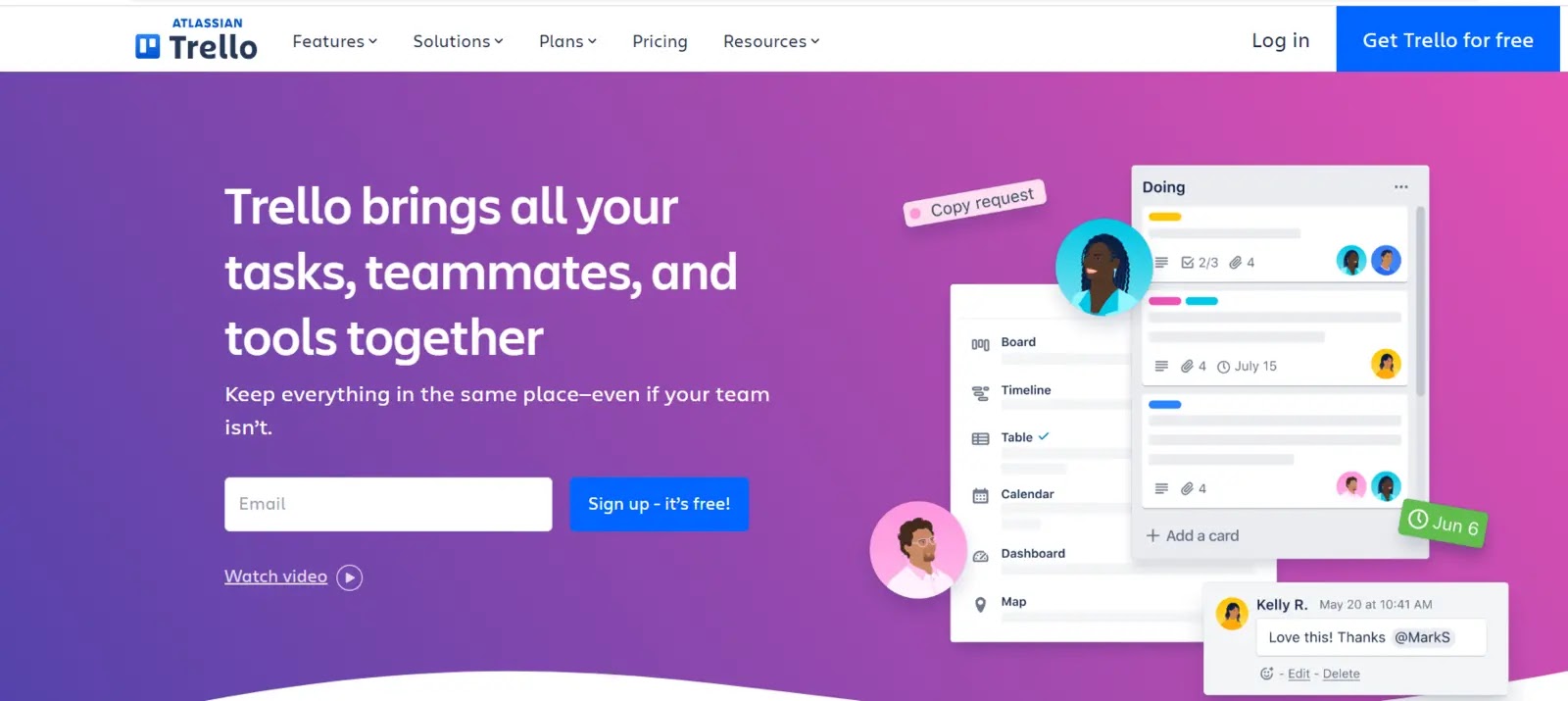
A Kanban-style project management tool called Trello assists in communication and organization for a product management team. Trello simplifies task management through intuitive Kanban boards and checklists, ensuring seamless workflows.
Trello’s standout feature is its automation capabilities powered by the butler bot, streamlining repetitive tasks and processes. Additionally, it offers a user-friendly mobile app compatible with Android and iOS devices, enabling on-the-go productivity.
The platform further enhances productivity with various templates tailored for product management, team management, productivity, and more. It’s a versatile solution designed to keep teams organized and projects on track.
Main Features:
- Simple, intuitive Kanban-style boards organize tasks and workflows visually for easy tracking and management.
- Customizable lists, cards, and labels enable flexible project organization and quick prioritization.
- Seamless collaboration features such as comments, attachments, and shared boards for real-time teamwork.
- Power-Ups and integrations with third-party apps (Slack, Google Drive, etc.) to extend functionality and streamline workflows.
| What is Good? | What Could Be Better? |
|---|---|
| Anyone may start using Trello immediately due to its simple design and usability. | Larger projects with many tasks can overwhelm Trello’s card-based architecture. |
| Visual project and task management with boards, lists, and cards is simple and effective. | Its searching and reporting capabilities may not meet commercial objectives. |
| Trello integrates with third-party apps and services to improve functionality. | |
| It supports teamwork with comments, attachments, and deadlines. | |
8. Product Plan
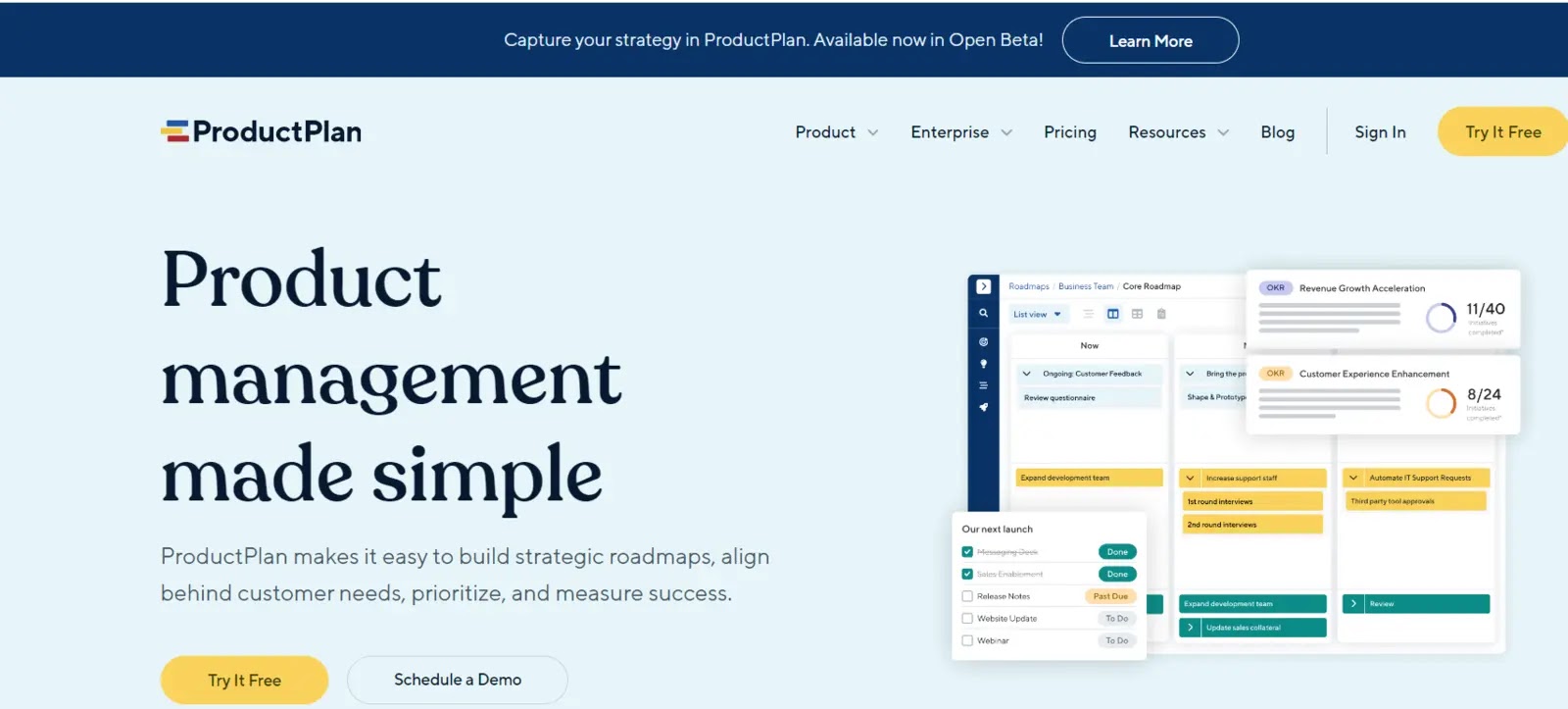
ProductPlan is intuitive and visually appealing product development software that empowers teams to effortlessly create, manage, and communicate product roadmaps.
ProductPlan simplifies the complex process of product management by providing an elegant interface and a wealth of features. Its key strengths are its ability to help you plan, visualize, and communicate your product strategy effectively.
The software offers a drag-and-drop editor for live roadmap collaboration, allowing teams to make real-time adjustments and updates.
Customization options for timeline views, lists, tables, and portfolio layouts ensure your roadmap aligns with individual needs. One notable feature of ProductPlan is its user-friendly approach to sharing data.
Main Features:
- Visual roadmap creation and sharing for clear product strategy communication across teams and stakeholders.
- Drag-and-drop planning tools make it easy to update and adjust timelines and initiatives as priorities change.
- Collaboration features allow real-time feedback and discussion on product plans within the platform.
- Integration capabilities with tools like Jira, Microsoft Teams, and Slack to centralize product planning and workflows.
| What is Good? | What Could Be Better? |
|---|---|
| Enhances team collaboration through centralized project information. | Can have a steep learning curve for new users. |
| Keeps tasks and milestones organized and accessible. | It may be expensive, especially for premium features. |
| Provides real-time updates and notifications to keep everyone informed. | Can be overly complex for small or simple projects. |
| Facilitates easy tracking of task progress and deadlines. | Requires reliable internet access for optimal use. |
9. Confluence
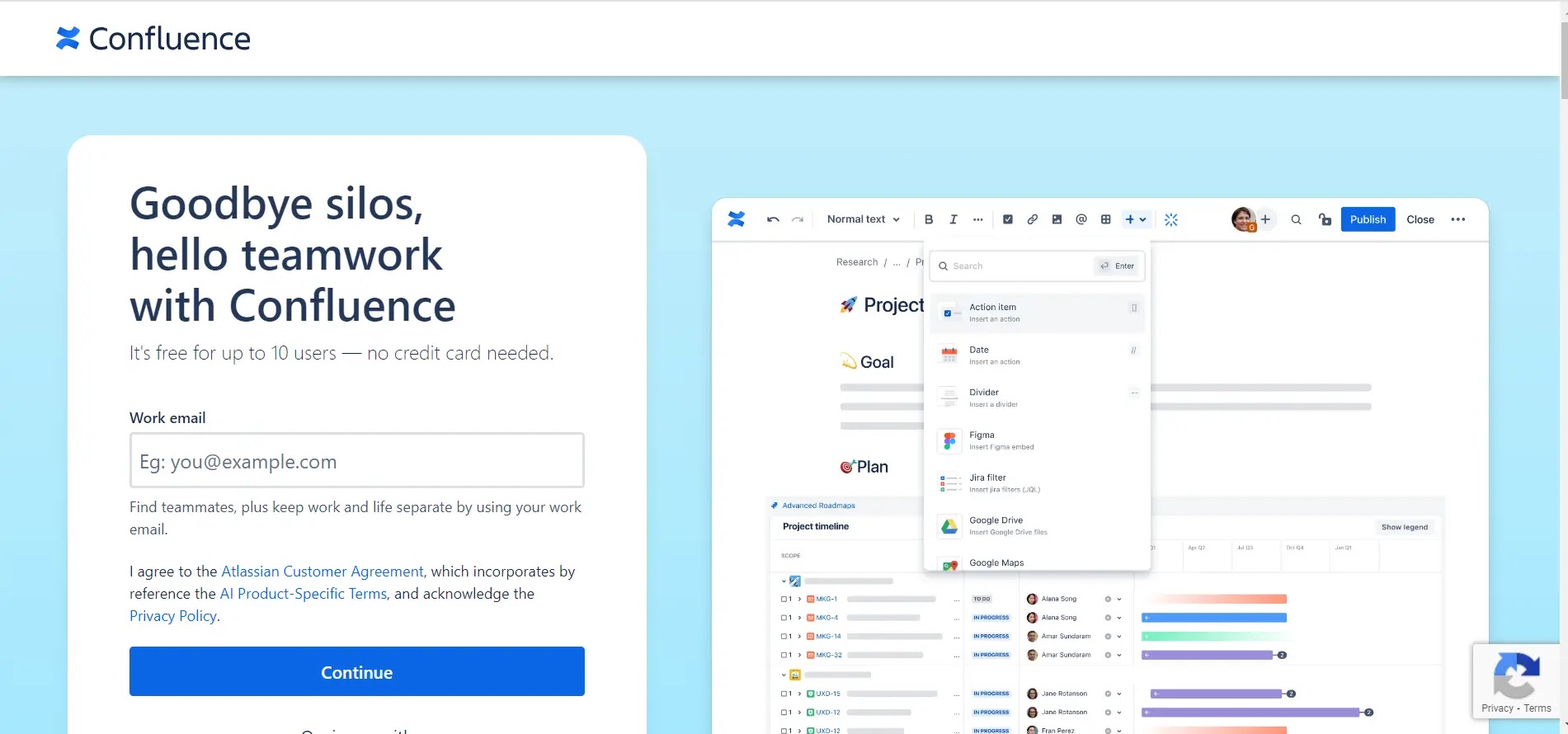
Confluence is collaborative workspace software developed by Atlassian. It is designed to help teams share knowledge, plan projects, and create documents seamlessly.
It enables users to create, organize, and discuss work simultaneously, enhancing productivity and collaboration. Confluence offers a centralized platform for creating and managing content, including project plans, meeting notes, and documentation.
With robust integration capabilities, Confluence can connect with other tools like Jira, enhancing productivity and streamlining workflows.
It also provides robust search and organizational features to ensure easily accessible information. Confluence’s user-friendly interface and extensive customization options suit various business needs and team sizes.
Main Features:
- Real-time collaboration and editing enables teams to work together on documents, pages, and whiteboards for seamless knowledge sharing.
- Centralized content management organizes knowledge into searchable spaces and pages with version history and easy retrieval.
- Extensive integrations and customization connects with Atlassian tools and third-party apps while supporting tailored layouts and workflows.
- Unlimited storage and robust security ensures scalable, secure access to all organizational knowledge with advanced admin controls.
| What is Good? | What Could Be Better? |
|---|---|
| Promotes teamwork with real-time document editing and sharing. | Steep learning curve for new users due to feature complexity. |
| Seamlessly integrates with Jira for enhanced project management. | Can be expensive, especially for small teams or startups. |
| Offers robust content creation with various formatting options. | May experience slow performance with large datasets. |
| Provides pre-built templates for quick setup and consistency. | Some limitations in customization compared to other tools. |
10. ClickUp
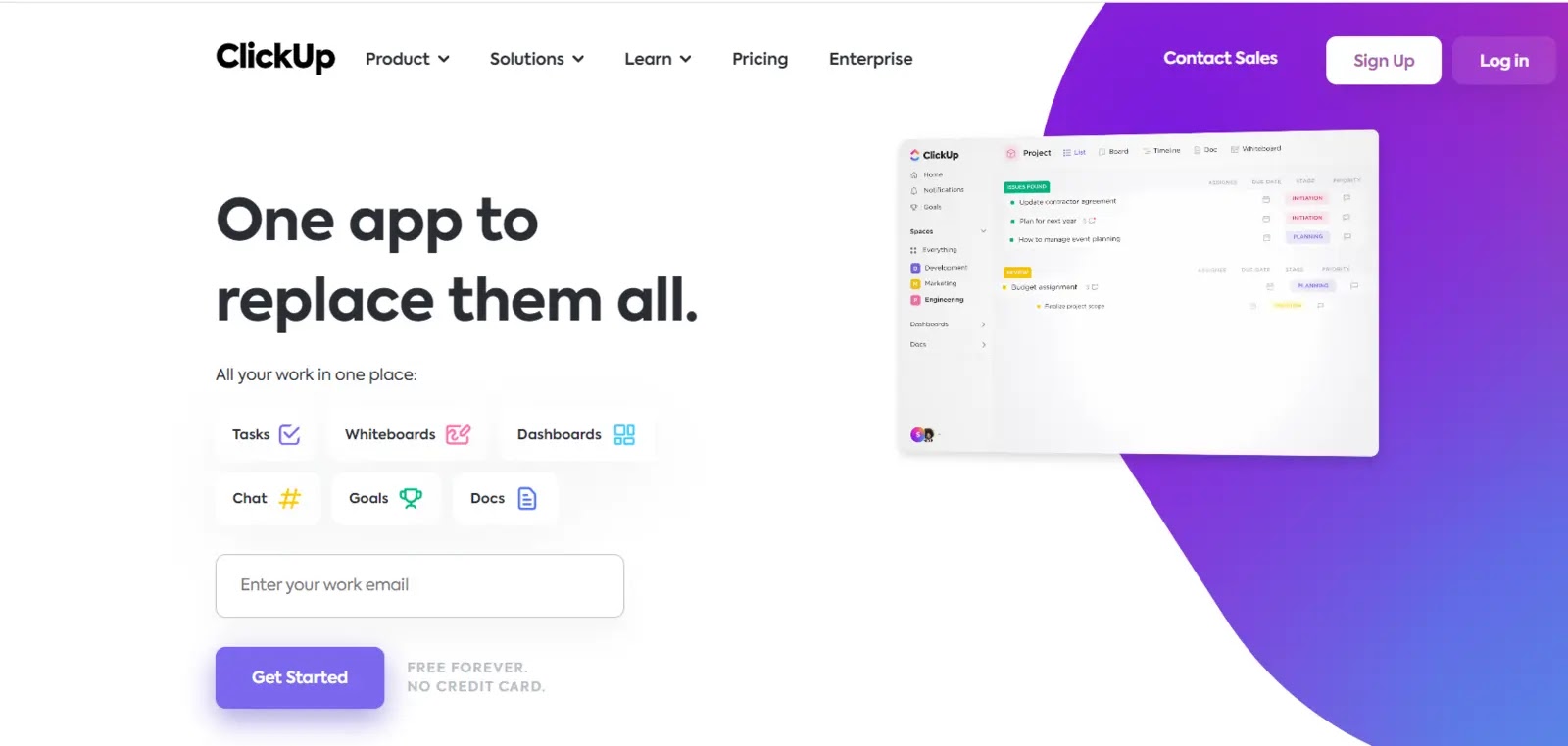
ClickUp is a comprehensive and versatile all-in-one project management and team collaboration tool developed to meet the diverse needs of businesses, regardless of their size or industry.
It offers extensive advanced features that promise to streamline workflows, foster enhanced collaboration, and boost productivity for teams and organizations.
One of ClickUp’s standout aspects is its flexibility and adaptability. Users can tailor virtually every aspect of ClickUp to suit their specific requirements, whether they involve complex workflows, unique preferences, or evolving business needs.
ClickUp’s robust documentation feature, complete with AI assistance, simplifies the creation of various documents, such as product briefs, SOPs, and requirement documents, helping you work faster and more efficiently.
Main Features:
- All-in-one project management platform with customizable tasks, lists, boards, calendars, and timelines for diverse workflows.
- Real-time collaboration and communication tools including comments, chat, and document sharing for seamless teamwork.
- Automation and workflow customization to streamline repetitive tasks and tailor processes to team needs.
- Powerful integrations and reporting with 1,000+ app connections and advanced analytics for data-driven decisions.
| What is Good? | What Could Be Better? |
|---|---|
| ClickUp can handle several project management and collaboration tasks. | It may be too powerful for simple to-do lists and task management. |
| Its vast customization features let users tailor it to their workflows. | It has a mobile app, although certain complex features may not work well. |
| ClickUp connects with several third-party apps to improve functionality and connectivity. | |
| Checklists, due dates, and time tracking make it great for task management. | |
Disclaimer: HackersRadar reports on cybersecurity threats and incidents for informational and awareness purposes only. We do not engage in hacking activities, data exfiltration, or the hosting or distribution of stolen or leaked information. All content is based on publicly available sources.








No Comment! Be the first one.