



Best Malware Sandbox Tools for Security Teams in 2024
Key Takeaways The 2026 cybersecurity landscape is marked by sophisticated threats, including generative AI-powered malware, polymorphic code, and zero-day exploits. Traditional signature-based...

Key Takeaways
- The 2026 cybersecurity landscape is marked by sophisticated threats, including generative AI-powered malware, polymorphic code, and zero-day exploits.
- Traditional signature-based defenses are inadequate against these advanced threats, necessitating dynamic analysis in isolated environments.
- Malware sandbox tools are crucial for observing and understanding unknown threats, preventing damage to production networks.
- Top sandbox solutions offer anti-evasion techniques, MITRE ATT&CK mapping, and seamless integration with existing security platforms.
The cybersecurity threat landscape in 2026 has evolved significantly, presenting unprecedented challenges for defenders. Threat actors are now employing highly advanced tactics, including generative AI to craft sophisticated malware, polymorphic code designed to evade detection, and zero-day exploits to breach defenses.
Table Of Content
- Key Takeaways
- How We Researched and Chose This List
- Key Features That Define a Modern Sandbox
- Malware Sandbox Feature Comparison
- Top 10 Best Malware Sandbox Tools
- 1. Cisco Secure Malware Analytics (Formerly Threat Grid)
- Why We Picked It
- Pros
- Cons
- 2. Palo Alto WildFire
- Why We Picked It
- Pros
- Cons
- 3. FireEye Malware Analysis (AX) (Now Trellix)
- Why We Picked It
- Pros
- Cons
- 4. Zscaler Cloud Sandbox
- Why We Picked It
- Pros
- Cons
- 5. FortiSandbox
- Why We Picked It
- Pros
- Cons
- 6. Broadcom Symantec Content Analysis
- Why We Picked It
- Pros
- Cons
- 7. Check Point SandBlast Network
- Why We Picked It
- Pros
- Cons
- 8. Kaspersky Sandbox
- Why We Picked It
- Pros
- Cons
- 9. Trend Vision One (Sandbox Component)
- Why We Picked It
- Pros
- Cons
- 10. CrowdStrike Falcon Sandbox
- Why We Picked It
- Pros
- Cons
- What You Should Do
For modern Security Operations Centers (SOCs) and incident response teams, relying solely on signature-based detection is no longer effective. These traditional methods struggle against threats that constantly change their signatures or exploit previously unknown vulnerabilities.
To effectively counter and neutralize these novel threats, security professionals must move beyond static analysis. They need to observe the real-time behavior of suspicious files and URLs within a secure, isolated environment.
This critical need is precisely where advanced malware sandbox tools become indispensable. A malware sandbox creates a highly controlled, virtualized space where potentially malicious files, suspicious URLs, and memory artifacts can be safely executed and meticulously analyzed without risking the production network.
By closely monitoring system activities such as API calls, registry modifications, file system changes, and network communications, these specialized tools can uncover the true intent and capabilities of evasive malware. This proactive analysis allows security teams to understand and mitigate threats before they can infiltrate and cause damage to an organization’s critical infrastructure. Integrating a robust sandbox solution into a security architecture is now a fundamental step in defending against contemporary ransomware campaigns and complex supply chain compromises.
How We Researched and Chose This List
Our selection of the leading malware analysis platforms was based on a rigorous, practitioner-focused methodology. We adhered to the principles of Google EEAT (Experience, Expertise, Authoritativeness, and Trustworthiness) to ensure this guide provides a highly reliable resource for enterprise security architects.
Our evaluation process went beyond vendor marketing materials. We simulated real-world SOC workflows, deploying these solutions against a carefully curated dataset of the latest evasive malware strains, including zero-day droppers and fileless memory threats. We assessed each platform on its evasion resistance—how effectively it conceals its virtualized environment from malware—the depth of its memory and kernel-level visibility, and the speed at which it produces actionable threat intelligence. Furthermore, we heavily prioritized API accessibility and integration capabilities with existing SIEM and SOAR platforms, recognizing that automated threat response is crucial for modern cybersecurity teams.
Key Features That Define a Modern Sandbox
Before investing in an enterprise-grade sandbox, security teams must evaluate several critical factors beyond basic file detonation. Contemporary threats actively seek out virtual machine artifacts to delay or alter their execution. Therefore, a top-tier sandbox must offer bare-metal provisioning or advanced anti-evasion countermeasures to ensure accurate analysis.
Additionally, comprehensive mapping to the MITRE ATT&CK framework is essential. This translates raw technical data into understandable adversary tactics and techniques, empowering analysts. Seamless integration into the broader security fabric is another key differentiator, enabling automated zero-day blocking across firewalls, endpoints, and email gateways. This capability separates legacy products from next-generation platforms. Finally, support for diverse operating systems, including customized Windows environments, Linux kernels, and various mobile OS architectures, is critical to cover the expanding attack surface.
Malware Sandbox Feature Comparison
Below is a quick-reference guide evaluating the core deployment and capability features of our top picks.
| Sandbox Platform | Cloud-Native Option | On-Premises Option | MITRE ATT&CK Mapping | API & SOAR Integration |
| Cisco Secure Malware Analytics | Yes | Yes | Yes | Yes |
| Palo Alto WildFire | Yes | Yes | Yes | Yes |
| FireEye Malware Analysis (AX) | Yes | Yes | Yes | Yes |
| Zscaler Cloud Sandbox | Yes | No | Yes | Yes |
| FortiSandbox | Yes | Yes | Yes | Yes |
| Broadcom Symantec Content Analysis | Yes | Yes | Yes | Yes |
| Check Point SandBlast Network | Yes | Yes | Yes | Yes |
| Kaspersky Sandbox | Yes | Yes | Yes | Yes |
| Trend Vision One | Yes | Yes | Yes | Yes |
| Crowdstrike | Yes | Yes | Yes | Yes |
Top 10 Best Malware Sandbox Tools
1. Cisco Secure Malware Analytics (Formerly Threat Grid)
Cisco Secure Malware Analytics provides unparalleled context-rich threat analysis, merging deep file detonation capabilities with extensive global threat intelligence. Leveraging the vast telemetry of Cisco Talos, it offers more than just behavioral insights into a file; it reveals its global prevalence and history.
Tailored for enterprise environments, the platform delivers highly detailed behavioral indicators and threat scores, enabling analysts to quickly prioritize incidents. Its capacity to extract comprehensive forensic data, including PCAP files and memory dumps, makes it an invaluable asset for in-depth incident response.
- Specifications: Available as a cloud-based SaaS, an on-premises appliance, and fully integrated into the Cisco SecureX platform architecture.
- Features: Proprietary Glovebox technology for safe interaction with malware, dynamic analysis of over 100 behavioral indicators, native integration with Cisco endpoints and firewalls.
- Reason to Buy: Offers best-in-class threat intelligence context from Talos, making it ideal for organizations deeply integrated into the Cisco security ecosystem.
Why We Picked It
We selected Cisco Secure Malware Analytics for its seamless integration with the broader Cisco security ecosystem, which provides unmatched automated remediation capabilities. By leveraging Talos intelligence, it transforms isolated sandbox detonations into globally contextualized threat intelligence within seconds.
Furthermore, its interactive Glovebox feature allows analysts to safely engage with evasive threats that require human interaction to execute. This ensures that even the most complex, delayed-execution malware is accurately profiled and neutralized.
Pros:
- Unparalleled global threat intelligence correlation.
- Excellent API for workflow automation.
- Highly interactive analyst environment.
Cons:
- The interface can be overwhelming for junior analysts.
- Maximum value is only realized when using other Cisco security products.
Try Cisco Secure Malware Analytics: Explore the Cisco Secure Malware Analytics Environment2. Palo Alto WildFire
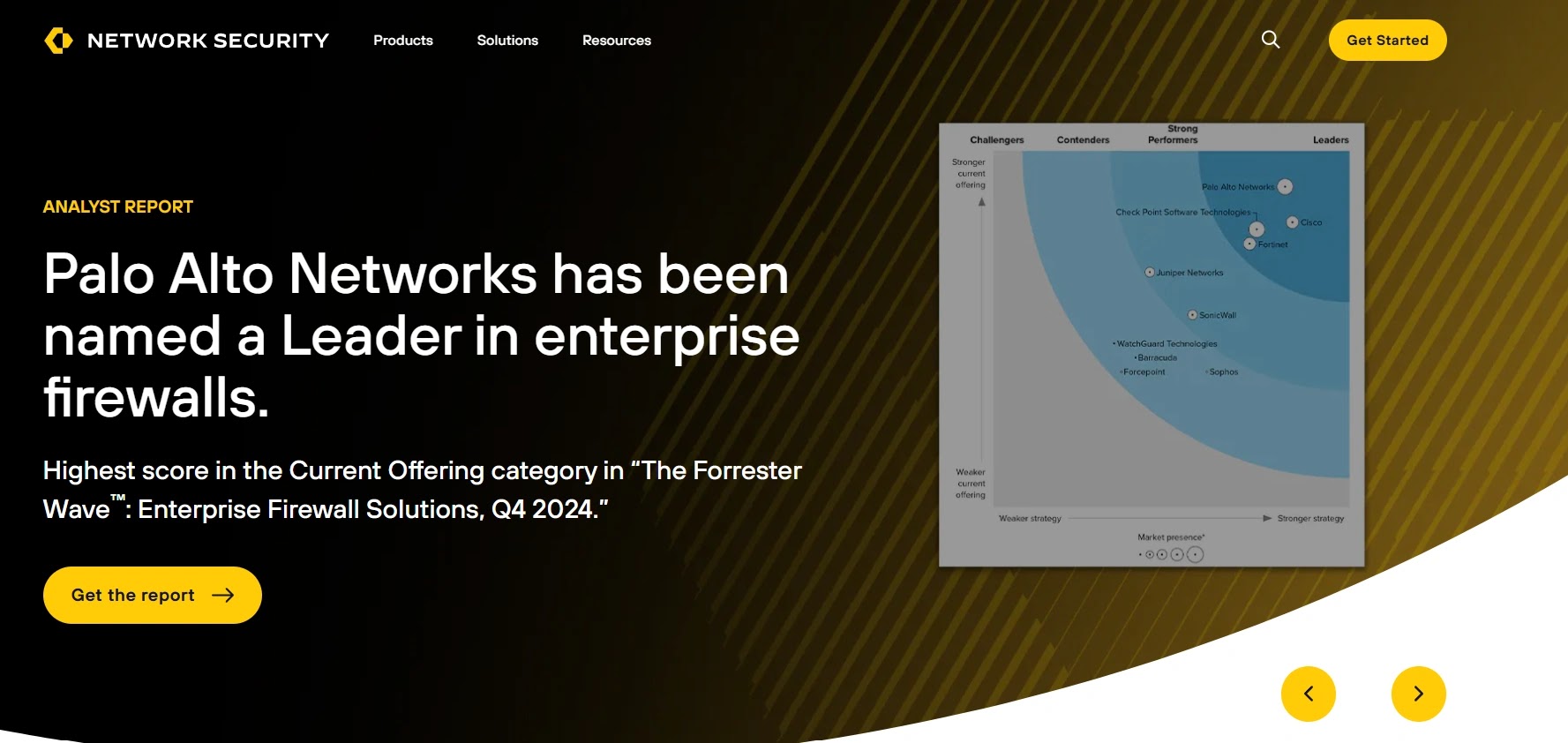
Palo Alto WildFire is a cloud-based, machine-learning-driven threat analysis engine that underpins advanced threat prevention across the Palo Alto Networks ecosystem. It excels at identifying zero-day exploits and highly evasive malware at scale.
By combining dynamic analysis, static analysis, machine learning, and bare-metal execution, WildFire ensures that malware has minimal opportunities to hide. It automatically generates and distributes preventative signatures to all connected firewalls globally within seconds of a new threat discovery.
- Specifications: Primarily cloud-delivered with optional localized appliances for strict data privacy requirements, supporting custom image deployments.
- Features: Custom hypervisor designed specifically to evade malware detection, bare-metal analysis for advanced evasion techniques, automated prevention signature generation.
- Reason to Buy: Offers the fastest time-to-prevention in the industry for organizations utilizing Palo Alto Next-Generation Firewalls, blocking zero-days almost instantly.
Why We Picked It
We selected Palo Alto WildFire for its unwavering commitment to exposing evasive malware through its custom, anti-analysis hypervisor. It consistently detects advanced threats that easily bypass commercially available virtualization environments.
Moreover, its automated signature generation creates an immediate, global immunity effect across an enterprise’s entire network infrastructure. This rapid dissemination of threat intelligence significantly reduces the window of opportunity for attackers.
Pros:
- Extremely resilient to sandbox-evasion techniques.
- Near-instantaneous global signature updates.
- Massive scale and high processing throughput.
Cons:
- Heavy dependency on the Palo Alto ecosystem for enforcement.
- Reporting can sometimes lack deep, interactive reverse-engineering tools.
Try Palo Alto WildFire: Explore the Palo Alto WildFire Platform3. FireEye Malware Analysis (AX) (Now Trellix)
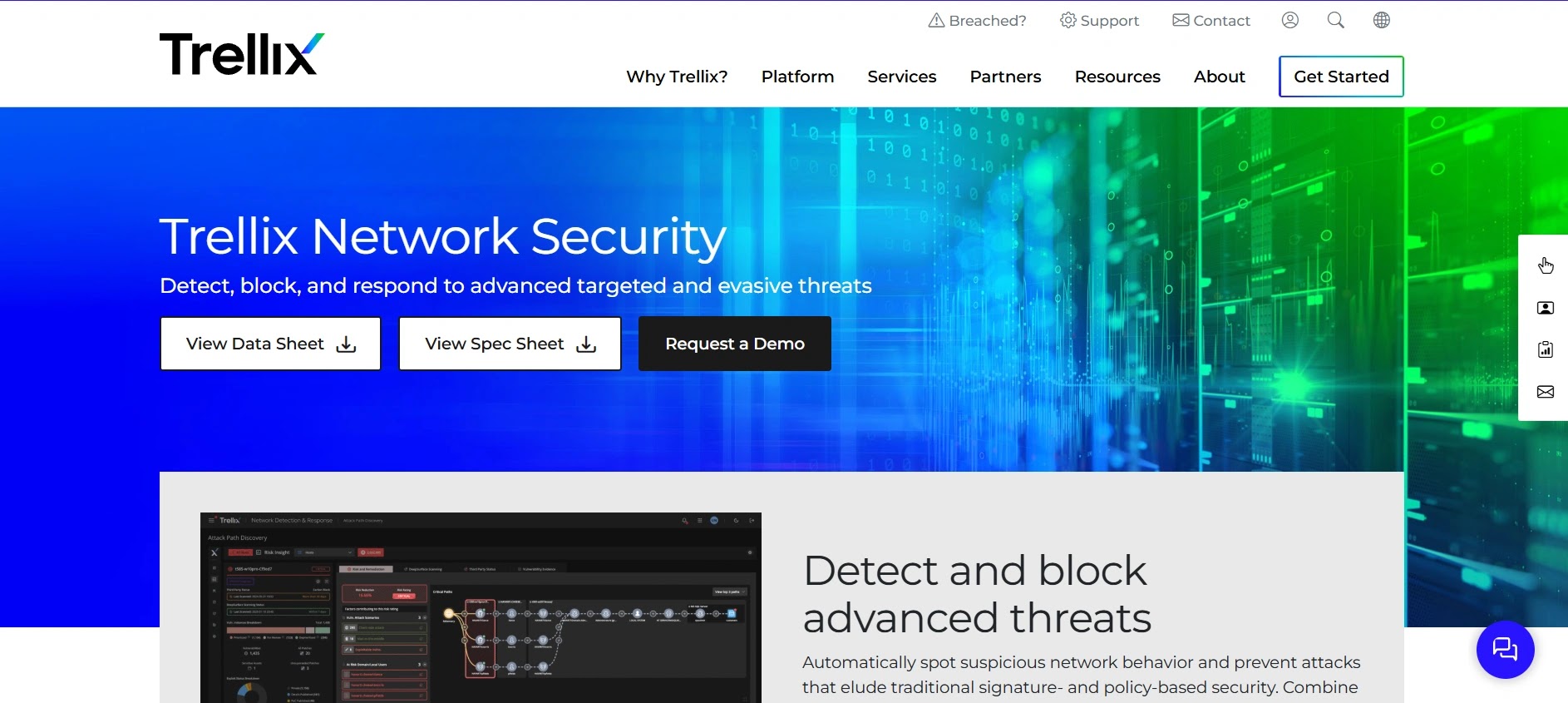
FireEye’s Malware Analysis, now integrated into the Trellix portfolio, is a long-standing leader that continues to set the benchmark for deep, forensic-level threat detonation. Built around its proprietary Multi-Vector Virtual Execution (MVX) engine, it is widely recognized for its ability to capture sophisticated, multi-stage attacks.
The platform captures a complete forensic footprint of the malware lifecycle, from initial exploitation to command-and-control callbacks. This makes it a preferred choice among senior reverse engineers and digital forensics and incident response (DFIR) professionals who require maximum visibility into threat behavior.
- Specifications: Available as a dedicated hardware appliance, virtual appliance, and cloud-hosted solution.
- Features: MVX engine for signature-less detection, comprehensive multi-vector analysis, highly detailed forensic artifact extraction (PCAP, memory strings).
- Reason to Buy: Provides the deepest, most granular level of forensic data available, making it a top choice for highly targeted organizations and government entities.
Why We Picked It
We chose FireEye (Trellix) AX because its MVX engine remains one of the most deterministic and reliable methods for capturing multi-stage, zero-day payloads. Its ability to trace complex execution chains is invaluable for advanced threat hunting.
Furthermore, it provides incident responders with precisely the granular evidence needed—such as precise memory allocations and encrypted traffic captures. This significantly accelerates the containment phase during critical data breach incidents.
Pros:
- Exceptional forensic depth and artifact extraction.
- Highly trusted by top-tier incident response teams.
- Superb at detecting multi-stage callbacks.
Cons:
- Hardware appliances can be highly expensive.
- Administrative overhead requires specialized training.
Try FireEye Malware Analysis: Explore the Trellix/FireEye Analysis Suite4. Zscaler Cloud Sandbox
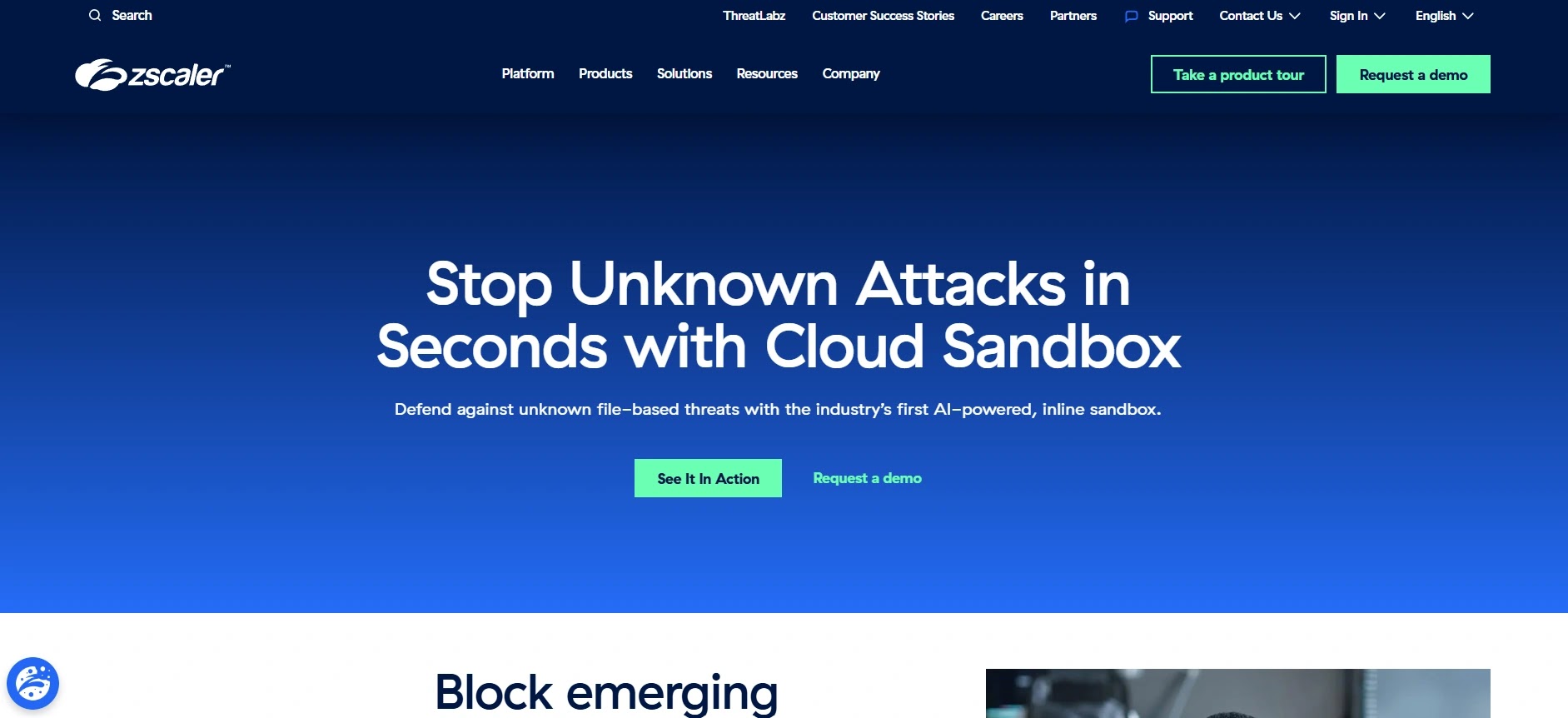
Zscaler Cloud Sandbox redefines threat detonation by integrating it directly into the cloud security edge (SSE). Instead of routing traffic to a separate appliance, Zscaler detaches and analyzes files inline, proactively preventing “patient-zero” infections.
Powered by AI and machine learning, it inspects suspicious content in real-time without introducing significant latency to the user experience. Because it operates inline at the proxy level, it delivers comprehensive protection for remote users, regardless of their physical location.
- Specifications: 100% cloud-native architecture, integrated into the Zscaler Zero Trust Exchange platform.
- Features: Inline quarantine and blocking, AI-driven pre-filtering, global threat correlation across the Zscaler cloud, SSL/TLS decryption and inspection at scale.
- Reason to Buy: Ideal for organizations adopting a Zero Trust architecture that require inline zero-day protection for a distributed, remote workforce.
Why We Picked It
We selected Zscaler Cloud Sandbox because its inline quarantine capability fundamentally resolves the “patient zero” problem often associated with out-of-band sandboxes. It stops threats in the cloud before they ever reach a user’s endpoint.
Additionally, its cloud-native architecture eliminates the need for any on-premises hardware, drastically simplifying deployment and maintenance for IT teams. This makes it a highly scalable and cost-effective solution for modern, borderless enterprise networks.
Pros:
- True inline blocking prevents patient-zero infections.
- Zero hardware footprint to manage.
- Excellent performance even with SSL inspection enabled.
Cons:
- Lacks an on-premises option for air-gapped networks.
- Not designed for manual, deep-dive reverse engineering workflows.
Try Zscaler Cloud Sandbox: Explore the Zscaler Cloud Sandbox Solutions5. FortiSandbox
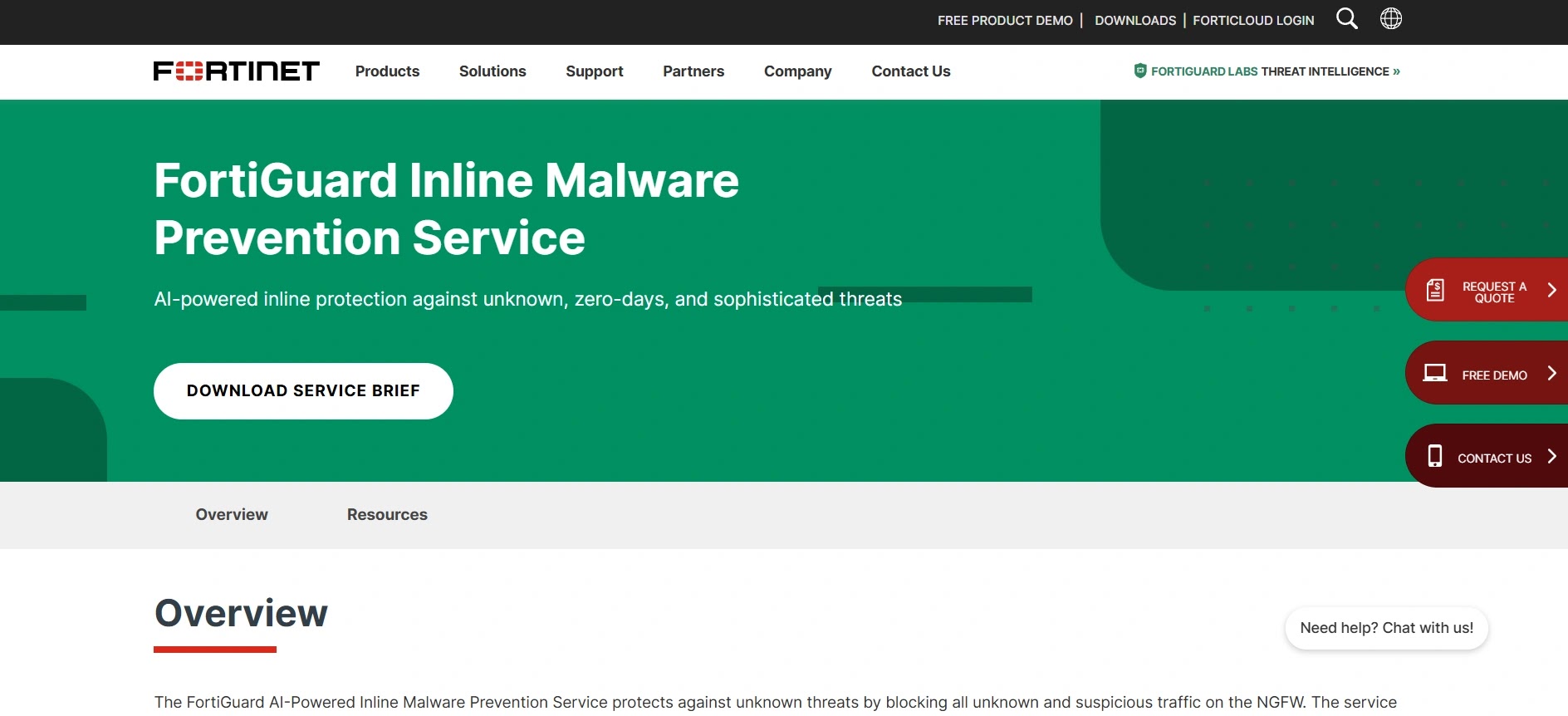
FortiSandbox serves as the threat analysis core of the Fortinet Security Fabric, providing a highly flexible and powerful environment for dynamic analysis. It employs a dual-level AI approach to efficiently filter known threats before allocating intensive sandbox resources to unknown files.
It is particularly recognized for its extensive integration capabilities, not only within the Fortinet ecosystem but also with third-party security vendors via robust APIs. This makes it a highly adaptable engine for diverse and complex network environments.
- Specifications: Available as a physical appliance, virtual machine, cloud service, and hosted service.
- Features: AI-powered static and dynamic analysis, broad OS support (Windows, macOS, Linux, Android), deep integration with FortiGate and FortiMail.
- Reason to Buy: Highly cost-effective and flexible deployment options with seamless enforcement across network, email, and endpoint vectors.
Why We Picked It
We selected FortiSandbox for its remarkable deployment flexibility and comprehensive coverage across various operating systems, including mobile. Its native integration with Fortinet’s fabric allows for seamless, automated mitigation across all attack vectors.
Furthermore, its two-step AI filtering significantly improves analysis throughput by quickly eliminating benign files and known threats. This ensures that resource-intensive dynamic analysis is reserved purely for sophisticated, novel malware strains.
Pros:
- Excellent integration within the Fortinet ecosystem.
- Supports a wide variety of operating systems and file types.
- Flexible deployment options to suit any compliance need.
Cons:
- UI can feel slightly dated compared to newer cloud-native competitors.
- Configuration can be complex in heavily segmented networks.
Try FortiSandbox: Explore the Fortinet FortiSandbox Options6. Broadcom Symantec Content Analysis
Symantec Content Analysis functions as an advanced orchestration layer, leveraging multiple security engines—including its own robust sandbox—to deeply inspect web and email traffic. It serves as an intelligent bridge between secure web gateways and endpoint protection.
By layering various analysis techniques (antivirus, dual-sandbox execution, and machine learning), it significantly reduces false positives. It is engineered to manage the immense throughput requirements of Fortune 500 enterprise networks without creating performance bottlenecks.
- Specifications: Available as hardware appliances, virtual appliances, and cloud-integrated services via Symantec Web Security Service.
- Features: Multi-engine scanning, customizable sandbox profiles, advanced threat scoring, integration with third-party sandboxes alongside its own.
- Reason to Buy: Offers a highly customizable and robust multi-layered inspection pipeline, ideal for enterprises requiring strict web traffic governance.
Why We Picked It
We selected Symantec Content Analysis for its unique capability to distribute files to multiple different sandboxing engines simultaneously. This multi-layered approach virtually eliminates the chance of sophisticated malware slipping through undetected.
Additionally, its ability to handle massive volumes of web traffic without degrading network performance is crucial for large-scale operations. It provides a highly reliable, enterprise-grade safety net for all inbound content.
Pros:
- Multi-layered scanning reduces false positives.
- High-throughput capability for enterprise web gateways.
- Deep customization for specific threat profiles.
Cons:
- Deployment and policy configuration are highly complex.
- The Broadcom acquisition has caused shifts in support structures.
Try Broadcom Symantec Content Analysis: Explore the Symantec Advanced Threat Protection Suite7. Check Point SandBlast Network
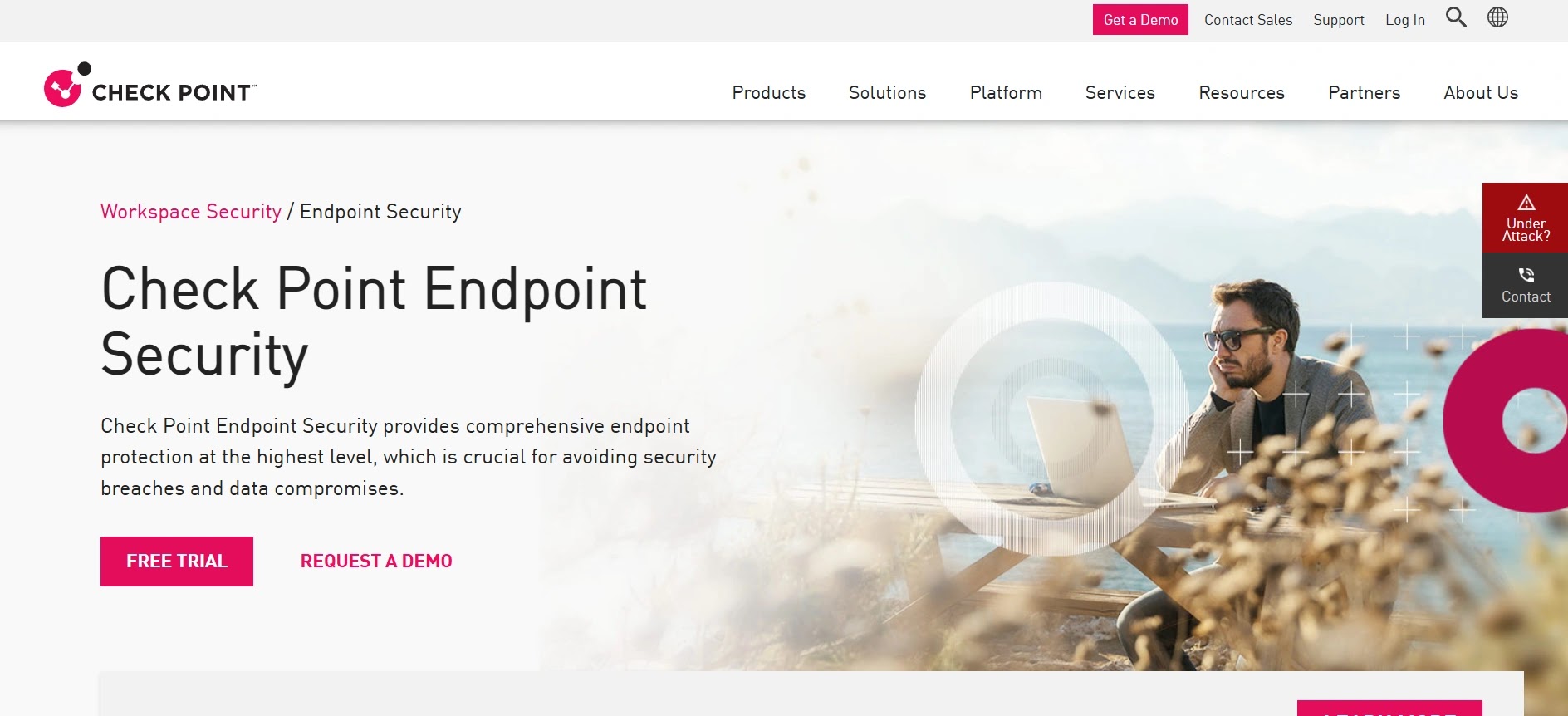
Check Point SandBlast (now part of Harmony and Quantum) employs a unique OS-level evasion-resistant technology called CPU-Level Threat Emulation. By monitoring the CPU instruction flow, it identifies exploitation attempts even before malware can begin executing its payload.
Combined with its Threat Extraction technology, which cleans documents of active content (like macros) and delivers a safe PDF to the user in real-time, SandBlast offers a highly proactive approach to preventing phishing attacks and malicious downloads.
- Specifications: Cloud-hosted, dedicated appliances, and integrated into Check Point Quantum Security Gateways.
- Features: CPU-level threat emulation, real-time threat extraction (CDR), comprehensive reporting mapped to MITRE ATT&CK.
- Reason to Buy: The combination of CPU-level analysis and instant document sanitization (CDR) provides outstanding protection against weaponized office documents.
Why We Picked It
We chose Check Point SandBlast because its CPU-level emulation catches exploits at the precise moment they attempt to bypass OS memory protections. This makes it incredibly challenging for threat actors to design malware that can evade detection.
Furthermore, its Threat Extraction feature ensures business continuity by delivering safe, sanitized files to users instantly while the original is analyzed. This eliminates the frustrating delays typically associated with traditional sandbox quarantine holds.
Pros:
- Highly effective CPU-level exploit detection.
- Threat Extraction (CDR) provides instant, safe file delivery.
- Excellent visual reporting for security analysts.
Cons:
- Requires integration with Check Point gateways for maximum ROI.
- On-premises management interfaces can be resource-intensive.
Try Check Point SandBlast Network: Explore the Check Point Harmony Platform8. Kaspersky Sandbox
Kaspersky Sandbox is designed to enhance endpoint security by automatically escalating suspicious files from the endpoint to a centralized, on-premises detonation environment. It is particularly valuable for organizations that may not have dedicated reverse engineering teams.
The platform utilizes a heavily customized Windows environment that simulates normal user activity to trick malware into executing. It seamlessly generates blocking policies and automatically distributes them back to Kaspersky Endpoint Security clients.
- Specifications: Purely on-premises or private cloud virtual appliance designed to work alongside Kaspersky Endpoint Security.
- Features: Automated threat response, advanced anti-evasion technologies, human-activity simulation, rapid IOC distribution.
- Reason to Buy: Highly automated and optimized for organizations that need powerful sandboxing without the overhead of hiring dedicated malware analysts.
Why We Picked It
We selected Kaspersky Sandbox for its exceptional “set-it-and-forget-it” automation capabilities when paired with their endpoint protection. It significantly reduces the workload on SOC analysts by automating the entire analysis and remediation loop.
Additionally, its sophisticated human simulation scripts effectively coax highly evasive, environmentally aware malware into revealing its true behavior. This ensures that dormant threats are accurately categorized and blocked across the network.
Pros:
- Excellent automation for understaffed SOCs.
- Strong simulated user interactions defeat evasive malware.
- Tight, native integration with Kaspersky endpoints.
Cons:
- Geopolitical concerns may restrict usage in certain regions.
- Lacks the deep, manual interactive capabilities of competitors.
Try Kaspersky Sandbox: Explore the Kaspersky Sandbox Enterprise Solutions9. Trend Vision One (Sandbox Component)

The sandbox functionality within Trend Vision One (formerly Deep Discovery) is a fundamental component of Trend Micro’s broader XDR strategy. It excels in custom sandbox image creation, allowing organizations to precisely match their standard desktop builds for highly accurate detonation.
It provides deep visibility into lateral movement and command-and-control communications, feeding this telemetry directly into the Vision One platform for cross-layered threat hunting and rapid incident response.
- Specifications: Available as a standalone appliance, virtual machine, and fully integrated SaaS component of Trend Vision One.
- Features: Custom sandbox image deployment, extensive multi-protocol monitoring, deep XDR integration, strong detection of targeted APTs.
- Reason to Buy: Best for organizations that require custom OS images to detect highly targeted attacks specifically designed to exploit their unique environment.
Why We Picked It
We selected Trend Vision One because its capability to utilize highly customized, golden-image OS builds prevents attackers from detecting generic sandbox environments. This makes it exceptionally effective at identifying Advanced Persistent Threats (APTs) targeting specific corporate configurations.
Furthermore, its native integration into the Vision One XDR platform means that a sandbox detonation instantly correlates with endpoint, email, and cloud telemetry. This provides security teams with a unified, comprehensive view of the entire attack lifecycle.
Pros:
- Superb custom OS image deployment capabilities.
- Feeds high-fidelity data directly into XDR workflows.
- Strong track record against targeted ransomware.
Cons:
- Managing custom images requires significant administrative upkeep.
- Reporting can be dense for junior tier-1 analysts.
Try Trend Vision One: Explore the Trend Vision One Platform10. CrowdStrike Falcon Sandbox
CrowdStrike Falcon Sandbox is a leading automated malware analysis platform that conducts deep, comprehensive investigations of evasive and unknown threats.
It specializes in extracting actionable Indicators of Compromise (IOCs) and detailed threat intelligence by analyzing files and URLs within a secure, highly controlled environment engineered to thwart advanced anti-sandbox evasion techniques.
The platform provides profound visibility into the execution lifecycle of malicious payloads, feeding this telemetry directly into the broader CrowdStrike Falcon platform. This enriches Endpoint Detection and Response (EDR) workflows and accelerates incident response efforts.
- Specifications: Available as a standalone on-premises appliance, virtual machine, and fully integrated cloud-hosted SaaS solution.
- Features: Advanced anti-evasion technology, comprehensive MITRE ATT&CK® mapping, automated IOC extraction, global threat intelligence integration, and extensive REST API support.
- Reason to Buy: Best for mature security operations centers (SOCs) that require deep forensic analysis and seamless integration with existing EDR and threat intelligence workflows.
Why We Picked It
We selected CrowdStrike Falcon Sandbox for its industry-leading anti-evasion capabilities. Modern malware is increasingly adept at detecting virtual environments, but Falcon Sandbox employs advanced kernel-level monitoring to ensure that even the most sophisticated threats detonate and reveal their true behavior.
This makes it exceptionally effective at unpacking zero-day threats and complex targeted attacks that might bypass traditional network defenses or less stealthy sandbox tools.
Furthermore, its tight integration with CrowdStrike’s global threat intelligence network ensures that every analysis benefits from massive crowdsourced data. This provides security teams with immediate context, attributing attacks to known threat actors and streamlining the remediation process.
Pros:
- Industry-leading anti-evasion and kernel-level analysis capabilities.
- Seamless integration with the broader CrowdStrike EDR ecosystem.
- Generates highly detailed, actionable threat intelligence and IOC reports.
Cons:
- Can be a premium investment for smaller organizations with limited security budgets.
- The sheer volume of forensic data can be overwhelming for less experienced analysts.
Try CrowdStrike Falcon Sandbox: Explore the CrowdStrike Falcon Sandbox PlatformWhat You Should Do
- Integrate with Existing Security Tools: Ensure your chosen sandbox integrates seamlessly with your SIEM, SOAR, EDR, and firewall solutions for automated threat response and enriched context.
- Prioritize Anti-Evasion Capabilities: Select a sandbox that employs advanced techniques like bare-metal analysis or custom hypervisors to defeat sophisticated malware designed to detect virtual environments.
- Leverage Threat Intelligence: Opt for solutions that provide strong global threat intelligence correlation to gain immediate context on new threats and accelerate incident prioritization.
- Consider Deployment Flexibility: Evaluate whether cloud-native, on-premises, or hybrid deployment options best suit your organization’s compliance requirements, infrastructure, and budget.
- Train Your Analysts: While sandboxes automate much of the analysis, ensure your security team is trained to interpret the detailed reports and leverage advanced features for deep-dive investigations.
Disclaimer: HackersRadar reports on cybersecurity threats and incidents for informational and awareness purposes only. We do not engage in hacking activities, data exfiltration, or the hosting or distribution of stolen or leaked information. All content is based on publicly available sources.









No Comment! Be the first one.