



10 Best IT Asset Management Tools In 2026
IT asset management (ITAM) software is now indispensable for businesses. It allows them to efficiently track, manage, and optimize their hardware, software, and cloud resources. As 2026 approaches,...

IT asset management (ITAM) software is now indispensable for businesses. It allows them to efficiently track, manage, and optimize their hardware, software, and cloud resources.
Table Of Content
As 2026 approaches, ITAM tools are evolving rapidly with cutting-edge features that cut costs, bolster security, ensure compliance, and streamline operations.
Modern platforms from cloud-native solutions to AI-driven analytics deliver real-time visibility into asset lifecycles, automate repetitive tasks, and provide actionable insights for smarter decisions.
They integrate effortlessly with IT service management and endpoint security systems, forming a unified ecosystem.
For small businesses or large enterprises alike, selecting the right ITAM tool can transform IT efficiency and drive superior business performance.
Here Are Our Picks For The 10 Best IT Asset Management Tools
- SolarWinds: Comprehensive asset tracking and network performance monitoring.
- Asset Panda: Flexible asset management with mobile accessibility and customization.
- Atera: Integrated IT management with remote monitoring and automation.
- EZOfficeInventory: Streamlined asset tracking with barcode and QR code scanning.
- Snipe-IT: Open-source IT asset management with a user-friendly interface.
- Auvik: Cloud-based network monitoring with detailed asset visibility.
- Freshservice: ITIL-aligned service desk with robust asset management capabilities.
- ServiceNow: Enterprise-grade IT service management with comprehensive asset tracking.
- AssetExplorer: IT asset management with lifecycle tracking and compliance features.
- GoCodes: Asset tracking with GPS and QR code technology for easy management.
| 10 IT Asset Management Tools | Features | Stand alone feature | Pricing | Free Trial / Demo |
|---|---|---|---|---|
| 1. SolarWinds | Comprehensive asset tracking Integrated IT monitoring Automated discovery and mapping Detailed hardware/software inventory Customizable reporting features |
Comprehensive network and asset management. | Contact for pricing. | Yes |
| 2. Asset Panda | Cloud-based asset management Barcode scanning capabilities Customizable asset tracking Mobile access and updates Detailed audit trails |
Customizable asset tracking platform. | Starting at $1,500/year. | Yes |
| 3. Atera | Remote monitoring and management Automated patch management Network discovery and mapping Real-time alerts and notifications Centralized asset tracking |
Remote monitoring and management. | Starting at $79/month. | Yes |
| 4. EZOfficeInventory | Intuitive asset tracking Barcode/RFID integration Maintenance management Mobile asset management Comprehensive reporting tools |
Easy-to-use inventory management. | Starting at $35/month. | Yes |
| 5. GoCodes | Barcode/RFID asset tracking Cloud-based management Mobile app integration GPS asset location tracking Customizable reporting tools |
QR code asset tracking. | Starting at $500/year. | Yes |
| 6. AssetExplorer | Comprehensive asset tracking Automated asset discovery Software license management IT compliance management Customizable reports |
IT asset lifecycle management. | Starting at $1,195/year. | Yes |
| 7. ServiceNow | Robust ITAM capabilities Integrated ITSM/ITOM Automated workflows CMDB integration Customizable dashboards |
Scalable IT asset management. | Contact for pricing. | Yes |
| 8. Freshservice | Integrated ITSM solution Automated asset discovery Incident and problem management CMDB and change management Comprehensive reporting features |
Integrated IT service management. | Starting at $19/agent/month. | Yes |
| 9. Auvik | Network-focused asset management Automated network discovery Real-time network monitoring Detailed network mapping Alerting and troubleshooting tools |
Network monitoring and visualization. | Contact for pricing. | Yes |
| 10. Snipe-IT | Open-source asset management User-friendly interface Customizable asset fields Detailed reporting capabilities Role-based access control |
Open-source asset management. | Free and open-source. | No |
1. SolarWinds
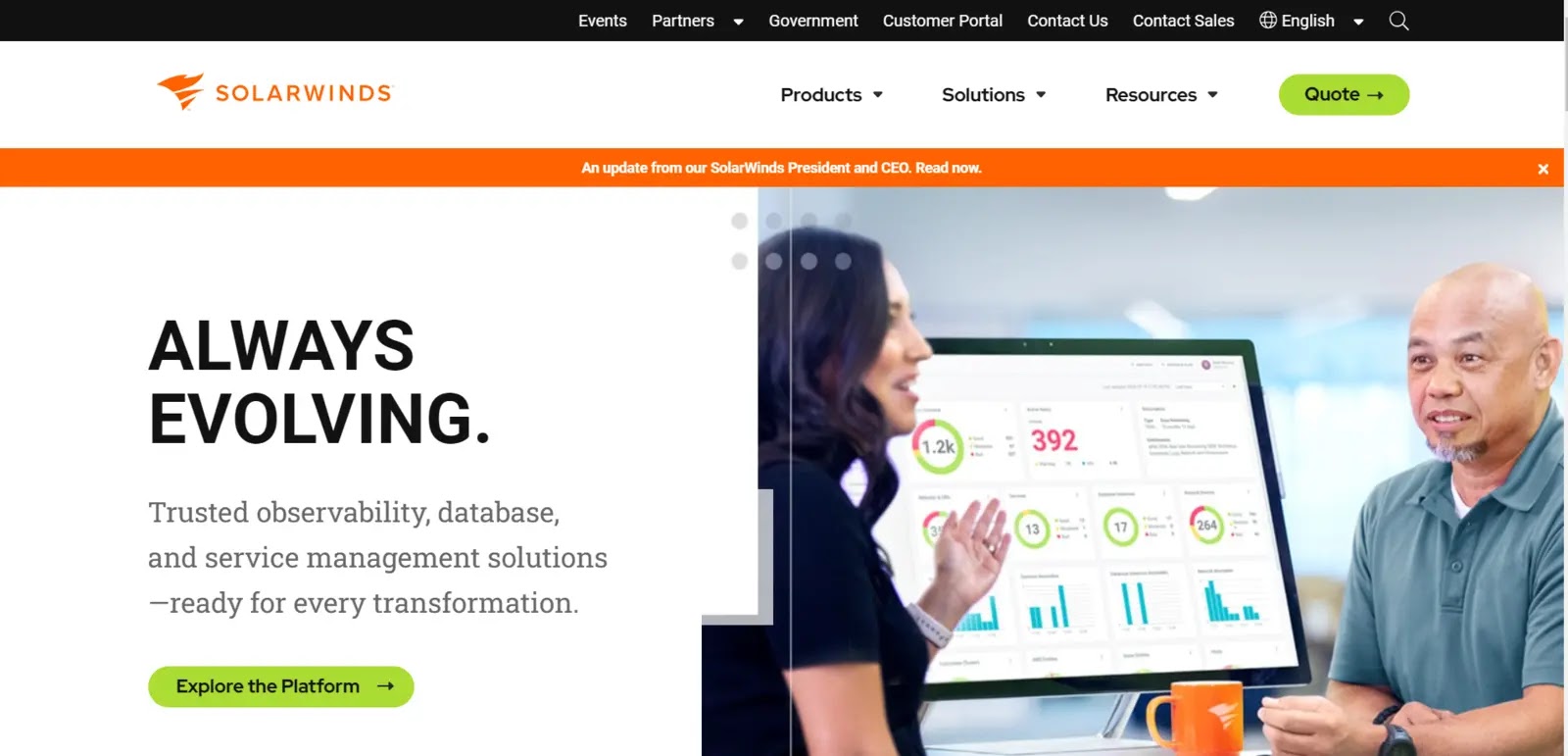
SolarWinds Network Performance Monitor (NPM) was created to provide thorough network fault monitoring and performance management that scales and grows with your network monitoring needs. It offers a reliable and expandable architecture that covers data gathering, processing, storing, and presenting.
The SolarWinds IT Asset Management Tool Platform simplifies IT administration by providing a single access point for on-premises, hybrid, and software-as-a-service (SaaS) environments.
With the help of SolarWinds Network Performance Monitoring software, performance issues can be easily found, diagnosed, and fixed before they cause outages.You can quickly deploy and maintain your evolving network using dynamic network topology maps and automated network discovery.
With the help of SolarWinds’ affordable, user-friendly network monitoring software, you can minimize network outages and quickly identify, diagnose, and fix network performance problems.
| What is Good? | What Could Be Better? |
|---|---|
| Easy monitoring of a wide range of servers and applications | The Topology Mapper is excluded from the Network Monitoring Platform. |
| All access rights in your IT infrastructure should be managed and audited. | Tuning and maintenance are very important for database engines. |
| Provide a cloud-based remote support solution that includes the tools IT professionals need. | |
| Find out if your company’s login information has been compromised. | |
2. Asset Panda
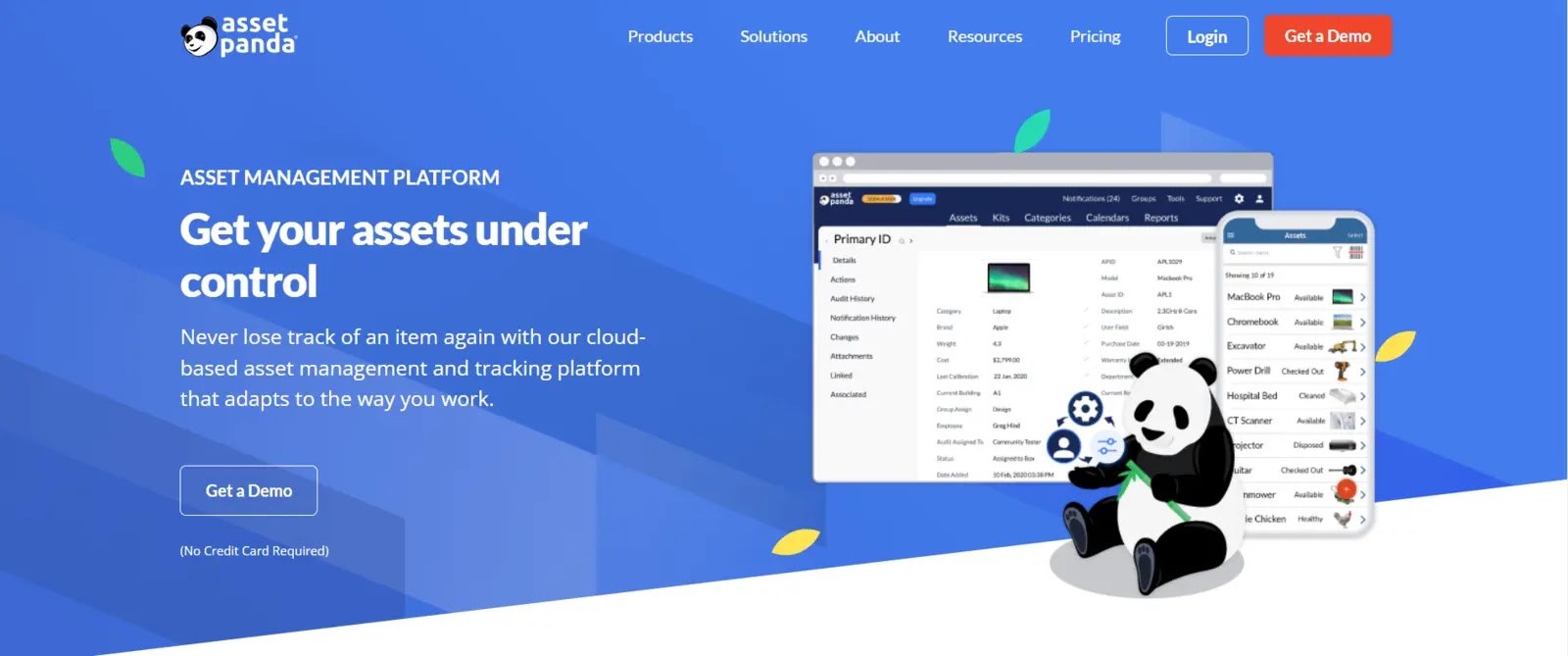
Asset Panda, a cloud-based barcoding and asset tracking platform from the same-named company with its headquarters in Frisco, Texas, may eliminate the need for scanners when scanning barcodes using conventional mobile devices (mobile phone, tablet).
Asset Panda is a cloud-based platform for facility managers that provides several applications, such as asset tracking and maintenance management.
A user-friendly, customizable, and integrated cloud-based asset management system pairs with mobile iOS and Android apps for free barcode scanning.
Asset Panda IT Asset Management Tool can be used from anywhere, updates data in real-time, and is compatible with many operating systems, including Windows, Mac, iPad, and iPhone.
Users can utilize Asset Panda to manage work orders, purchase orders, compliance, fixed asset disposal, services, tools, and reservations while customizing their workflow.
| What is Good? | What Could Be Better? |
|---|---|
| Asset Panda’s user interface is simple to use. | The arrangement and configuration of the images could have been improved. |
| Numerous steps are involved in setting up users, which could be simplified. | There are numerous steps involved in setting up users, which could be simplified. |
| The user interface of Asset Panda has many customizable features. | |
| Both Apple and Android mobile devices can use Asset Panda’s mobile apps. | |
3. Atera

Atera is an IIT Asset Management Tool that offers billing, reporting, remote access, and automation services. Atera is the best all-inclusive remote monitoring and management (RMM) solution for MSPs and IT departments.
It comprehensively unifies the entire IT industry, reduces hassle, increases control, and provides a solution with all the necessary features. MSPs and IT departments can use it to manage hybrid employees, ensure company policies are followed, and always be on top of security.
It has features for document management, help desk and knowledge, billing and invoicing, time and expense tracking, and billing and invoicing.
Atera has a help desk where customers can get assistance and a knowledge base where team members can access the most recent customer information.
| What is Good? | What Could Be Better? |
|---|---|
| Atera can seamlessly service and monitor Linux, Mac, and Windows systems. | Sometimes, when deploying an update, patch management will fail. |
| Using an administrator terminal, keep an eye on IT asset activity remotely. | The backup makes Acronis more complicated by adding module interfaces. |
| They enable MSPs to concentrate on building relationships rather than running software. | |
| Linux, Mac, and Windows systems can all be seamlessly serviced and monitored by Atera. |
4. EZOfficeInventory
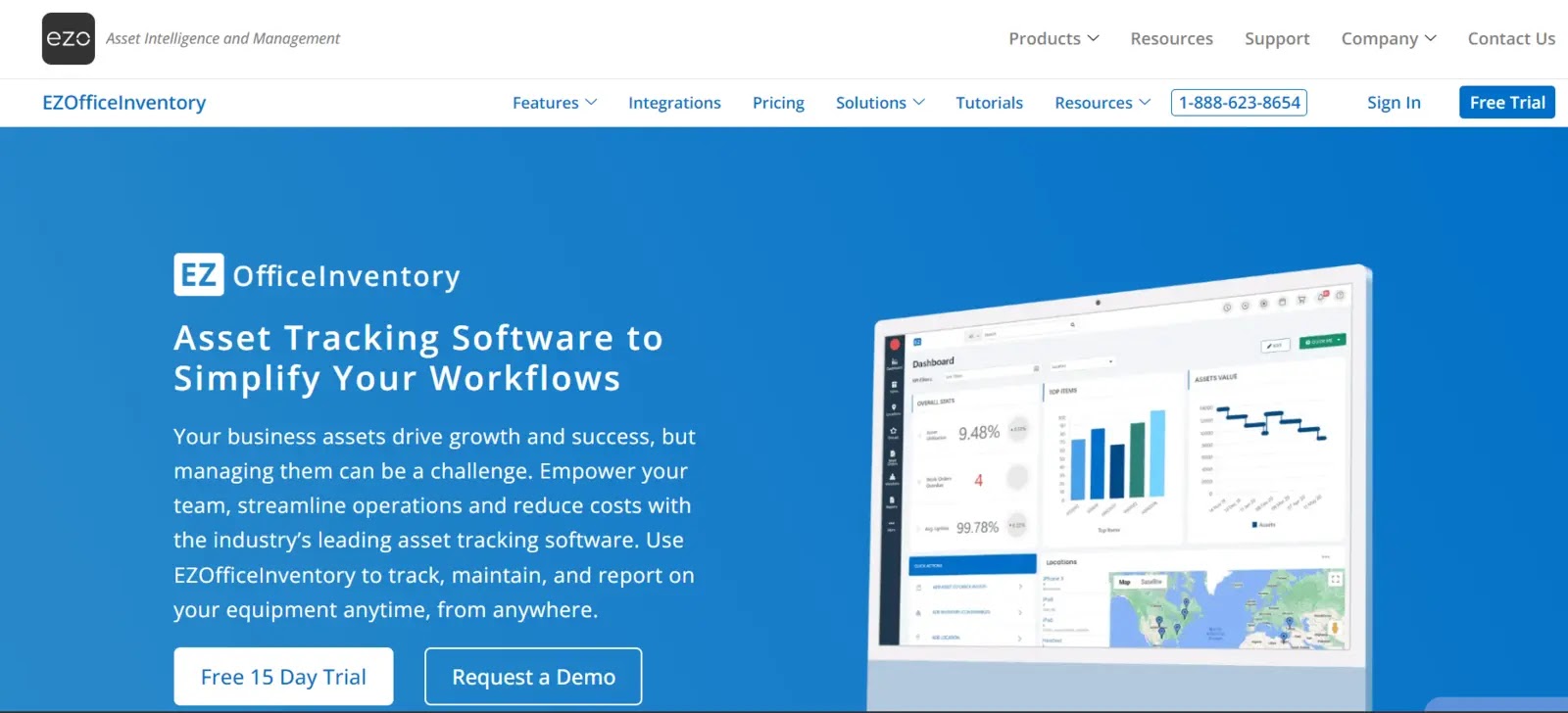
You can manage the lifecycle of your assets with the EZOfficeInventory IT Asset Management Tool, from requisition to retirement.
You can keep track of your assets across various locations, group them into subgroups, and even set access controls to prevent particular employees from checking out assets using EZOfficeInventory.
Always know your company’s assets and receive centralized, real-time information and updates from any location. It provides asset availability assessments that assist in determining which components are a bottleneck for boosting productivity.
Additionally, it has mobile applications for iOS, Android, and Windows Phone. With support for tracking asset geolocations, mobile apps can scan QR codes and barcode-based labels and track assets while they are in motion.
| What is Good? | What Could Be Better? |
|---|---|
| To extend the lifespan of your equipment, schedule preventive maintenance. | A manual adjustment of column widths is also not possible. |
| Save time and effort by having immediate access to asset information. | It Needs to integrate other software, such as GPS, and have more tracking features. |
| Barcodes and QR Codes can be quickly scanned using Android, iOS, and Windows apps. | |
| Barcodes and QR Codes can be quickly scanned using apps for Android, iOS, and Windows. | |
5. GoCodes
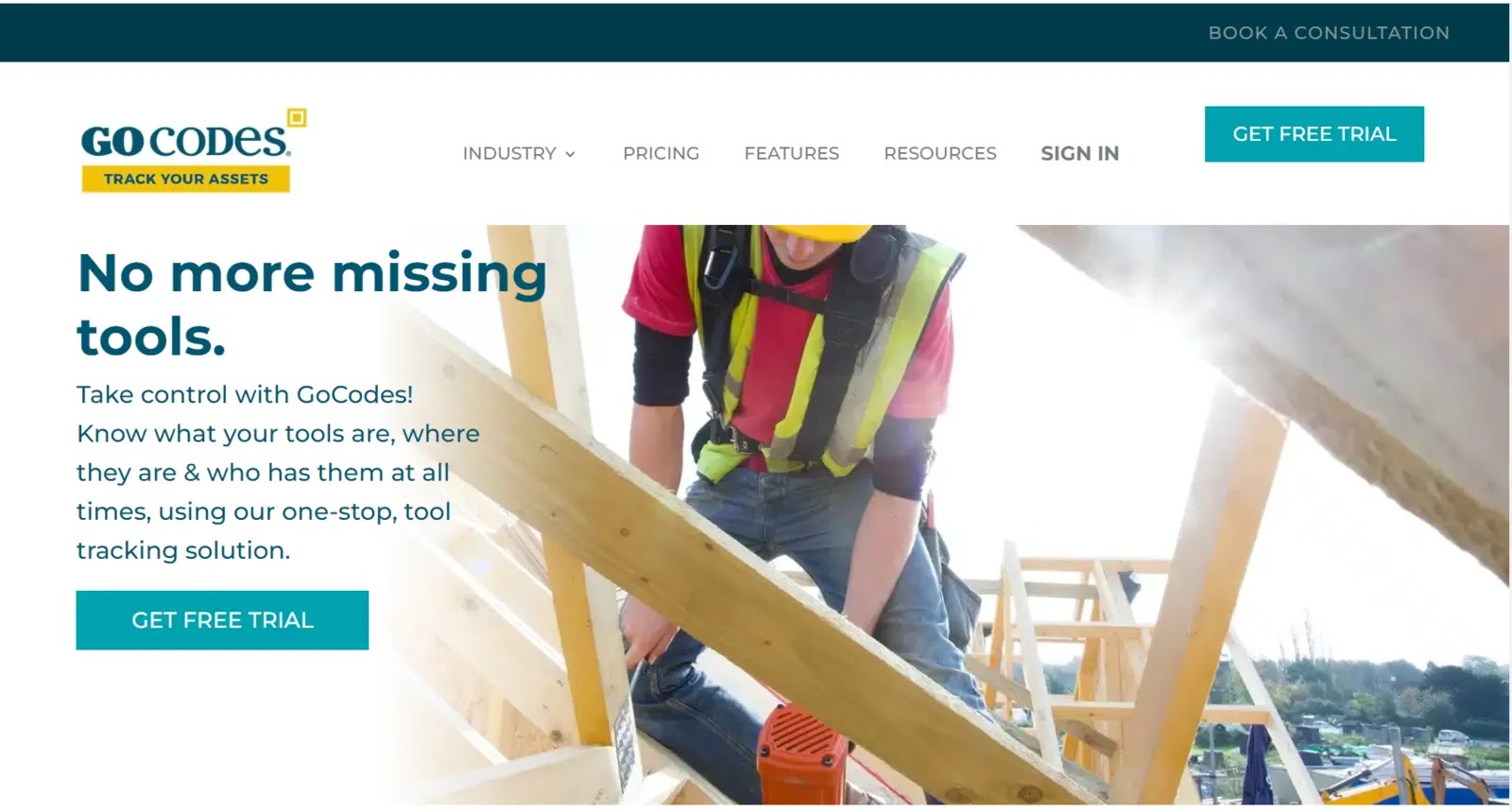
GoCodes is a cloud-based IT Asset Management Tool inventory and asset management tool for small and midsize businesses in the accounting, education, building and construction, engineering, and healthcare sectors.
Key GoCodes modules include fixed asset accounting, inventory management, field service requests, maintenance management, and GPS tracking. GoCodes makes it simple for your company to track and manage your tools and allows us to create customized reports quickly.
It keeps track of asset information, such as maintenance plans, costs, depreciation, warranties, check-in/check-out times, and locations, in a central database.
GoCodes was created with industry customers in mind. With its comprehensive solution, you can manage the chain of custody using your smartphone while on the go.
Using GoCodes, you can quickly check items in and out using your smartphone to scan the label and now know where your assets are at any time, day or night.
| What is Good? | What Could Be Better? |
|---|---|
| It allows users to apply a GoCode to an asset, creating a history and details that can be accessed later. | There were more features in the available reports. |
| To help organize, teams can create tasks using their assets. | The simplicity of scanning the QR code and all the information it contains are its most significant advantages. |
| The setup was a little challenging because we used a different inventory system. | |
| In my opinion, the simplicity of scanning the QR code and all the information it contains are its biggest advantages. | |
6. AssetExplorer
AssetExplorer is an IT Asset Management Tool for managing IT assets in companies.
A web-based IT asset management (ITAM) tool called ManageEngine AssetExplorer assists you in tracking and managing the assets in your network from the planning stage through the disposal stage.
With excellent reporting and tracking features and support for physical and virtual assets, ManageEngine AssetExplorer is a reliable IT asset tracker that hits the critical points for this category.
AssetExplorer is used to keep track of which significant computer equipment is currently being produced across the board of the company, to keep records of the suppliers with whom the company has contracts and business relationships, and to alert us when a contract is about to expire and needs to be renewed.
Another feature distinguishing ManageEngine AssetExplorer from the other products in this comparison is that it offers 24/7 technical support at all subscription levels.
| What is Good? | What Could Be Better? |
|---|---|
| With the aid of Asset Explorer, we can manage the entire lifecycle of an IT asset. | You can monitor your equipment by model, owner’s name, assigned user, serial number, service tag, etc. |
| You can keep tabs on your equipment by model, owner’s name, assigned user, serial number, service tag, etc. | A little more polish could be added to the web interface. |
| We manage and keep an eye on our hardware and software assets with the aid of AssetExplorer. | |
| I can keep track of all vendor information and upload documentation, such as contracts, which can be found easily. |
7. ServiceNow
IT Asset Management and automation services are provided by ServiceNow, a cloud-based piece of software. It was made to design business workflows and automate various processes in line with ITIL (Information Technology Infrastructure Library) principles.
ServiceNow allows you to alter it to suit your needs. Workflows are created, and processes are automated using machine learning technology.
By automating normal work processes with ServiceNow, a cloud-based workflow automation technology, enterprises may boost operational efficiency. ServiceNow is commercial enterprise service management software that started in IT service management. It blends an organization’s security, HR, and customer service.
Information Technology Asset Management (ITAM) is a set of operational procedures and instruments that support the strategic planning of the IT environment and the lifecycle management of IT assets.
The ServiceNow ITAM platform offers a single system of record for identifying opportunities for cost savings, resource optimization, improved compliance, risk mitigation, and standardization.
| What is Good? | What Could Be Better? |
|---|---|
| Recording every request’s status and keeping track of it. | To reduce configuration items, the database needs to be improved. |
| The user can quickly submit a ticket by creating one with very little upfront information. | There is occasionally some sluggishness in the performance. |
| Record every request’s status and keep track of it. | |
| Understanding the user interface takes some time. | |
8. Freshservice
Freshservice is a cloud-based IT Asset Management Tool that enables businesses to streamline their IT operations. It offers features such as a ticketing system, a self-service portal, and a knowledge base.
It was created using ITIL’s best practices to assist IT organizations in concentrating on what matters most: exceptional service delivery and customer satisfaction.
Customers select Freshservice based on its simplicity of use, speed of setup, level of customer service, affordability, and ability to meet their service desk and ITSM requirements.
Freshservice IT Asset Management Tool has a user-friendly interface, is effortlessly configurable and customizable to meet customer needs, and integrates with other business and IT systems without much difficulty.
Worldwide, it serves more than 100,000 clients, including QuizUp, Cisco, Honda, 3M, The Atlantic, and Honda.
| What is Good? | What Could Be Better? |
|---|---|
| Effectively gathers data on users, hardware, and software, and the system benefits from having a database. | It can be enhanced by making the GUI more straightforward. |
| Give different teams the freedom to coexist on a single service management platform. | Project management could be made a little less complicated and more understandable. |
| It can be enhanced by making the GUI simpler. | |
| It is simple to link asset and ticket management with problem management. | |
9. Auvik
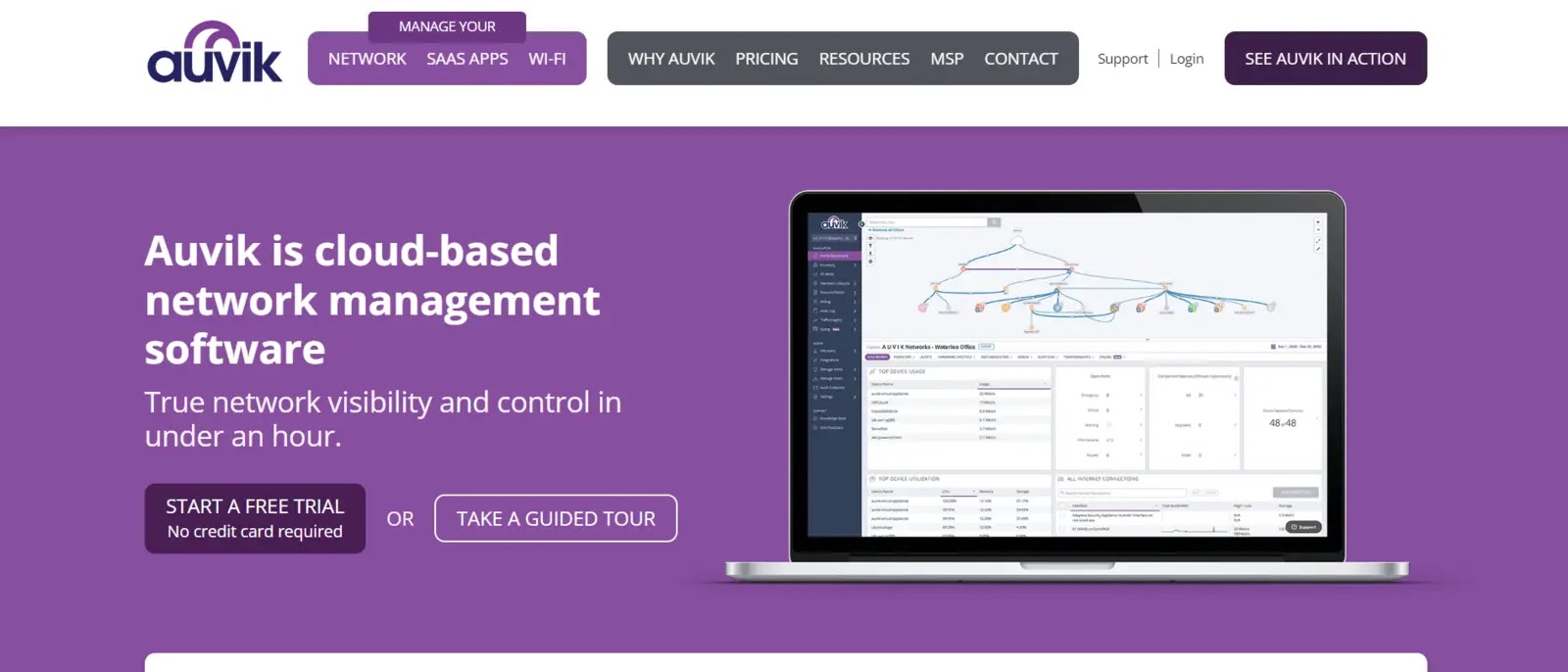
Auvik IT Asset Management Tool is cloud-based; it automates difficult and time-consuming network tasks and provides immediate insight into the networks you manage.
Auvik’s cloud-based network management software keeps global IT networks operating at peak performance. Its visual approach allows users to quickly “see” the network, network topologies, and connected devices.
This network monitoring and management software is used by IT teams worldwide to automate laborious tasks, streamline operations, reduce business risk, and improve teamwork.
The Auvik collector automatically starts scanning your network after deployment, cataloging your devices, and showing you the environment’s visual network topology.
| What is Good? | What Could Be Better? |
|---|---|
| Devices, switches, and routers that are not linked to a cloud management system are immediately accessible to users. | There aren’t many integration options available. |
| You can control the network from anywhere. | Users are unable to download or embed a visual map on the portal, and it takes a while for the page to load. |
| The platform’s API allows you to design powerful workflows. | |
| It’s very easy to understand and follow the billing breakdown. | |
10. Snipe-IT
Snipe-IT is a free IT Asset Management Tool, cloud-based software for managing IT assets. It helps you keep track of licenses, hardware assets, consumables, and accessories.
Snipe-IT is a web-based program, so there isn’t an executable file (also known as a “no.exe file”), and it needs to be run on a web server to be accessed.
We have a Docker image available if that’s what you’re into, and it runs on any Mac OS X, any variation of Linux, and Windows. It can be integrated with optical scanners such as barcode and QR code readers, LDAP, and Active Directory.
With the help of Snipe-IT software, users can secure user accounts and access using features like two-factor authentication, one-way password hashing, encrypted fields, the choice to enforce HTTPS-only cookies, and more.
| What is Good? | What Could Be Better? |
|---|---|
| Operates on any web server running Linux, Windows, or Mac. | Setting up the reporting interface for PowerPivot required more effort. |
| Create labels with QR codes for quick access from mobile devices. | Importing is a hit-or-miss process that is not always successful. |
| Encourages the use of Google Authenticator for two-factor authentication. | |
| The user management features are offered by Snipe-IT. | |
Conclusion
IT Asset Management (ITAM) solutions play a vital role in modern IT strategies by providing comprehensive oversight of both hardware and software assets.
These tools streamline asset tracking, ensure compliance, and support informed, cost-effective decision-making.
By integrating seamlessly with other IT systems, ITAM platforms enable centralized and efficient management across the organization.
Whether deployed on-premises or in the cloud, they maintain a strong focus on data security while adapting to varied business needs.
Choosing an ITAM solution that aligns with an organization’s specific goals drives optimal resource utilization, reduces IT costs, and builds a future-ready infrastructure.
Disclaimer: HackersRadar reports on cybersecurity threats and incidents for informational and awareness purposes only. We do not engage in hacking activities, data exfiltration, or the hosting or distribution of stolen or leaked information. All content is based on publicly available sources.








No Comment! Be the first one.