




Top 10 Interactive Malware Analysis Tools for 2026
Key Takeaways The 2026 threat landscape demands advanced interactive malware analysis tools to counter sophisticated AI-driven, evasive, and fileless threats. Traditional static analysis is no longer...

Key Takeaways
- The 2026 threat landscape demands advanced interactive malware analysis tools to counter sophisticated AI-driven, evasive, and fileless threats.
- Traditional static analysis is no longer sufficient; security teams require dynamic sandboxes that allow real-time interaction with malicious payloads.
- This report identifies the top 10 interactive malware analysis tools, evaluated for anti-evasion capabilities, UI responsiveness, API integration, and threat intelligence reporting.
- Key features for modern sandboxes include interactive web VNC, bare metal detonation, robust API integration, and MITRE ATT&CK mapping.
The cybersecurity environment in 2026 is characterized by unprecedented complexity. Threat actors increasingly deploy artificial intelligence, highly evasive tactics, and fileless malware architectures to circumvent conventional security defenses.
Table Of Content
- Key Takeaways
- Methodology for Tool Selection
- Essential Capabilities for Modern Malware Analysis
- 1. Threat.Zone
- Why We Picked It
- Pros
- Cons
- 2. Joe Sandbox
- Why We Picked It
- Pros
- Cons
- 3. Hatching Triage
- Why We Picked It
- Pros
- Cons
- 4. FileScan.IO
- Why We Picked It
- Pros
- Cons
- 5. VMRay
- Why We Picked It
- Pros
- Cons
- 6. Cuckoo Sandbox
- Why We Picked It
- Pros
- Cons
- 7. Cape Sandbox
- Why We Picked It
- Pros
- Cons
- 8. ThreatAnalyzer (VIPRE)
- Why We Picked It
- Pros
- Cons
- 9. Falcon Sandbox (CrowdStrike)
- Why We Picked It
- Pros
- Cons
- 10. ReversingLabs TitaniumCloud
- Why We Picked It
- Pros
- Cons
- What You Should Do
For security operation centers (SOCs), incident response teams, and threat hunters, relying solely on static analysis is insufficient. Modern defense strategies necessitate highly controlled environments where malicious code can be safely executed, interacted with, and monitored in real time.
Interactive malware analysis tools, often referred to as advanced sandboxes, bridge the critical gap between automated threat detection and in-depth manual reverse engineering. These platforms empower analysts to navigate suspicious installers, bypass anti-analysis prompts, and observe network beaconing precisely as it would occur on a compromised system.
To assist organizations in bolstering their defenses, HackersRadar has compiled a definitive guide to the top 10 interactive malware analysis tools available this year. For foundational security knowledge and offensive tools, readers may also refer to our guide on Top 10 Ethical Hacking Tools.
Methodology for Tool Selection
Our selection process for this guide adheres to the highest standards of Expertise, Authoritativeness, and Trustworthiness (E-E-A-T), driven by a rigorous, data-centric approach. We deliberately avoided relying on vendor marketing claims or outdated reviews.
Instead, our team dedicated several weeks to deploying, testing, and pushing these platforms to their operational limits. This involved using genuine, zero-day malware samples sourced from current threat intelligence feeds.
Each tool was evaluated against critical, real-world criteria: its ability to counter evasion techniques, the responsiveness of its user interface during live interactive sessions, its API integration capabilities for SOC automation, and the depth and quality of its generated threat intelligence reports. Furthermore, we assessed pricing models, community feedback, and the responsiveness of customer support. Only tools that consistently demonstrated reliable, crash-free performance in detonating and analyzing complex, state-sponsored malware strains were included in our final list.
Essential Capabilities for Modern Malware Analysis
When evaluating interactive sandboxes, certain features are indispensable for today’s enterprise environments. The following table illustrates how our top 10 selections perform across essential deployment and interactive capabilities.
| Tool Name (Official Link) | Interactive Web VNC | Bare Metal Detonation | API Integration | Free Community Tier | MITRE ATT&CK Mapping |
| Threat.Zone | Yes | Yes | Yes | Yes | Yes |
| Joe Sandbox | Yes | Yes | Yes | No | Yes |
| Hatching Triage | Yes | No | Yes | Yes | Yes |
| FileScan.IO | Yes | No | Yes | Yes | Yes |
| VMRay | Yes | Yes | Yes | No | Yes |
| Cuckoo Sandbox | Yes | Yes | Yes | Yes (Open Source) | Yes |
| Cape Sandbox | Yes | Yes | Yes | Yes (Open Source) | Yes |
| ThreatAnalyzer (VIPRE) | Yes | Yes | Yes | No | Yes |
| Falcon Sandbox | Yes | No | Yes | No | Yes |
| ReversingLabs | Yes | No | Yes | No | Yes |
1. Threat.Zone
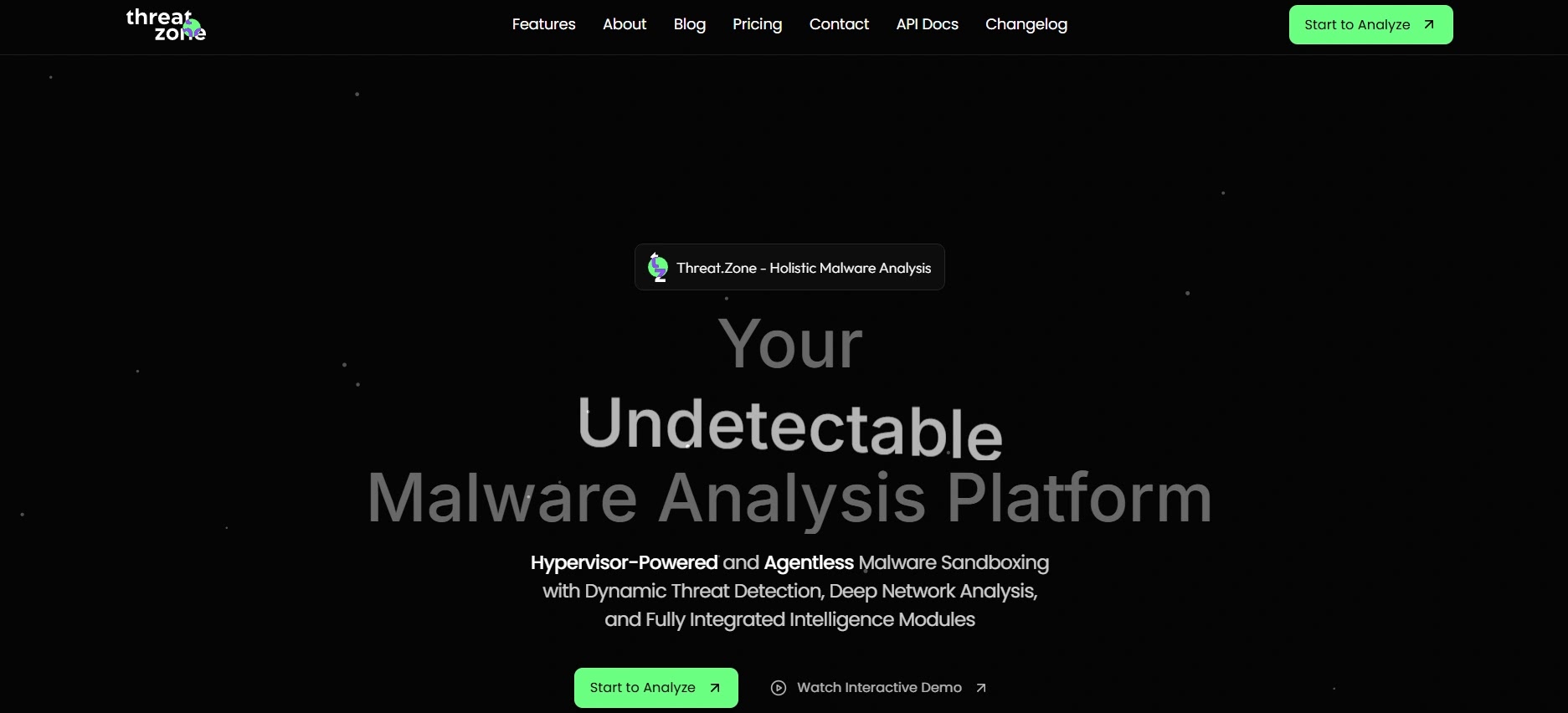
Threat.Zone stands out as a highly capable, cloud-based interactive malware analysis platform, rapidly gaining recognition for its intuitive user experience and profound inspection capabilities. It offers a collaborative and streamlined environment specifically designed for contemporary incident response teams.
- Specifications: Cloud-hosted, supports comprehensive Windows and Linux environments, integrates natively with leading SOAR platforms.
- Features: High-speed interactive VNC access, memory string extraction, network traffic capture (PCAP), team collaboration workspaces, extensive threat intelligence correlation.
- Reason to Buy: Provides the most intuitive and collaborative workspace for distributed security teams, significantly enhancing the efficiency and accessibility of collective threat hunting.
Why We Picked It
Threat.Zone earned its place by expertly balancing advanced technical deep-dives with an exceptionally accessible user interface. Its interactive console operates seamlessly within a browser, enabling analysts to manually trigger evasive malware that deliberately awaits human interaction before fully deploying.
Furthermore, its integrated collaboration tools allow a Tier-1 analyst to instantly escalate a live session to a senior reverse engineer without the cumbersome process of exporting large files. This capability dramatically reduces resolution times during critical active incident response scenarios, a vital metric for any modern SOC.
Pros:
- Extremely responsive interactive web console.
- Excellent collaboration features for remote teams.
- Strong mapping to MITRE ATT&CK frameworks.
Cons:
- Premium features require higher-tier enterprise licenses.
- Limited out-of-the-box macOS support compared to legacy competitors.
Try Threat.Zone: Explore the Threat.Zone Community Edition2. Joe Sandbox
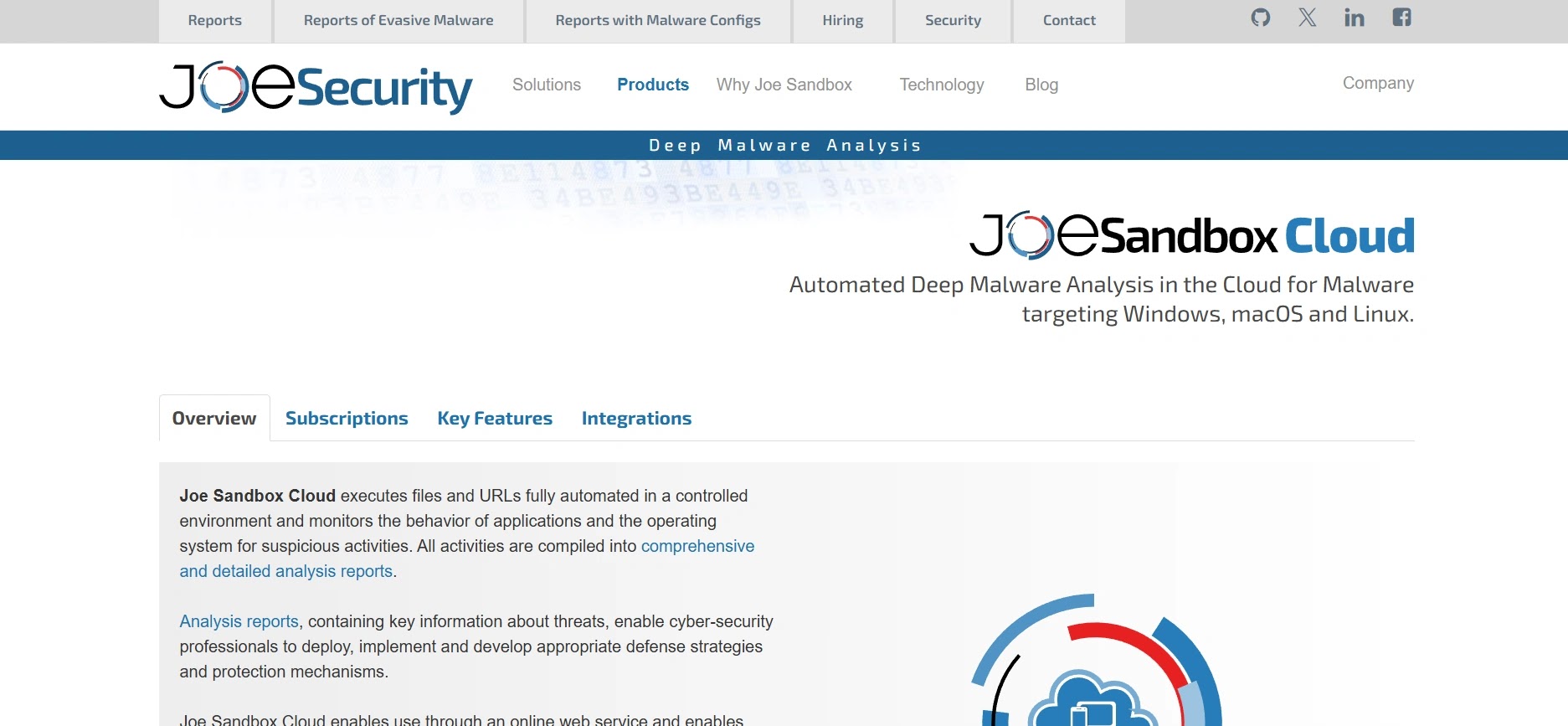
Joe Sandbox is widely regarded as one of the most mature and comprehensive deep malware analysis platforms available, celebrated for its patented “Deep Malware Analysis” technology and unparalleled multi-OS support.
- Specifications: Available in Cloud and On-Premise options; extensive support for Windows, macOS, Linux, Android, and iOS.
- Features: Hypervisor-based inspection, dynamic execution graph generation, hybrid analysis (combining static and dynamic), automated unpackers, highly customizable VM configurations.
- Reason to Buy: Ideal for organizations requiring the broadest operating system coverage and the deepest level of hypervisor-level evasion resistance for enterprise-grade analysis.
Joe Sandbox consistently detects advanced persistent threats (APTs) that easily bypass less sophisticated commercial sandboxes. Its unique ability to monitor execution strictly from the hypervisor level ensures that even the most deeply embedded rootkits cannot conceal their behavior from analysts.
Why We Picked It
We also highly value Joe Sandbox’s comprehensive reporting, which visually maps the malware’s execution flow through an intuitive graph. This feature makes it an invaluable, time-saving tool for both rapid daily triage and intensive, prolonged forensic investigations.
Pros:
- Industry-leading OS coverage, including complex mobile platforms.
- Exceptional anti-evasion and anti-VM detection techniques.
- Produces highly detailed, immediately actionable threat reports.
Cons:
- A considerably steep learning curve for junior analysts.
- Enterprise pricing is primarily aimed at large corporate budgets.
Try Joe Sandbox: Request a Joe Sandbox Trial3. Hatching Triage
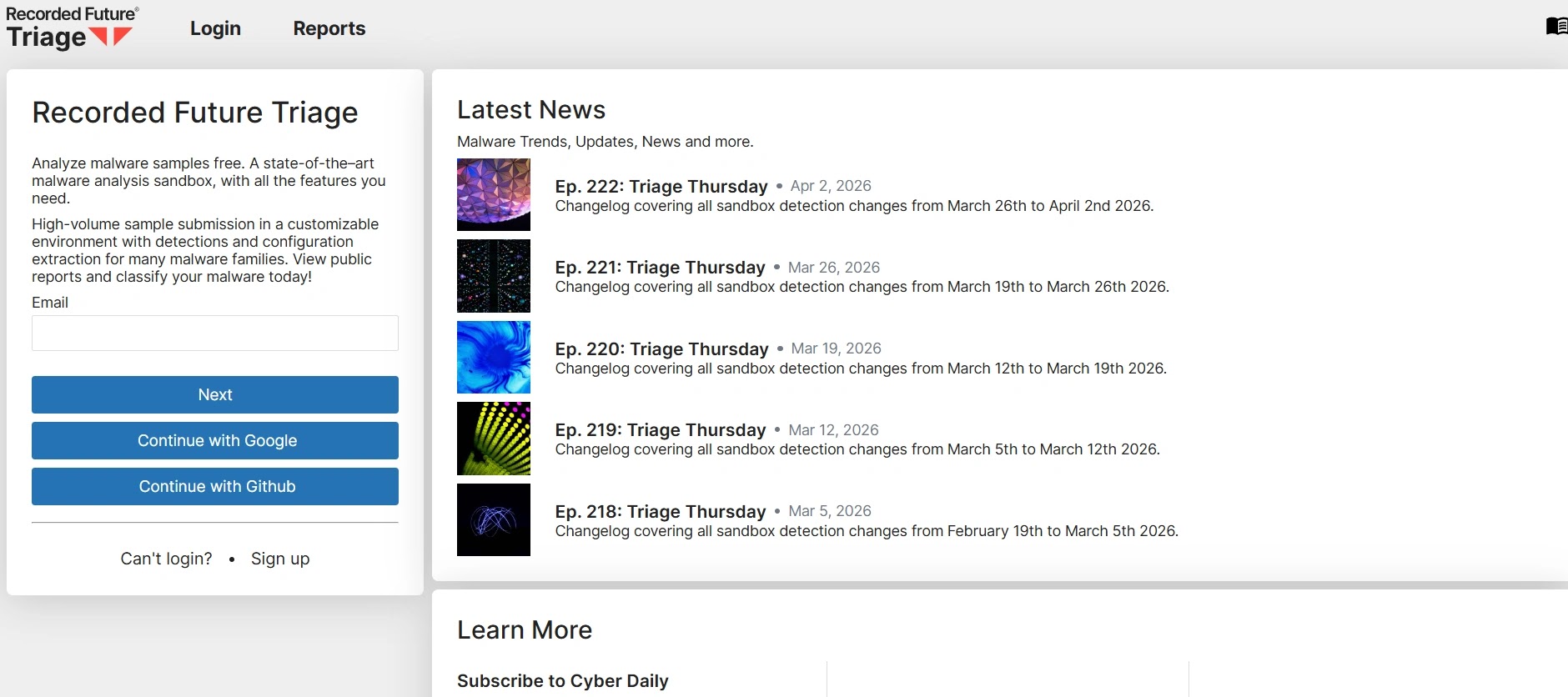
Hatching Triage is engineered for unparalleled speed and volume, functioning as a high-performance malware sandboxing platform. It is designed to manage massive daily file ingestion while simultaneously offering instant interactive sessions when manual intervention becomes necessary.
- Specifications: SaaS/Cloud architecture, built for extreme scalability, strong focus on a highly documented RESTful API.
- Features: Sub-minute analysis times, high-volume automated processing, seamless interactive live analysis, detailed family configuration extractors.
- Reason to Buy: Essential if your SOC processes thousands of suspicious files daily and requires a highly scalable, API-first detonation engine to manage the queue efficiently.
Why We Picked It
Hatching Triage distinguishes itself primarily through its exceptional speed and efficiency in extracting malware configurations, such as C2 server IP addresses and encryption keys. When an automated scan flags something highly unusual, an analyst’s transition into an interactive VNC session is instantaneous.
This tool has become a preferred choice among Managed Security Service Providers (MSSPs) due to its seamless integration into automated triage pipelines. It effectively eliminates the traditional bottlenecks often associated with heavy, slow sandbox detonations.
Pros:
- Lightning-fast analysis and configuration extraction.
- Highly scalable API designed for high-volume environments.
- Clean, modern, and responsive user interface.
Cons:
- Lacks the ultra-deep memory forensics found in bare-metal solutions.
- Reporting can feel somewhat concise compared to visually richer competitors.
Try Hatching Triage: Sign up for Hatching Triage4. FileScan.IO
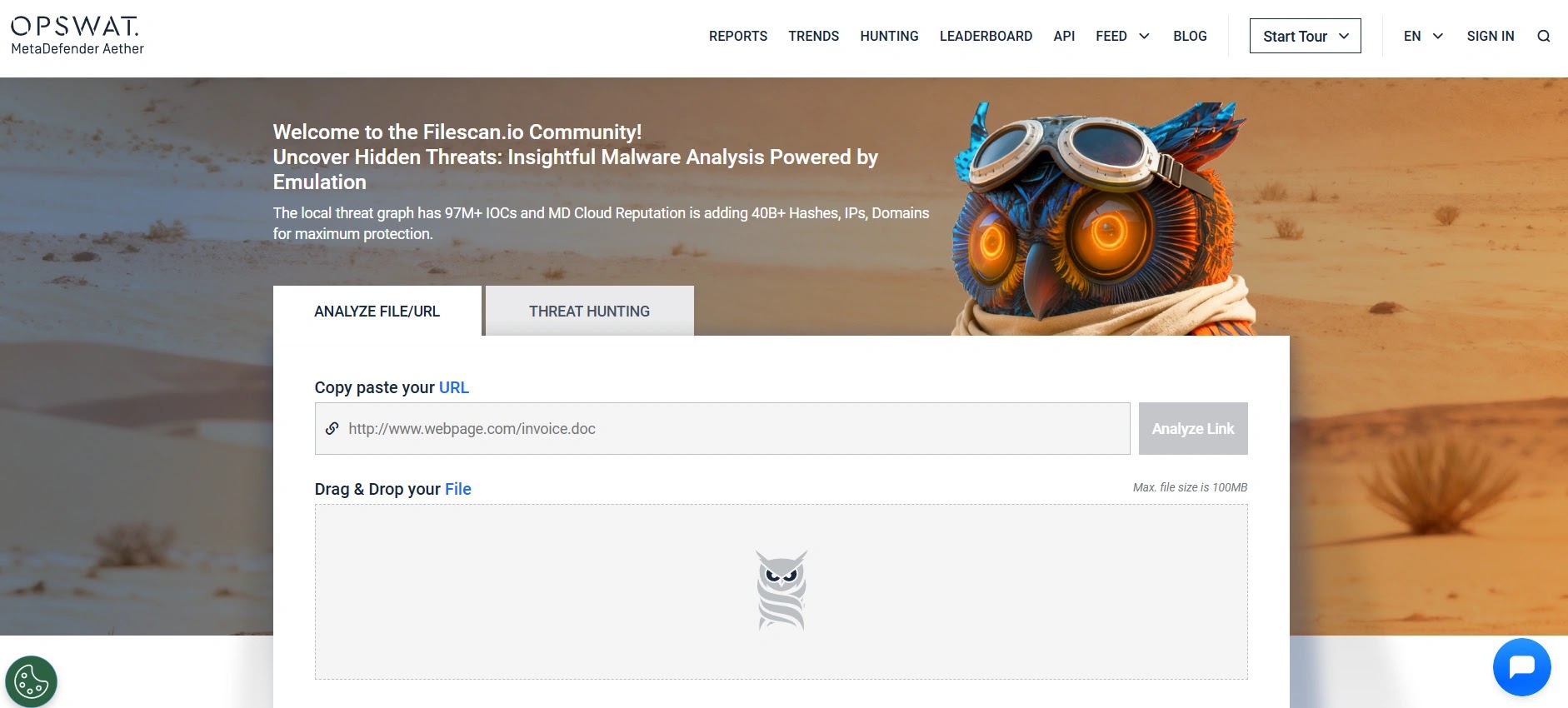
FileScan.IO adopts a distinct market approach by heavily emphasizing rapid static analysis and triage before escalating to full dynamic execution. This methodology significantly saves time and computational resources.
- Specifications: Next-generation platform, strong focus on file parsing engines, primarily cloud-based.
- Features: Deep static file parsing, rapid IOC extraction, visual hex editor, interactive dynamic detonation fallbacks, extensive custom YARA rule support.
- Reason to Buy: Excellent for malware analysts who prefer to conduct thorough static analysis of a file’s structure before committing to dynamic detonation.
Why We Picked It
FileScan.IO provides an exemplary model for rapid, pre-execution triage by extracting an immense volume of data without actually executing the malicious file. When interactive detonation becomes necessary, it seamlessly integrates the static findings with the live dynamic behavior.
We appreciate its strong community focus and the ability for analysts to effortlessly pivot between static properties and live execution. This dual-layered approach is highly effective in detecting threats that might deliberately refuse to execute in a virtual environment. For more on advanced threat hunting, read about Cyber Threat Intelligence.
Pros:
- Incredible, lightning-fast static analysis parsing engine.
- Highly resource-efficient compared to heavy VM detonations.
- Strong community-driven threat intelligence sharing.
Cons:
- Interactive dynamic features are relatively newer compared to legacy players.
- Fewer options for highly customized, bespoke VM environments.
Try FileScan.IO: Access FileScan.IO Community5. VMRay
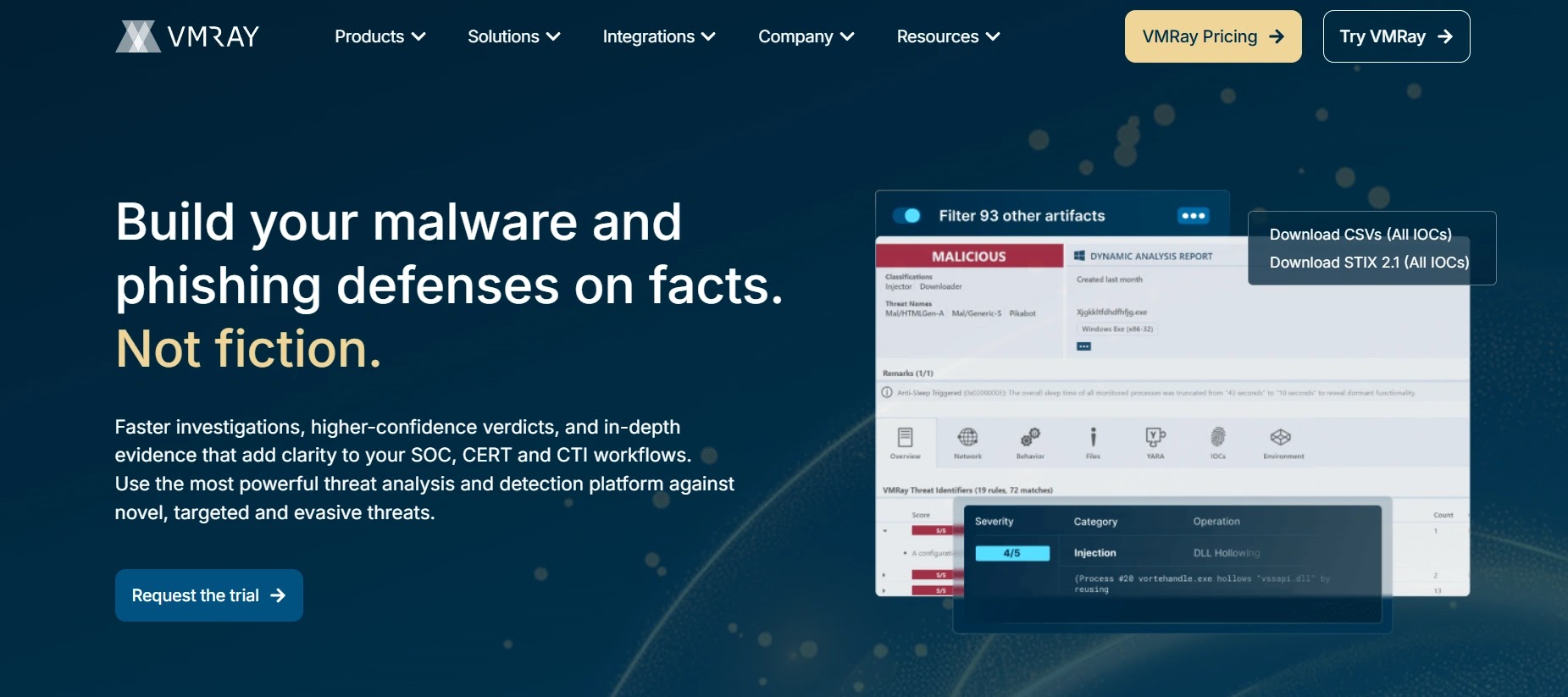
VMRay is renowned in the cybersecurity industry for its agentless hypervisor architecture. By positioning all monitoring tools entirely outside the virtual machine, it achieves a level of absolute stealth that renders it virtually undetectable by malware.
- Specifications: Agentless hypervisor technology, On-Premise and Cloud deployments, strict data privacy and compliance controls.
- Features: Agentless monitoring, exact real-world environment replication, automated unhooking, noise reduction filtering, responsive interactive access.
- Reason to Buy: Essential for achieving absolute stealth to safely analyze highly sophisticated, sandbox-evading malware used by nation-state actors without detection.
Why We Picked It
VMRay’s agentless architecture represents a significant advancement in defeating the sophisticated anti-analysis techniques embedded in modern malware. Because no monitoring tools are installed within the guest operating system, the malware genuinely operates under the impression that it has successfully infected a legitimate victim.
The interactive console allows analysts to carefully guide the malware through its complex execution chain in a secure manner. The resulting reports are notably clean and concise, intelligently filtering out baseline OS noise to focus precisely on malicious behavior.
Pros:
- Practically invisible to sandbox-evading malware.
- Produces highly accurate, completely noise-free analysis reports.
- Excellent data privacy controls and secure on-premise options.
Cons:
- Complex initial setup and tuning for on-premise deployments.
- A higher cost barrier to entry for smaller security teams.
Try VMRay: Request a VMRay Demo6. Cuckoo Sandbox
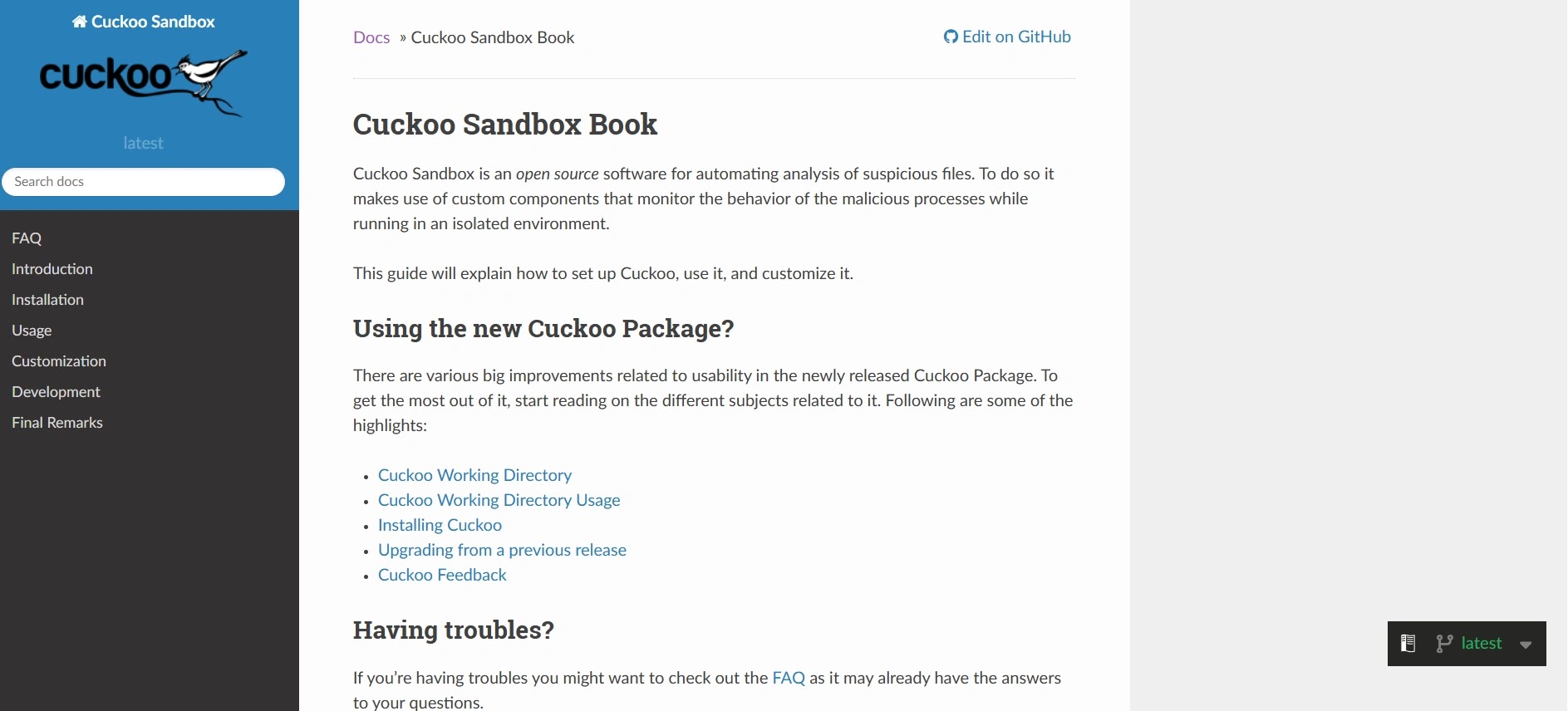
Cuckoo Sandbox is the legendary, open-source pioneer of automated malware analysis. Even in 2026, it remains a critically important tool, continuously enhanced by a vast community and numerous ongoing development forks.
- Specifications: 100% open-source, entirely self-hosted, highly extensible Python-based architecture.
- Features: Fully customizable, massive community plugin ecosystem, robust API support, deep memory analysis (via Volatility), interactive web interface via VNC.
- Reason to Buy: Ideal if you possess the dedicated engineering resources to build and maintain a custom, in-house sandbox without incurring exorbitant enterprise licensing fees.
Why We Picked It
Cuckoo Sandbox firmly retains its position on our top 10 list because it offers the ultimate blank canvas for dedicated security engineers. With proper configuration, hardware, and tuning, it can readily match the capabilities of commercial tools that cost hundreds of thousands of dollars.
Over the years, the community has developed incredibly robust interactive plugins, allowing analysts full remote control over detonations. It stands as the absolute best choice for academic research, budget-conscious SOCs, and custom-built home lab environments.
Pros:
- 100% free and open-source.
- Infinitely customizable to fit highly specific enterprise needs.
- A massive global community supporting custom plugins and scripts.
Cons:
- Requires significant engineering effort for proper setup and maintenance.
- Community support is not a viable substitute for enterprise SLAs when critical issues arise.
Try Cuckoo Sandbox: Download Cuckoo Sandbox7. Cape Sandbox
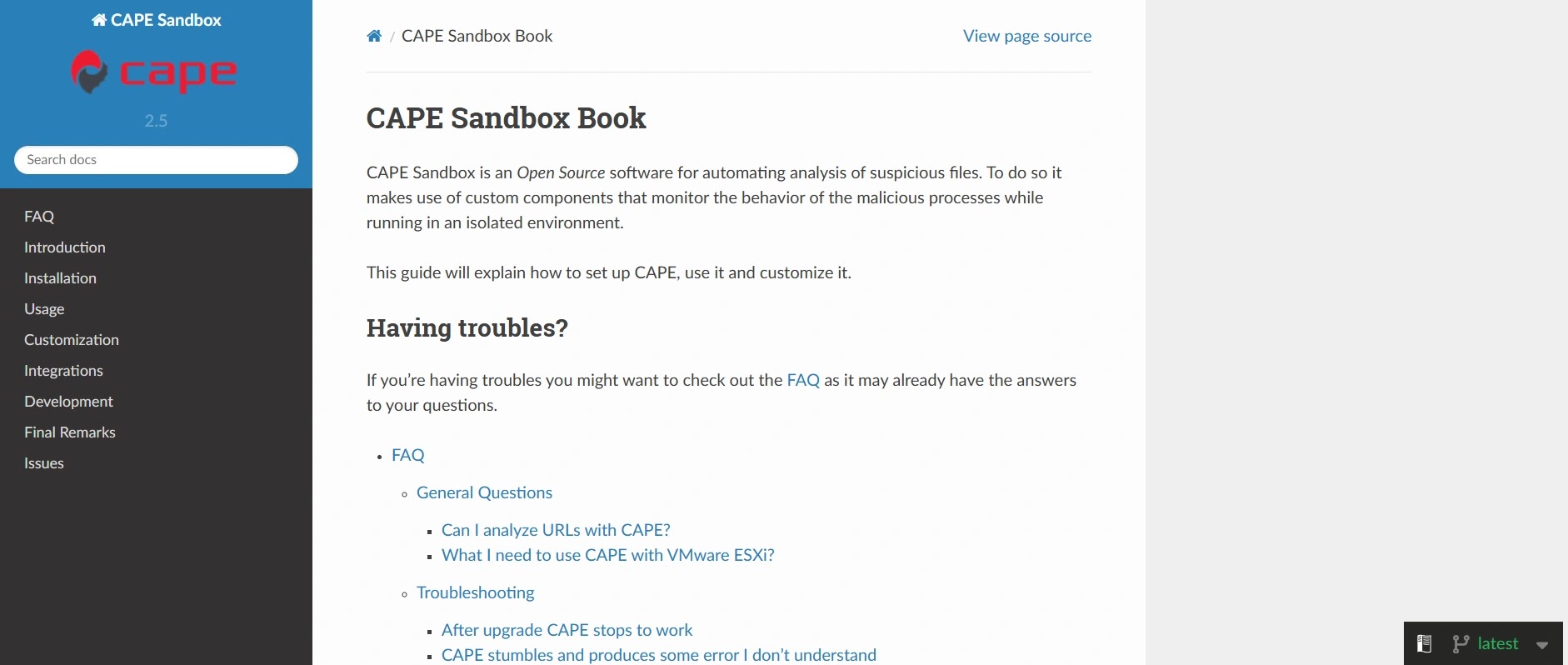
Cape Sandbox (Configuration And Payload Extraction) is a highly specialized open-source fork of Cuckoo, explicitly designed to advance malware analysis by automating the extraction of payloads and configurations.
- Specifications: Open-source, Python-based, self-hosted, heavily specialized for payload extraction and reverse engineering.
- Features: Automated unpacking, deep debugger integration, dynamic YARA signature matching, advanced memory dumping, interactive VNC control.
- Reason to Buy: Your primary objective as an analyst is reverse engineering and the seamless, automated extraction of actionable IOCs (like C2 IPs) from heavily packed malware.
Why We Picked It
Cape Sandbox builds upon Cuckoo’s strong foundation, hyper-focusing on delivering actionable intelligence that incident responders immediately need. Its ability to automatically unpack and extract configurations from notorious families such as Emotet, Trickbot, or modern ransomware is exceptional.
We selected it for its perfect blend of automated reverse engineering with manual interactive control. Analysts can seamlessly intervene via the interactive VNC if the automated unpacker encounters a novel, zero-day packing technique.
Pros:
- Best-in-class open-source automated payload extraction.
- Highly actively maintained by a dedicated developer community.
- Excellent, seamless integration with external reverse engineering tools.
Cons:
- Carries the same heavy maintenance overhead as Cuckoo Sandbox.
- The interface is highly functional but less polished than commercial SaaS offerings.
Try Cape Sandbox: Get CAPE from GitHub8. ThreatAnalyzer (VIPRE)
ThreatAnalyzer (formerly GFI SandBox) is a seasoned veteran in dynamic analysis, providing a highly controlled, deeply instrumented environment that offers a holistic view of file system changes.
- Specifications: On-Premise hardware appliance or software deployment, strong emphasis on the Windows operating system environment.
- Features: Deep behavioral monitoring, comprehensive system state diffing, interactive analysis mode, extensive application spoofing capabilities.
- Reason to Buy: You require a highly mature, strictly on-premise solution that provides granular, forensic-level detail of every system change a file initiates.
Why We Picked It
ThreatAnalyzer has maintained its relevance in 2026 by delivering incredibly detailed pre- and post-execution system diffs. This feature makes it exceptionally easy for a forensics expert to pinpoint precisely which registry keys, drivers, and files were altered during an interactive session.
It provides a stable, highly reliable environment for analysts to safely detonate localized threats. The platform’s application spoofing features are excellent at deceiving malware into believing genuine human user activity is occurring natively on the machine. To understand how malicious actors exploit these changes, explore guides on Vulnerability Management.
Pros:
- Extremely granular tracking of low-level OS modifications.
- A mature, highly stable platform with a proven, years-long track record.
- Strong application and user behavior spoofing to defeat evasions.
Cons:
- The user interface feels somewhat dated compared to modern web platforms.
- A heavier hardware resource footprint is required for on-premise deployments.
Try ThreatAnalyzer: Explore VIPRE Security Solutions9. Falcon Sandbox (CrowdStrike)
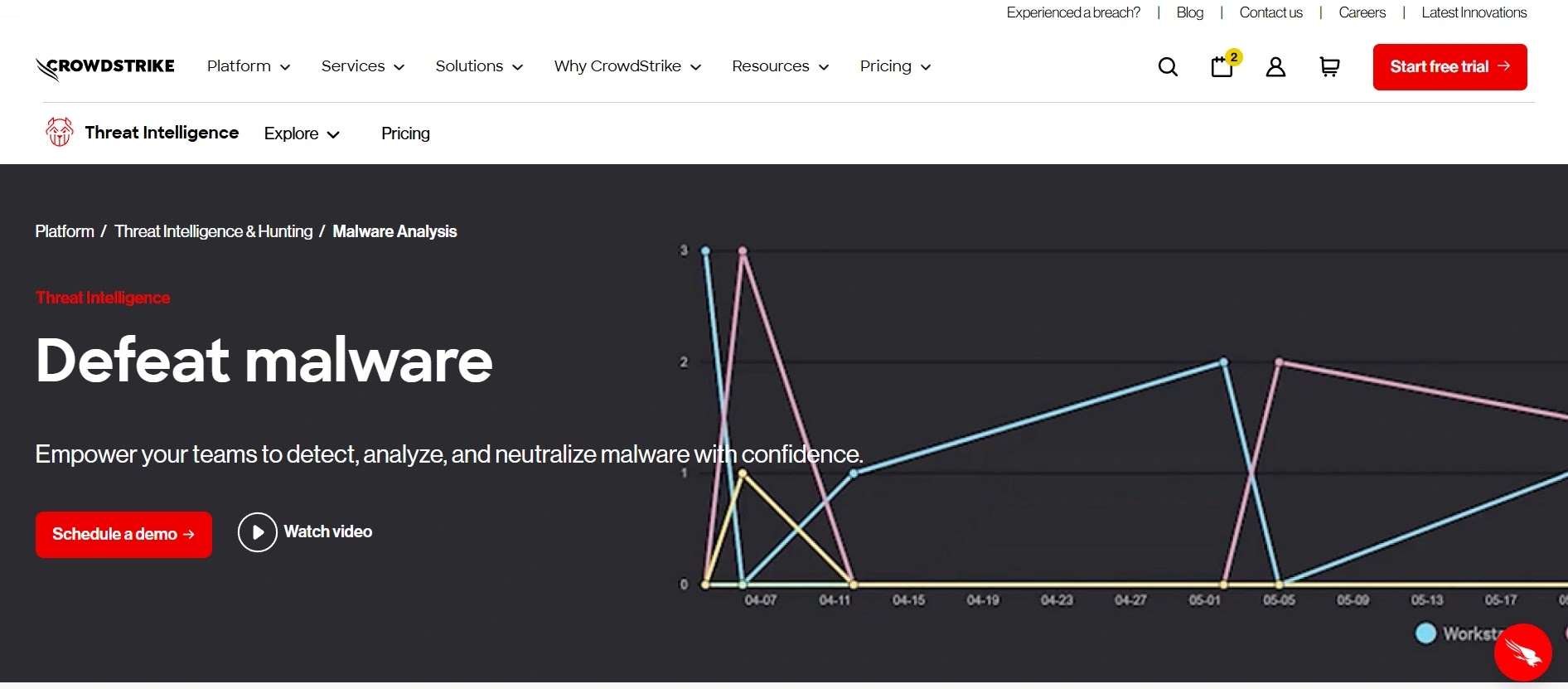
Powered by CrowdStrike’s acquisition of Hybrid Analysis, Falcon Sandbox is their premium dynamic analysis offering. It integrates tightly into the broader CrowdStrike ecosystem to deliver threat intelligence instantly across an organization.
- Specifications: Cloud-hosted, tightly integrated with the Falcon EDR sensor, backed by a massive global threat intelligence backend.
- Features: Advanced hybrid analysis technology, massive global file reputation database, interactive detonation, automated mapping to specific CrowdStrike threat actors.
- Reason to Buy: Ideal if you are already extensively utilizing the CrowdStrike Falcon platform and desire a sandbox that natively enriches your existing EDR alerts without API friction.
Why We Picked It
Falcon Sandbox is an undeniable powerhouse when it comes to providing context. Because it is supported by CrowdStrike’s massive, globally crowdsourced threat intelligence graph, detonating a file not only reveals its actions but often precisely identifies the nation-state or e-crime actor responsible for its creation.
Its interactive capabilities are robust, enabling analysts to manually elicit behaviors from stubborn files. However, its seamless, one-click integration into the Falcon EDR console makes it an indispensable tool for existing CrowdStrike enterprise customers.
Pros:
- Unmatched threat intelligence context and actor attribution.
- Flawless, seamless integration with CrowdStrike Falcon EDR.
- Excellent hybrid analysis combining static and dynamic traits.
Cons:
- The best value is heavily dependent on already being within the CrowdStrike ecosystem.
- Standalone pricing outside of the Falcon platform can be prohibitive.
Try Falcon Sandbox: Check out Falcon Sandbox10. ReversingLabs TitaniumCloud
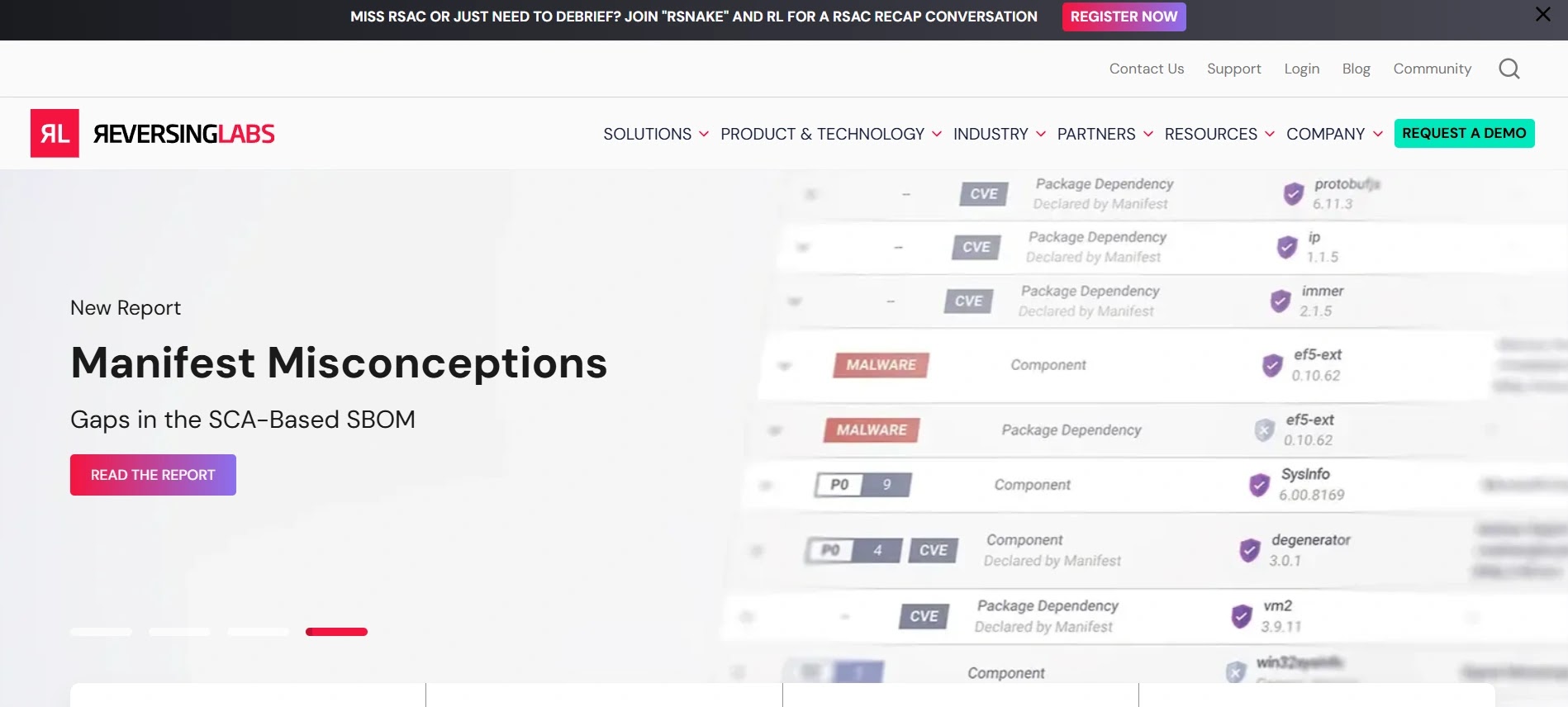
While primarily classified as a vast threat intelligence and file reputation database, ReversingLabs’ interactive file decomposition and analysis tools are fundamentally essential for deep-dive technical investigations in 2026.
- Specifications: Cloud-scale file intelligence, powerful developer API, native integration with dozens of major security vendors.
- Features: Millisecond file classification, automated static decomposition, interactive file tree exploration, YARA hunting at a massive global scale.
- Reason to Buy: You need to rapidly analyze the internal structure of large, complex files (such as MSI installers, ISOs, or firmware) without necessarily executing them.
Why We Picked It
ReversingLabs offers a distinct, yet equally vital, form of interactive analysis: interactive decomposition. Instead of merely executing a file in a VM, analysts can interactively navigate its unpacked structure directly in the browser, examining embedded streams, certificates, and hidden objects securely.
We included it because combating modern software supply chain attacks necessitates dissecting complex binaries before they ever execute. Its unparalleled capability to instantly unpack hundreds of obscure file formats makes it completely indispensable for senior malware researchers.
Pros:
- Industry-leading, infinitely scalable static file decomposition.
- A massive, petabyte-scale database of known good and known bad files.
- Crucial for supply chain security and verifying Software Bill of Materials (SBOM).
Cons:
- Not a traditional dynamic sandbox (it lacks behavioral VM execution).
- Geared more toward threat hunters and researchers than traditional Tier-1 incident responders.
Try ReversingLabs: Explore ReversingLabs TitaniumCloudWhat You Should Do
- Evaluate Your Needs: Assess your organization’s specific requirements for malware analysis, considering factors like volume of samples, operating system diversity, budget, and team expertise.
- Prioritize Interactive Capabilities: Ensure any chosen solution offers robust interactive features, as static analysis alone is insufficient against modern evasive threats.
- Test Free Tiers/Demos: Utilize community editions or request demos to thoroughly test tools with your organization’s specific threat profiles before making a commitment.
- Consider Integration: Look for tools that integrate seamlessly with your existing security ecosystem (SIEM, SOAR, EDR) to enhance automation and streamline workflows.
- Invest in Training: Provide adequate training for your security analysts to master the selected tools, especially for advanced platforms like Joe Sandbox or self-hosted solutions like Cuckoo.
Disclaimer: HackersRadar reports on cybersecurity threats and incidents for informational and awareness purposes only. We do not engage in hacking activities, data exfiltration, or the hosting or distribution of stolen or leaked information. All content is based on publicly available sources.







No Comment! Be the first one.