




Best Antivirus Software for Mac in 2026
Key Takeaways Macs face a growing threat from information-stealing malware, adware, and potentially unwanted programs (PUPs), primarily delivered through social engineering tactics like fake...

Key Takeaways
- Macs face a growing threat from information-stealing malware, adware, and potentially unwanted programs (PUPs), primarily delivered through social engineering tactics like fake installers and malicious ads.
- While macOS includes built-in security features, third-party antivirus solutions offer enhanced protection, particularly against novel threats, phishing, and thorough adware removal.
- Bitdefender — Best Overall Detection consistently leads in independent testing for comprehensive threat detection with minimal system impact.
- The U.S. government has prohibited the sale and updates of Kaspersky software to U.S. customers due to national security concerns, making it an unsuitable option for users in that jurisdiction.
Contrary to popular belief, macOS systems are not immune to malware. While historically less targeted than Windows, the landscape for Mac users has evolved significantly, with a sharp increase in sophisticated infostealers designed to pilfer browser credentials, cryptocurrency wallet data, and sensitive keychain information. These threats typically propagate not through system exploits, but via user interaction with compromised software, deceptive installers, and malicious advertisements.
Table Of Content
- Key Takeaways
- The Decision Matrix
- Three Critical Considerations Before Purchase
- Vendor Ownership and Consolidation
- Kaspersky’s Restricted Status in the U.S.
- Understanding Apple’s Native Protections
- Evaluation Methodology
- The 10 Best Mac Antivirus Options
- 1. Bitdefender — Best Overall Detection
- 2. Intego — Best macOS Specialist
- 3. Malwarebytes — Best for Cleaning an Infected Mac
- 4. ESET — Lightest Footprint
- 5. Sophos — Best for Business Macs
- 6. Trend Micro — Best Suite for Mixed Households
- 7. Norton (Gen Digital) — Best Broad Suite
- 8. Avast (Gen Digital) — Best Free Option
- 9. McAfee — Best Family Multi-Device Licensing
- 10. Kaspersky — Check Your Jurisdiction First
- Full Comparison Table
- Buyer’s Guide
- Assess Your Primary Threat Vectors
- Prioritize Cross-Platform Coverage for Mixed Environments
- Scrutinize Renewal Pricing
- Avoid Multiple Real-Time Scanners
- Business Users Require Business-Grade Solutions
- Frequently Asked Questions
- Is antivirus software necessary for Macs?
- What is the top antivirus for Mac in 2026?
- Are there effective free antivirus options for Mac?
- What types of malware typically target Macs?
- Does Mac antivirus software degrade computer performance?
- Can Macs contract viruses via email?
- The Verdict
- What You Should Do
For robust endpoint security, integrating a specialized malware protection solution is crucial. This article outlines the top ten antivirus options for Mac in 2026, alongside an overview of Apple’s native security features.
The Decision Matrix
| If this describes you | Choose | Why |
| Want the best detection overall | Bitdefender | Consistently top-tier in independent testing |
| Want macOS-specialist engineering | Intego | Built only for Mac since the 1990s |
| Cleaning an infected Mac now | Malwarebytes | Best remediation, free scanner available |
| Want the lightest impact | ESET | Minimal performance footprint |
| Business Macs alongside Windows | Sophos or Trend Micro | Unified management across platforms |
| Want a broad security suite | Norton (Gen Digital) | VPN, password manager, dark web monitoring |
| Budget-conscious | Avast (Gen Digital) | Free tier available — read the parent company note |
| Family device protection | McAfee | Multi-device family licensing |
| Kaspersky | Check your jurisdiction first | Prohibited for sale and updates in the US |
Mac antivirus software is designed to scan macOS for malicious code, adware, and potentially unwanted programs (PUPs), addressing threats that Apple’s built-in defenses might miss. It often extends protection to include web browsing, ransomware defense, and the capability to detect Windows-specific malware, preventing its spread to other devices within a network.
Three Critical Considerations Before Purchase
Vendor Ownership and Consolidation
It is important for consumers to recognize that four prominent brands on the Mac antivirus market—Norton, Avast, AVG, and Avira—are all subsidiaries of Gen Digital, following the merger of NortonLifeLock and Avast. This means that a direct comparison between Norton and Avast, for instance, is not a comparison between independent companies, potentially limiting the diversity of a user’s shortlist.
Kaspersky’s Restricted Status in the U.S.
In the United States, Kaspersky software is no longer legally available for sale or updates. The U.S. Commerce Department issued a directive prohibiting the company from providing services to U.S. customers, leading to Kaspersky’s withdrawal from the U.S. market amid heightened government scrutiny over potential advanced malware threats. While Kaspersky products may still be available and perform well in other regions, U.S. residents should disregard it as an option, and international users should verify their local national guidance.
Understanding Apple’s Native Protections
Apple integrates several layers of security into macOS, offering substantial baseline protection. XProtect provides signature-based malware detection, Gatekeeper validates developer signatures and notarization, and macOS includes an automatic malware removal tool. These features contribute significantly to the inherent security of Macs. However, these native defenses have limitations. They may not rapidly detect emerging infostealer variants, offer comprehensive browser-level phishing protection, thoroughly remove adware and browser hijackers, or provide detailed visibility into detected threats. Third-party antivirus solutions are designed to fill these specific gaps.
Evaluation Methodology
This assessment is based on a comprehensive research comparison, not internal lab testing. Our evaluation prioritized several key factors: macOS-specific detection efficacy (informed by published Mac test results from AV-Comparatives and AV-TEST, as well as advanced endpoint threat detection benchmarks), overall performance impact, effectiveness in removing adware and PUPs, the genuine utility of additional features versus superfluous bundles, and pricing transparency. The consumer security market, particularly for antivirus, is notable for its clear and accessible pricing structures, facilitating direct comparisons.
The 10 Best Mac Antivirus Options
1. Bitdefender — Best Overall Detection

Bitdefender stands out for its exceptionally strong detection capabilities within a discreet Mac client. It consistently achieves top scores in independent macOS testing and boasts a genuinely low performance impact. Key strengths include robust ransomware protection with secure folder controls, reliable detection of Windows malware in mixed environments, and transparent pricing. While its interface is more functional than aesthetically refined, and lower-tier VPNs come with data caps, its core protection is excellent.
2. Intego — Best macOS Specialist
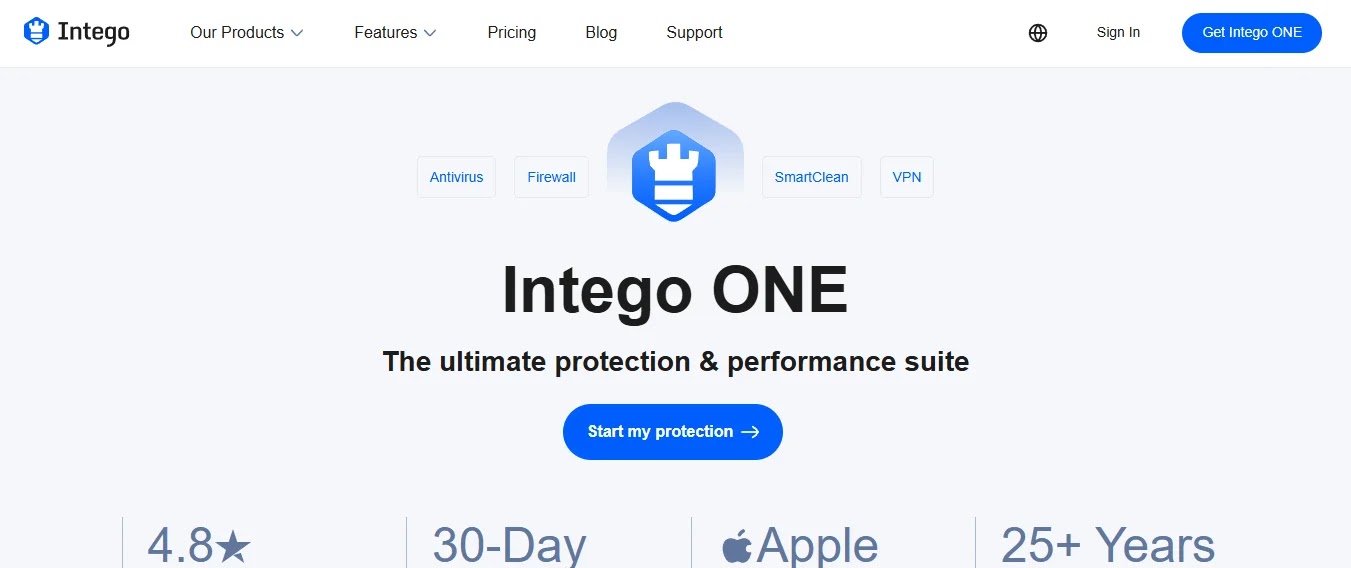
Intego distinguishes itself as the sole vendor on this list exclusively dedicated to Apple platforms since the 1990s. This specialization is evident in its superior detection of macOS-specific threats and adware, aligning with modern endpoint security best practices. Its VirusBarrier and NetBarrier components are purpose-built for Mac, not merely ported. Additional Mac-centric features include backup and parental controls. However, Intego’s research operations are smaller than global competitors, it lacks cross-platform coverage, and renewal pricing tends to be higher than initial rates.
3. Malwarebytes — Best for Cleaning an Infected Mac

For Macs already compromised, Malwarebytes offers best-in-class remediation for adware, browser hijackers, and PUPs. Its free on-demand scanner is invaluable for initial cleanup before committing to a paid subscription, and its scans are fast and efficient. Malwarebytes excels at removing categories often overlooked by other vendors as “not quite malware.” The free version, however, lacks real-time protection, and while the paid product now includes it, it traditionally focused on remediation rather than comprehensive prevention, offering fewer bundled extras.
4. ESET — Lightest Footprint

ESET provides robust detection with the least performance overhead among the reviewed products, a critical advantage for older Macs or for preserving MacBook Air battery life. It has a long history of strong performance in independent tests for EDR and security tools, featuring a clean, straightforward interface. ESET also offers excellent cross-platform licensing for mixed Windows and Mac environments. Its Mac-specific adware detection, however, is not as advanced as Malwarebytes or Intego, it includes fewer extras than full suites, and its interface assumes a degree of technical proficiency.
5. Sophos — Best for Business Macs

Sophos is ideal for organizations seeking to extend their existing Windows endpoint protection to Macs, managed from a single console. It offers genuine EDR and XDR capabilities at business tiers, synchronized security with Sophos firewalls, and strong anti-ransomware features that are manageable by general IT staff. The consumer free product has historically been more limited, business licensing requires partner engagement, and while Mac feature parity with Windows is strong, it may not be entirely complete.
6. Trend Micro — Best Suite for Mixed Households

Trend Micro excels in providing robust web and phishing protection across diverse devices within a family or small business. Its superior web reputation and phishing blocking capabilities are crucial, as many Mac compromises originate from these vectors, offering threat detection akin to XDR systems. It also features useful social media privacy checks and strong multi-device licensing, backed by extensive research. However, its system impact is higher than ESET or Bitdefender, the interface often promotes upsells, and some bundled features duplicate macOS functionalities.
7. Norton (Gen Digital) — Best Broad Suite
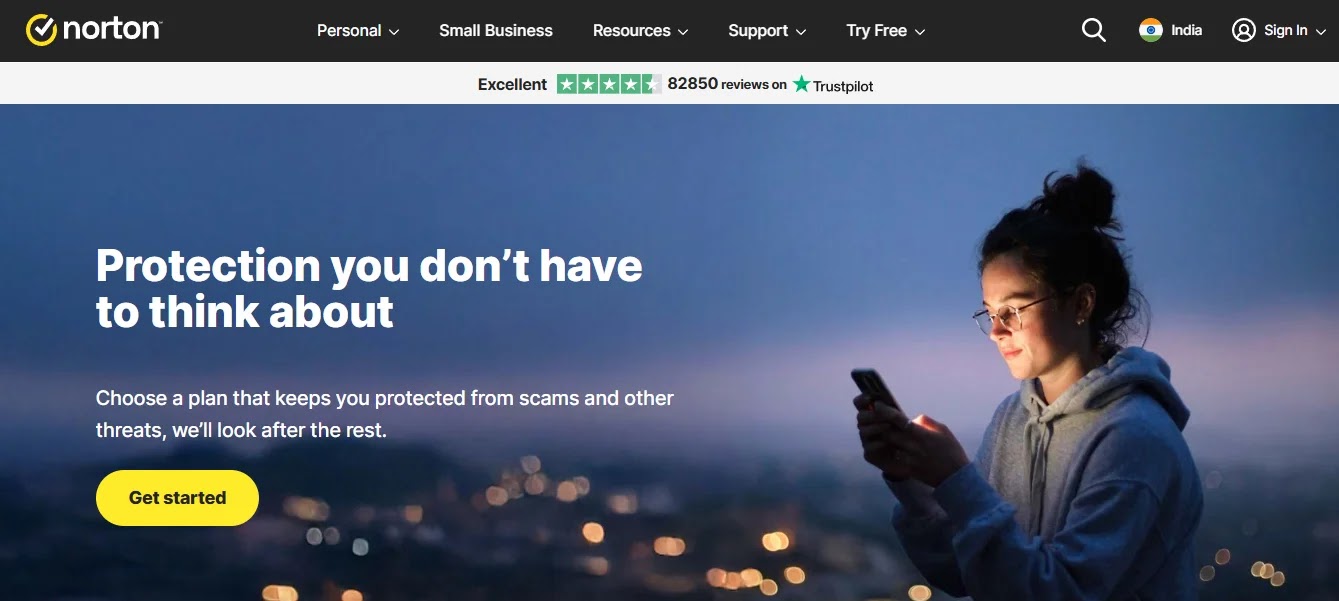
Norton offers one of the most comprehensive security suites, bundling antivirus with a VPN, password manager, cloud backup, and dark web monitoring into a single subscription. Its extras are fully functional products, not mere tokens, and it includes unlimited VPN data in most tiers, alongside strong identity monitoring in supported markets and broad multi-device licensing. Downsides include a heavier system footprint, a busy interface that pushes additional services, and significantly higher renewal pricing after the first year. Users should also note its shared parent company with Avast, AVG, and Avira.
8. Avast (Gen Digital) — Best Free Option

Avast provides capable free real-time protection for Mac, with a paid tier adding ransomware and web shields. Its free offering delivers genuine real-time defense, decent detection, and is simple to install and maintain, effectively complementing macOS’s built-in security and browser privacy tools for secondary or low-risk Macs. However, users will encounter persistent upsell prompts. Avast’s past practices regarding user browsing data led to regulatory scrutiny and a settlement, a factor to consider for privacy-conscious users. It also shares a parent company with Norton, AVG, and Avira.
9. McAfee — Best Family Multi-Device Licensing

McAfee offers generous multi-device and unlimited-device family plans, making it an excellent choice for households with numerous devices. It bundles identity monitoring and a VPN, leveraging automated threat intelligence to detect compromised personal data. The interface is straightforward and user-friendly, and the product is widely available. However, McAfee’s Mac detection scores are generally lower than leading competitors in independent tests, it has a heavier resource footprint, and is known for aggressive renewal pricing and upsell tactics.
10. Kaspersky — Check Your Jurisdiction First

Historically, Kaspersky’s macOS detection has performed well in testing. However, the U.S. Commerce Department has imposed a ban on its sale and updates to U.S. customers, leading to the company’s departure from the U.S. market due to national security concerns related to critical infrastructure and remote vulnerabilities. Other governments have also issued guidance restricting its use in the public sector. Therefore, U.S. readers should not consider Kaspersky. Users in other regions should consult their national guidance before making a purchase, though the technology itself remains capable where permitted.
Full Comparison Table
| Product | Real-time protection | Free tier | Adware removal | Extras included | Cross-platform | Published pricing |
| Bitdefender | Yes | Limited | Good | VPN (capped) | Yes | Yes |
| Intego | Yes | Trial only | Excellent | Backup, parental | Mac only | Yes |
| Malwarebytes | Paid tier | Yes (scan) | Excellent | Browser guard | Yes | Yes |
| ESET | Yes | Trial only | Moderate | Minimal | Yes | Yes |
| Sophos | Yes | Limited | Good | EDR (business) | Yes | Business quoted |
| Trend Micro | Yes | Trial only | Good | Web/privacy tools | Yes | Yes |
| Norton | Yes | Trial only | Good | VPN, backup, ID | Yes | Yes |
| Avast | Yes | Yes | Good | VPN (paid) | Yes | Yes |
| McAfee | Yes | Trial only | Moderate | VPN, ID monitoring | Yes | Yes |
| Kaspersky | Yes | Limited | Good | VPN, password mgr | Yes | Where available |
Buyer’s Guide
Assess Your Primary Threat Vectors
For most Mac users, the primary threats are infostealer malware embedded in cracked or pirated software, deceptive browser update prompts, malicious search advertisements, and phishing websites. While robust detection engines are vital, strong web and download protection are equally critical in mitigating these common attack vectors.
Prioritize Cross-Platform Coverage for Mixed Environments
If you operate both macOS and Windows machines, investing in a cross-platform license is significantly more cost-effective than purchasing separate products. Furthermore, Mac antivirus that can detect Windows-specific malware prevents your Mac from acting as a carrier, inadvertently spreading infections to other devices in your household or workplace.
Scrutinize Renewal Pricing
Consumer security products frequently offer heavily discounted introductory rates that escalate substantially upon renewal. Always compare the second-year pricing and set a calendar reminder to review your subscription before automatic renewal to avoid unexpected cost increases.
Avoid Multiple Real-Time Scanners
Running two antivirus products with simultaneous real-time scanning capabilities will inevitably lead to conflicts, performance degradation, and potential false positives, where one program quarantines the other. The primary exception is Malwarebytes’ on-demand scanner, which is specifically designed to coexist with other security software.
Business Users Require Business-Grade Solutions
Consumer antivirus licenses typically prohibit commercial use, lack centralized management and reporting features, and do not provide the necessary audit trails for compliance. For managing a fleet of business Macs, opt for business-tier solutions from vendors like Sophos, Trend Micro, Bitdefender, or ESET, and integrate them with mobile device management (MDM) for comprehensive oversight rather than relying on individual installations.
Frequently Asked Questions
Is antivirus software necessary for Macs?
macOS incorporates significant native protections, including XProtect for signature-based malware blocking, Gatekeeper for developer signature verification, and automated malware removal. These effectively handle known threats. However, third-party antivirus enhances this protection by offering faster response times to novel infostealer variants, browser-level phishing defense, thorough removal of adware and browser hijackers, and detailed visibility into detected threats. For business Macs and users who frequently install software from outside the App Store, third-party antivirus is a worthwhile investment.
What is the top antivirus for Mac in 2026?
Bitdefender is highly recommended for its exceptional overall detection and minimal system impact. Intego is the premier choice for those seeking a macOS-exclusive specialist, while Malwarebytes is unparalleled for cleaning an already infected Mac. ESET offers the lightest system footprint, and for business environments managing both Mac and Windows machines, Sophos or Trend Micro are excellent choices.
Are there effective free antivirus options for Mac?
Avast provides genuine free real-time protection for Mac, and Malwarebytes offers a highly effective free on-demand scanner for removing infections, though it does not provide continuous protection in its free tier. Both free options typically include upsell prompts. When combined with macOS’s built-in defenses, these free solutions can be adequate for low-risk personal use.
What types of malware typically target Macs?
The predominant category of malware targeting Macs consists of infostealers. These malicious programs are designed to harvest sensitive data such as browser passwords, session cookies, cryptocurrency wallet information, and keychain data. They are commonly distributed through illicit channels like cracked software, deceptive application installers, and malicious search engine advertisements. Adware and browser hijackers also remain prevalent, while Mac-specific ransomware exists but is significantly less common than its Windows counterpart.
Does Mac antivirus software degrade computer performance?
The performance impact of modern Mac antivirus software is generally modest, but it can vary between products. ESET and Bitdefender consistently demonstrate the lowest system impact in independent testing. Full security suites that bundle features like VPNs, backup services, and monitoring tools tend to consume more resources. For users with older Macs or those prioritizing battery life, selecting a lighter-weight product is advisable.
Can Macs contract viruses via email?
Yes, Macs can be affected by threats originating from email, though the mechanism is typically social engineering rather than a technical exploit. This usually involves a malicious attachment or a link to a fake installer or credential-harvesting webpage. While Mac antivirus with web and download protection offers a layer of defense, robust email security and heightened user awareness are more critical, as most successful attacks rely on user action rather than system vulnerabilities.
The Verdict
Bitdefender emerges as the top all-around choice for most Mac users, delivering strong detection capabilities, a light system footprint, and transparent pricing. For those prioritizing macOS-specific engineering, Intego justifies its premium. Malwarebytes, with its free scanner, is an essential tool for every Mac user, providing the quickest method to clean an infected machine. ESET is the leader in minimal resource usage. Business Mac fleets should opt for business-tier solutions from Sophos, Bitdefender, or Trend Micro, coupled with central management. It’s crucial to remember that Apple provides a solid foundation of protection; third-party antivirus primarily enhances this by offering faster threat response and more comprehensive cleanup capabilities.
What You Should Do
- Install a Reputable Antivirus: Choose one of the recommended solutions like Bitdefender for overall protection or Malwarebytes for remediation.
- Stay Updated: Ensure both your macOS and your chosen antivirus software are always running the latest versions to benefit from the newest security patches and threat definitions.
- Exercise Caution with Downloads: Be highly suspicious of software from unofficial sources, cracked applications, or unexpected browser prompts. These are primary vectors for infostealers and adware.
- Be Wary of Phishing: Always verify the legitimacy of emails and website links, especially those requesting credentials or personal information. Web protection features in antivirus can help, but user vigilance is paramount.
- Understand Renewal Costs: Keep track of your antivirus subscription renewal dates and compare year-two pricing to avoid unexpected charges.
- Avoid Running Multiple Real-Time Scanners: Do not install more than one real-time antivirus solution, as this can cause system instability and performance issues. Malwarebytes’ on-demand scanner is an exception.
Disclaimer: HackersRadar reports on cybersecurity threats and incidents for informational and awareness purposes only. We do not engage in hacking activities, data exfiltration, or the hosting or distribution of stolen or leaked information. All content is based on publicly available sources.








No Comment! Be the first one.